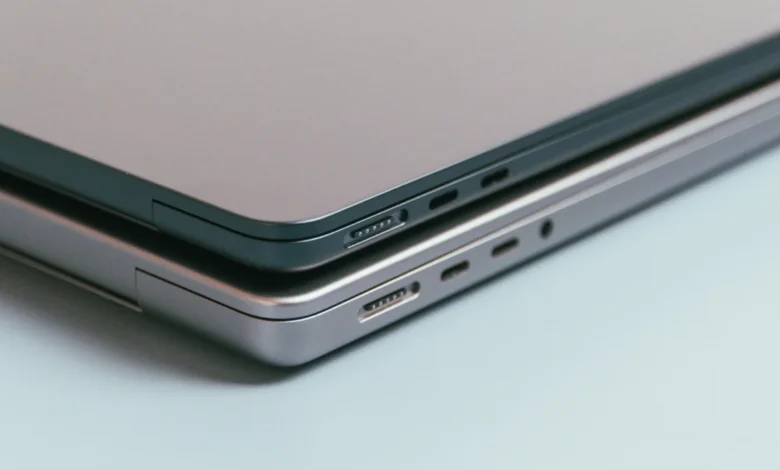
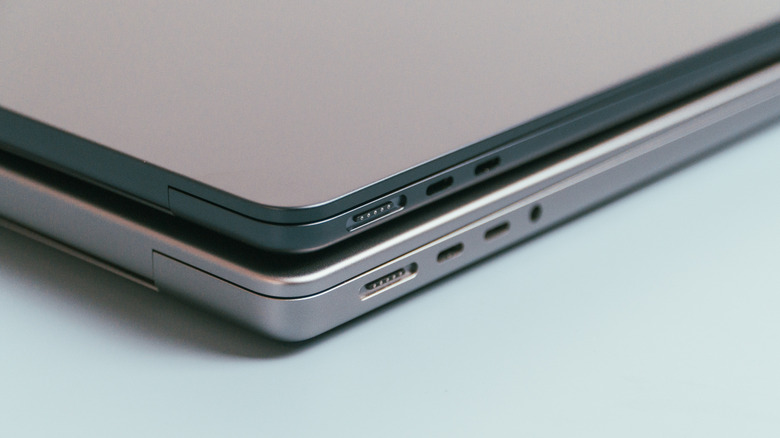
The exterior of a modern MacBook is a masterclass in minimalist industrial design, characterized by sleek aluminum surfaces, hidden vents, and a conspicuous lack of visual clutter. Among these design choices, the absence of labels or icons next to the USB-C ports remains a point of curiosity for many users. While Windows-based laptops and various peripheral devices frequently employ a complex shorthand of lightning bolts, battery icons, and "SS" (SuperSpeed) logos to denote port capabilities, Apple has consistently opted for a clean, uniform aesthetic. This design philosophy is not merely a stylistic preference; it reflects a broader shift in hardware architecture, where the physical port has become a universal interface rather than a specialized connector.
The Evolution of the Apple Connector
To understand why these ports remain unlabeled, one must look at the transition Apple made during the mid-2010s. Prior to the widespread adoption of USB-C, Apple utilized a variety of proprietary and industry-standard ports, including MagSafe, FireWire, Mini DisplayPort, and the original Thunderbolt connector. Each served a distinct function, and users were often forced to memorize which port handled power, which handled video output, and which was designated for high-speed data transfer.
The introduction of the 12-inch MacBook in 2015 marked a watershed moment. It was the first Apple device to eschew legacy connectivity in favor of a single USB-C port. By 2016, the MacBook Pro lineup followed suit, replacing nearly all peripheral slots with four Thunderbolt 3 ports. This consolidation aimed to simplify the user experience. By moving to a unified connector shape—USB-C—Apple effectively rendered the need for individual port labeling obsolete. In the eyes of Apple’s design team, if every port is capable of charging, video output, and high-speed data transfer, there is no functional reason to distinguish between them with physical icons.
Technical Convergence: Thunderbolt and USB-C
The confusion surrounding these ports often stems from the technical difference between the physical connector (USB-C) and the communication protocol (Thunderbolt). USB-C is a physical standard—a specific shape and pin arrangement. Thunderbolt, conversely, is a high-speed interface developed by Intel and Apple that utilizes the USB-C connector to transmit data, video, and power at significantly higher bandwidths.
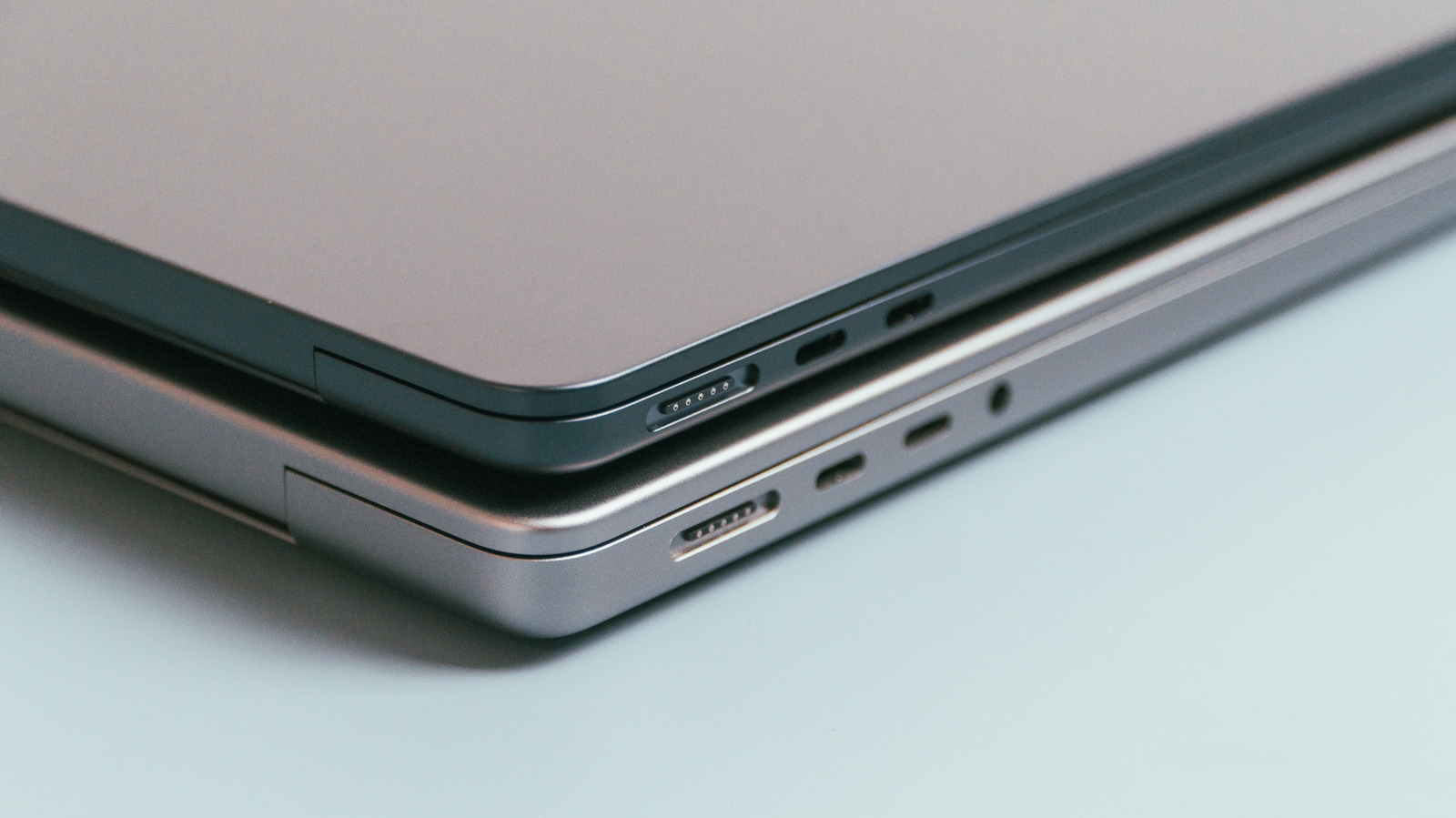
Apple’s official documentation confirms that modern ports on MacBooks, Mac Studio, and iMacs are designed for maximum versatility. Because these ports are backward compatible, they accept standard USB-C cables for basic tasks while simultaneously supporting the full throughput of Thunderbolt protocols when using a certified cable. From a user’s perspective, the "plug and play" nature of the hardware is the intended experience. Labeling a port as "Thunderbolt" might imply to a novice user that a standard USB-C cable won’t work, which is factually incorrect. By removing the label, Apple encourages users to treat the ports as universal gateways, regardless of the specific protocol being utilized.
Form Over Function: The Aesthetic Imperative
The commitment to minimalism is a core tenet of Apple’s corporate strategy. From the removal of the floppy drive in the original iMac to the elimination of the 3.5mm headphone jack on the iPhone, the company has historically prioritized a clean user interface over the inclusion of visual cues that might "clutter" the hardware.
The physical chassis of a MacBook Pro or Air is milled to extremely tight tolerances. Adding silkscreened icons or laser-etched symbols next to the ports would disrupt the clean lines of the aluminum unibody. This aesthetic decision is supported by the fact that the ports are inherently intuitive: there is only one way to insert the connector, and the software handles the negotiation of power and data speeds automatically. In this context, symbols are viewed as redundant information that would provide little utility to the average consumer while detracting from the premium, "invisible" nature of the technology.
Navigating Complexity in a Unified World
While the lack of labels promotes a seamless user experience, it does introduce a layer of complexity for power users. Because not all USB-C cables are created equal—some are limited to USB 2.0 speeds for charging, while others support 40Gbps Thunderbolt 4 data rates—the physical port’s appearance remains deceptive.
The challenge for the modern consumer is no longer identifying the port, but identifying the cable. This has led to a market where the responsibility of functionality has shifted from the computer’s chassis to the cable’s internal specifications. For users concerned about specific hardware capabilities, such as connecting high-resolution external displays or daisy-chaining multiple high-speed drives, relying on the physical port is insufficient. Instead, Apple directs users to the "About This Mac" menu, which provides specific technical data about the capabilities of the ports on their specific machine. This digital-first approach to technical support ensures that even if the hardware looks identical, the software provides the necessary context.
Comparative Industry Standards
The industry landscape remains divided on this issue. PC manufacturers often include symbols because their machines frequently feature a mix of port types—such as a USB-A port for legacy support, a USB-C port for charging, and a specialized HDMI or DisplayPort. Because these ports perform different functions, labels are a functional necessity to prevent user frustration.
Apple’s move to make its entire professional lineup consistent—where every USB-C port on a machine typically supports the same high-tier functionality—is a luxury afforded by the company’s vertical integration. By controlling both the hardware and the software, Apple ensures that its ecosystem remains predictable. If every port on the side of a MacBook Pro is equally capable, there is no "correct" port to choose, and thus, no need for a warning label.
Future Implications for Hardware Connectivity
As USB-C continues to become the global standard for everything from smartphones to high-performance workstations, the "unlabeled" trend is likely to persist. With the European Union’s mandate for a common charging port, the ubiquity of USB-C will only increase. We are entering an era where the port itself is becoming invisible, integrated into the design of devices as a utility rather than a feature.
The implication for the future is clear: users will need to become more educated about cable standards rather than port standards. As data transfer speeds increase and power delivery protocols become more sophisticated, the "smart" nature of the USB-C interface will handle the handshake between device and peripheral, rendering physical labels on the laptop chassis even less relevant than they are today.
Ultimately, the absence of symbols on a MacBook is a testament to the maturation of computing hardware. We have moved beyond the days of "serial" versus "parallel" ports, where a mistake could result in a hardware failure or a damaged pin. Today’s ports are robust, reversible, and multifunctional. By stripping away the visual noise, Apple is reinforcing the message that the hardware is designed to adapt to the user, rather than forcing the user to adapt to the limitations of the hardware. The clean, unadorned side of a MacBook is not a missing feature; it is the ultimate expression of the "it just works" philosophy that has defined the company’s product development for decades.