The transition from physical navigational aids to digital integration has fundamentally altered the driving experience. Apple CarPlay, first introduced in 2014, was designed to bridge the gap between consumer technology and automotive infotainment systems. While the platform has successfully streamlined hands-free communication, navigation, and entertainment, it has simultaneously introduced significant thermal and electrical strain on mobile hardware. As of 2025, the increased complexity of the CarPlay ecosystem—now augmented by AI-driven features and real-time data processing—has brought the issue of rapid battery depletion to the forefront of user complaints.
The Evolution of In-Car Connectivity
When Apple first unveiled CarPlay at the 2014 Geneva International Motor Show, the primary objective was to project a simplified, safe interface onto the vehicle’s dashboard display. Early iterations were largely dependent on wired connections, which inherently solved the battery depletion issue by providing a constant trickle charge to the device.
However, the industry shift toward wireless CarPlay, which relies on a combination of high-bandwidth Wi-Fi and constant Bluetooth handshaking, changed the energy dynamics. By offloading the display interface from the phone to the car’s head unit while simultaneously maintaining a continuous wireless data stream, the iPhone is forced to manage multiple high-power radios. In a typical road trip scenario, the device is simultaneously handling GPS triangulation for navigation, maintaining a stable wireless link to the vehicle, processing audio streams, and often performing background tasks like synchronization and AI-assisted traffic analysis.
The Mechanics of Power Depletion
Modern iPhones are marvels of efficiency, yet they operate under strict thermal envelopes. When a device is placed in a vehicle, it is often subjected to high ambient temperatures—particularly if mounted on a dashboard near a windshield. When these external heat factors are combined with the internal heat generated by intensive CPU and GPU usage required for high-resolution CarPlay interfaces, the device’s battery chemistry suffers.
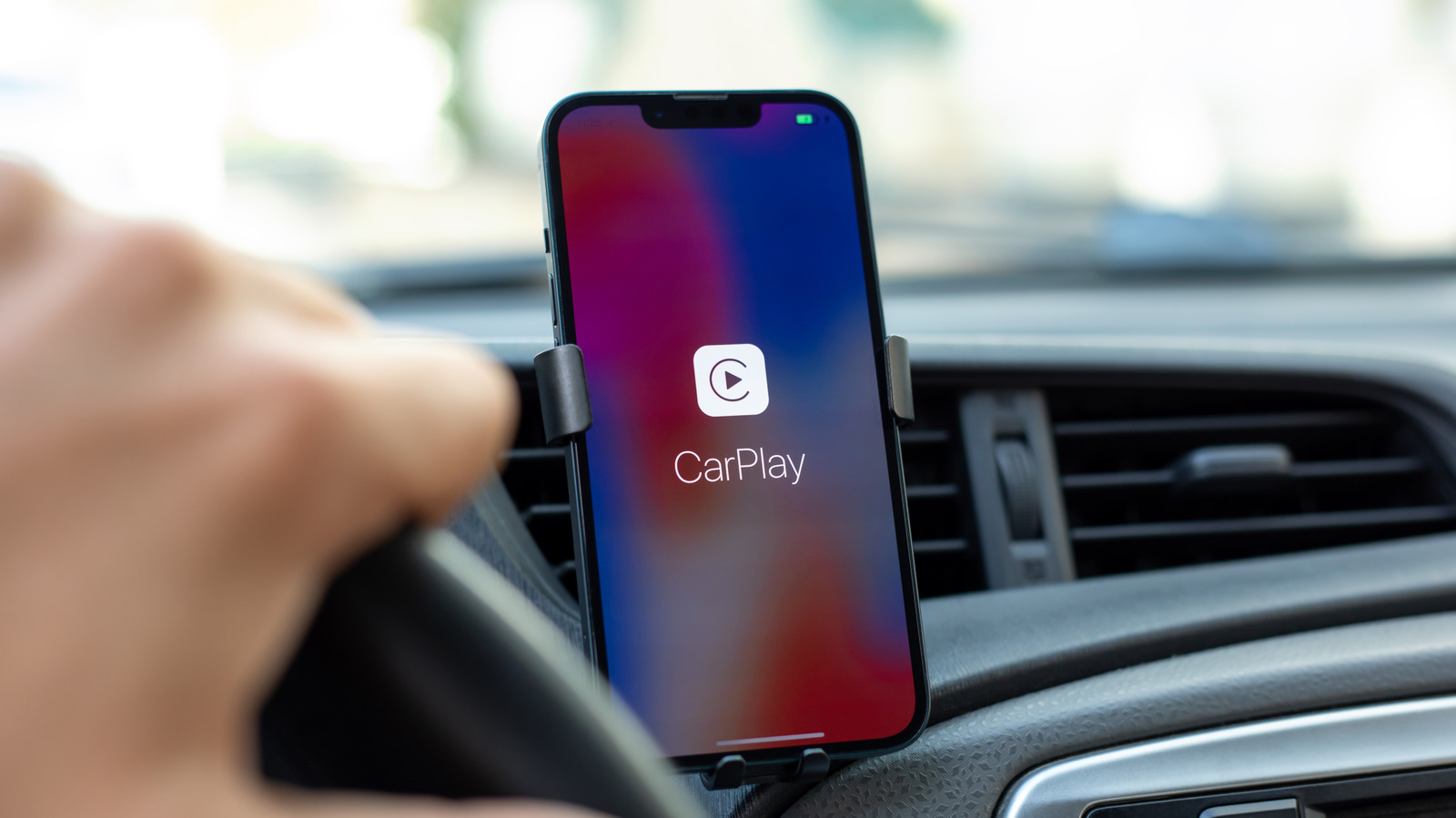
The drain is not merely a result of the screen being "on." Rather, it is the cumulative effect of constant radio activity. Navigation apps such as Waze and Google Maps require a high polling rate for GPS coordinates to ensure turn-by-turn accuracy. Simultaneously, streaming high-fidelity audio or participating in wireless communication while driving across areas with fluctuating cellular signal strength forces the iPhone to ramp up its cellular radio power to maintain connectivity. In 2025, the integration of new AI features and sophisticated widgets has further taxed the device’s neural engine, creating a "perfect storm" of background power consumption.
Chronology of Wireless Infotainment Integration
- 2014: Apple launches CarPlay, initially requiring a Lightning cable connection.
- 2016: Automotive manufacturers begin testing wireless integration, allowing for a cable-free user experience.
- 2019-2020: Wireless CarPlay becomes a standard feature in mid-to-high-tier vehicle models, leading to widespread adoption.
- 2023-2024: Increased reliance on high-resolution displays and real-time cloud data for traffic prediction leads to reports of increased thermal throttling and battery wear.
- 2025: Apple introduces AI-driven interface enhancements and expanded app compatibility, further intensifying the demand on iPhone processors and batteries.
Quantitative Analysis of Battery Load
Technical testing suggests that wireless CarPlay usage can accelerate battery depletion by as much as 20% to 30% compared to standard usage scenarios. Under normal conditions, an iPhone’s battery health is impacted by the number of charge cycles and the depth of discharge. By repeatedly draining the battery to low percentages during long commutes and then charging it back up, users inadvertently accelerate the natural degradation of the lithium-ion battery.
Industry experts note that wireless protocols, particularly the Wi-Fi Direct technology used for CarPlay, are significantly more power-hungry than standard Bluetooth. When the iPhone acts as a wireless access point for the vehicle’s head unit, the modem and wireless chipset must stay in an active "awake" state indefinitely. For users with aging battery health (below 85% capacity), this often results in the phone shutting down or entering "thermal throttling" mode, where the system slows down performance to prevent hardware damage from overheating.
Implications for Device Longevity
The implications for long-term device health are substantial. Lithium-ion batteries have a finite lifespan, typically rated for 500 complete charge cycles before reaching 80% of their original capacity. Frequent, deep discharge cycles caused by long drives with active CarPlay sessions can reach this threshold significantly faster than a device used primarily in an office or home environment.
Furthermore, the heat generated during these sessions is a primary catalyst for chemical aging. Heat causes the electrolyte within the battery to break down, increasing internal resistance. As resistance increases, the battery becomes less capable of delivering the power required for peak performance, leading to the familiar "slow" behavior many users experience after two or three years of ownership.
Mitigation Strategies: The Return to Wired Connections
While the wireless convenience is a hallmark of modern luxury, the most effective solution for battery longevity remains the wired connection. By reverting to a Lightning or USB-C cable, the user achieves two primary goals:
- Direct Power Delivery: The vehicle’s infotainment system acts as a power source, maintaining the phone’s battery at an optimal level throughout the trip, preventing the battery from cycling.
- Stable Data Transmission: Wired connections utilize a physical interface, which reduces the reliance on power-intensive Wi-Fi and Bluetooth radio activity.
For users who prefer the wired route, market options have expanded to include high-durability, coiled cables. Brands like KIYODA have responded to this demand with products designed to minimize clutter while supporting fast-charging protocols. These cables, which support the 480 Mbps data transfer speeds necessary for CarPlay, ensure that the phone remains a secondary, powered device rather than a standalone, draining unit.
Diagnostic Steps for Users
If a user notices excessive battery drain, it is vital to distinguish between CarPlay-specific issues and background app consumption. To diagnose the root cause, users should follow these steps:
- Battery Usage Analysis: Navigate to Settings > Battery. This menu provides a granular breakdown of which apps are consuming the most energy. If navigation or music apps appear at the top, they are the primary culprits.
- App Refresh Management: Disable "Background App Refresh" for non-essential applications to ensure that apps are not using cellular data and CPU cycles while the phone is connected to the car.
- Thermal Monitoring: If the device becomes excessively hot to the touch, consider using a vent-mounted phone holder. This allows the vehicle’s climate control system to provide passive cooling to the device, mitigating the effects of thermal throttling.
- Location Services: Restrict navigation apps to "While Using" mode for location services to prevent them from constantly pinging the GPS module when the app is in the background.
Broader Industry Outlook
The industry is currently at an inflection point. As vehicle manufacturers continue to prioritize "connected car" experiences, the strain on mobile devices is unlikely to diminish. There is an increasing call for car manufacturers to implement higher-wattage USB-C Power Delivery (PD) ports in their dashboards. Many older vehicles are equipped with USB ports that provide only 5W or 10W of power—insufficient to charge a modern iPhone that is running a high-load, wireless-active navigation session.
As we move deeper into the era of AI-integrated infotainment, the balance between convenience and hardware sustainability will become a critical consideration for both Apple and automotive manufacturers. For the time being, the user’s best defense against a dying battery remains the conscious choice to favor a physical connection, a simple yet effective "old-school" solution that preserves the integrity of the modern smartphone.