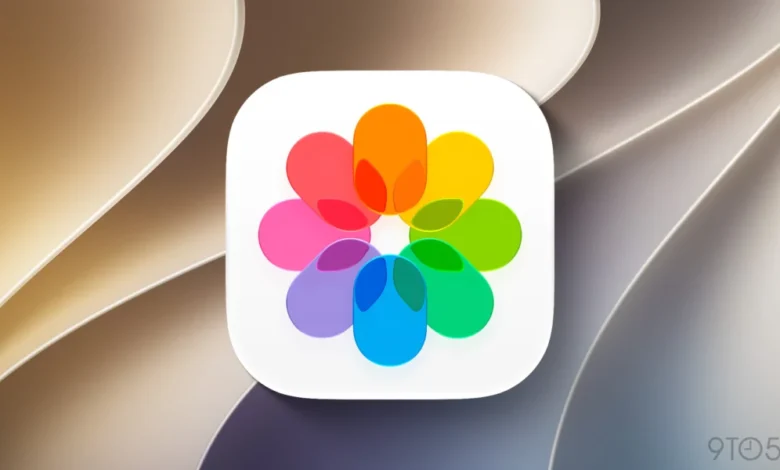
The release of iOS 27 marks a significant evolution for the Apple Photos ecosystem, shifting the focus from mere storage to an intelligent, generative editing environment. While the foundational design language introduced in iOS 18 remains intact, the latest iteration introduces a suite of sophisticated tools powered by Apple Intelligence, aimed at streamlining both the creative workflow and the administrative burden of digital library management.
The Evolution of Apple Intelligence in Photo Editing
At the heart of the iOS 27 update is the integration of generative AI across the image manipulation stack. Following the introduction of the Clean Up tool in previous cycles, Apple has refined its proprietary models to handle higher-complexity tasks with greater fidelity.
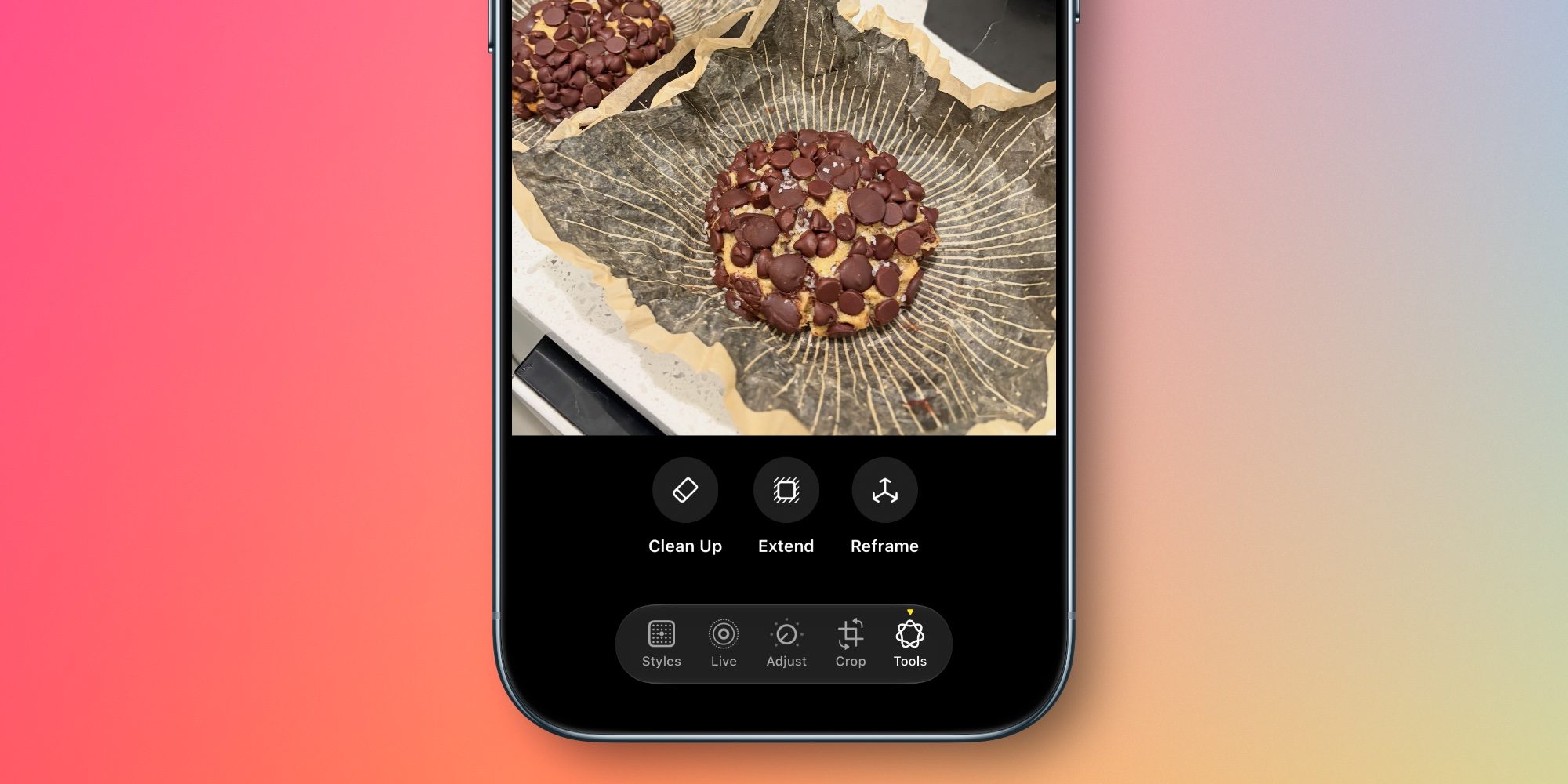
The new trio of features—Extend, Reframe, and the updated Clean Up—represents a shift toward non-destructive, AI-assisted composition. The Extend tool, in particular, addresses a common pain point for mobile photographers: restrictive framing. By utilizing generative infill, the software can expand the canvas of an image, allowing users to correct horizon lines or adjust aspect ratios without sacrificing the integrity of the subject. This effectively bridges the gap between casual smartphone photography and professional-grade editing software.
Spatial Reframing introduces a novel dimension to the mobile experience, drawing heavily on the spatial computing research derived from the Apple Vision Pro development cycle. By simulating a change in camera position after a shot has been taken, the feature allows for a dynamic adjustment of perspective. Unlike traditional cropping, which simply removes data, Spatial Reframing utilizes 3D scene understanding to generate a perspective shift, allowing users to re-center or reposition elements as if they had physically moved their device at the moment of capture.
Enhanced Organization and Metadata Management
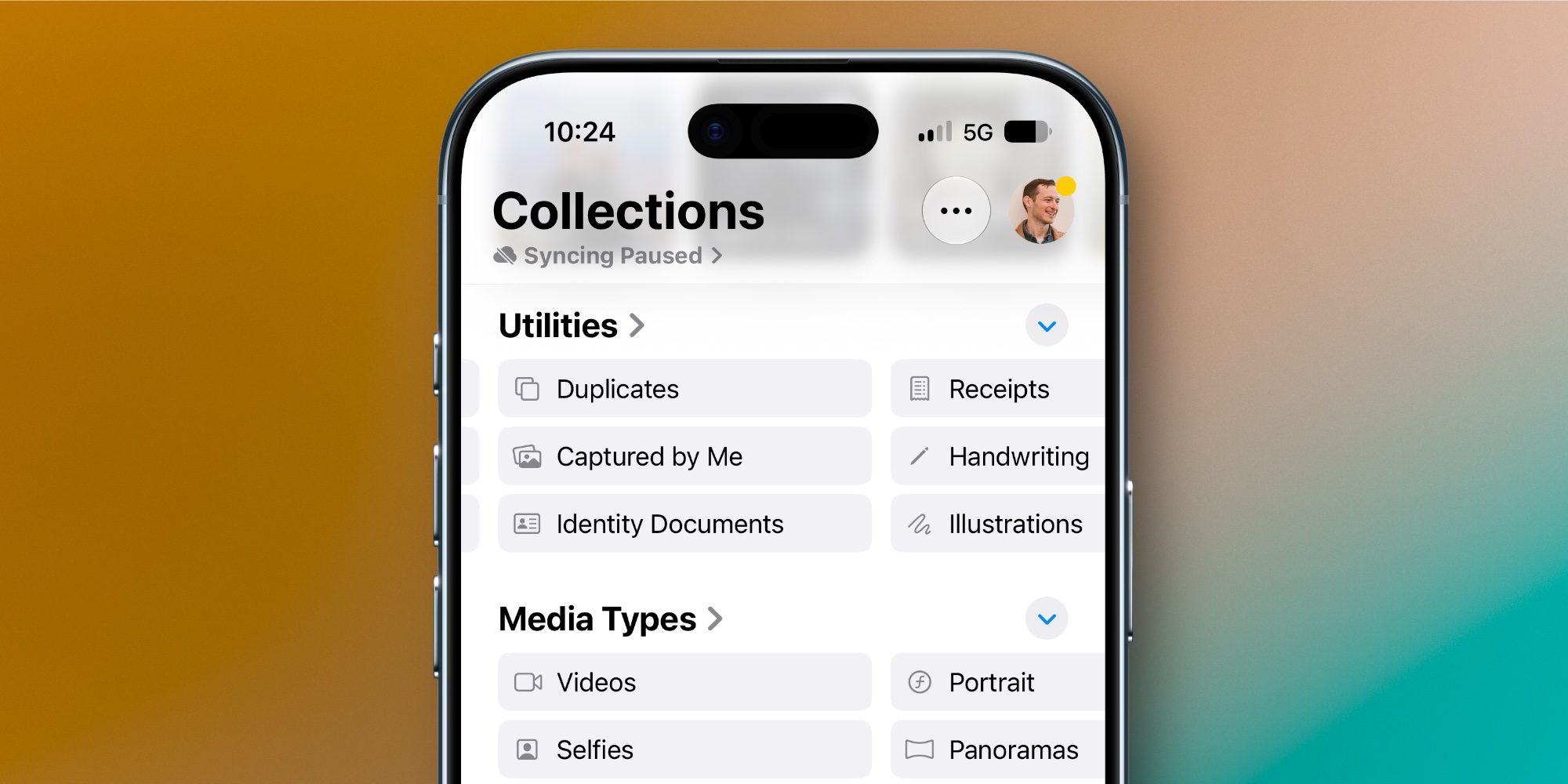
Beyond creative tools, iOS 27 introduces automated categorization features designed to solve the perennial problem of digital clutter. The inclusion of two new smart collections—"Captured by Me" and "Identity Documents"—demonstrates Apple’s commitment to algorithmic organization.
The "Captured by Me" collection serves as a filter that strips away screenshots, shared memes, and web-saved images, isolating the user’s original photography. This addresses the common user complaint regarding the dilution of personal memory libraries by extraneous internet media. Simultaneously, the "Identity Documents" feature utilizes on-device OCR (Optical Character Recognition) and classification models to identify sensitive documents such as passports, driver’s licenses, and social security cards, sequestering them into a secure, easily accessible folder.
For power users, the addition of manual keyword tagging represents a significant workflow improvement. While captions have been a staple of the Photos app for years, the ability to apply custom keywords allows for more granular search capabilities. This is particularly beneficial for users with libraries spanning decades, enabling the creation of complex, multi-layered search queries that were previously impossible without third-party DAM (Digital Asset Management) software.
Slideshow Customization and the HomeView Integration
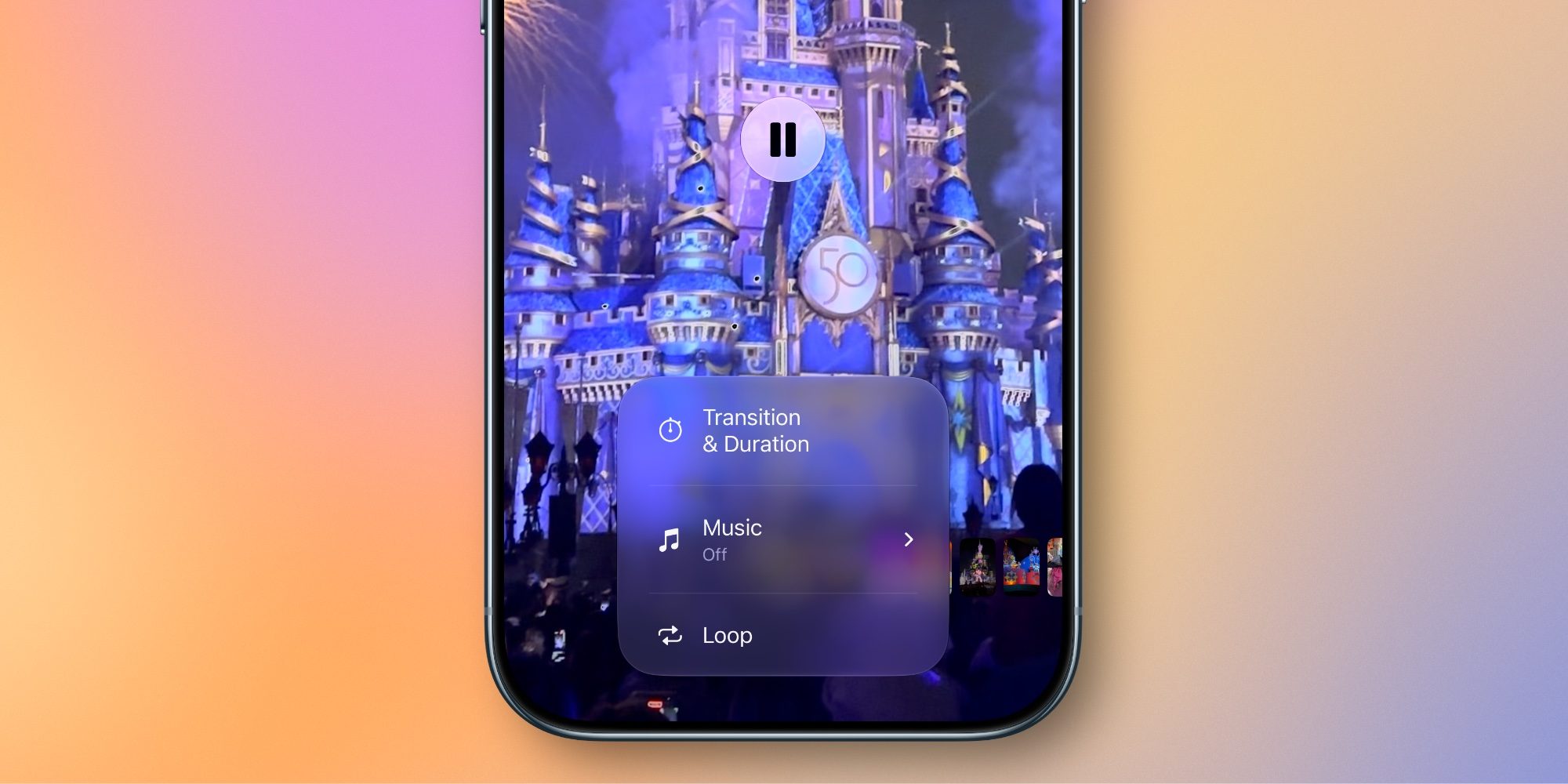
The overhaul of the slideshow engine serves a dual purpose: enhancing the personal viewing experience and providing a more robust utility for the new HomeView hardware. Historically, Apple’s slideshows were static, automatically generated presentations with limited user input. iOS 27 breaks this paradigm by offering a granular level of control.

Users can now adjust transition styles, set specific durations for individual images, and define the overall tempo of the presentation. Perhaps most importantly, the new ability to export these customized slideshows as standalone video files provides a seamless way to share curated content across social platforms or through messaging services. This feature is widely viewed as a direct utility for the HomeView ecosystem, allowing users to curate high-quality, long-form content that can be continuously displayed on ambient computing devices.
Timeline of Apple’s Imaging Strategy
Apple’s journey toward an AI-integrated photo library has been a multi-year effort, characterized by a slow, deliberate rollout of features.
- iOS 15: Introduced Live Text and Visual Look Up, laying the groundwork for object recognition.
- iOS 17: Expanded on-device processing power, allowing for better identification of pets and specific faces in the People album.
- iOS 18: Introduced the foundational "Clean Up" tool, which signaled Apple’s entry into generative image editing.
- iOS 27: Represents the current maturity of these systems, where generative editing is no longer a "pro" feature but a core, accessible component of the standard user experience.
Supporting Data and Technical Context
The reliance on Apple Intelligence for these features suggests a significant uptick in the processing requirements of the Neural Engine. Recent benchmarks indicate that the latest generation of A-series chips, integrated into devices compatible with iOS 27, are optimized specifically for the latency-sensitive requirements of Spatial Reframing. By keeping the processing on-device, Apple maintains its privacy-first stance, ensuring that user data—especially sensitive identity documents—never leaves the local hardware for cloud-based rendering.
Furthermore, the shift toward keyword-based organization is a response to the massive increase in average library sizes. With the proliferation of high-resolution sensors, the average user library has grown by approximately 15% year-over-year, leading to a "discovery crisis" where photos are taken but never viewed again. Features like "Captured by Me" and keyword tagging are, therefore, essential to preserving the long-term utility of the Photos app as a repository of personal history.
Broader Implications for the Digital Photography Market
The democratization of professional editing tools via iOS 27 has clear implications for the third-party software market. Applications that previously relied on "one-tap" AI enhancements as their primary value proposition may find themselves competing with a native, integrated, and free-to-use solution that benefits from deep system-level optimization.
However, the professional creative community remains cautious. While these tools are highly effective for general consumers, the generative nature of "Extend" and "Spatial Reframing" raises questions regarding the authenticity of images. As these tools become more prevalent, the line between an authentic photograph and a digitally constructed scene becomes increasingly blurred. Apple has attempted to mitigate this by ensuring that the generated content remains consistent with the original spatial metadata of the image, but the industry will likely see an ongoing debate regarding the ethics of generative editing in photography.
Conclusion and User Impact
iOS 27 does not reinvent the wheel in terms of the Photos app’s interface. For users who preferred the pre-iOS 18 layout, the lack of a radical visual overhaul will be a point of continuity. However, for the majority of the user base, the update provides a substantial increase in utility.
By focusing on the "three pillars"—intelligence-driven editing, organizational automation, and enhanced export flexibility—Apple has positioned the Photos app to remain the primary hub for personal digital assets. Whether it is through the ability to save a botched composition via the Extend tool or the ease of creating a high-quality video slideshow for a family gathering, the update is designed to make the user’s library more functional and more engaging. As we move further into the era of AI-assisted mobile photography, the features introduced in iOS 27 will likely serve as the new baseline for what consumers expect from their primary imaging software.