Samsung Users Report Severe Battery Drain and Setup Bugs Following One UI 9 Update


Samsung’s latest major software rollout, One UI 9, has run into early turbulence as a growing number of flagship device owners report significant battery degradation, heavy idle power consumption, and isolated setup glitches following the installation. While the software update brings the newest Android capabilities—corresponding with Android 17 architecture—to both current and previous-generation devices, the transition has not been entirely seamless for every user.
Reports originating from major technology forums, Reddit, and dedicated enthusiast sites like SammyFans indicate that high-tier devices, specifically within the Galaxy S24 and Galaxy S25 series, are experiencing abnormal battery behavior. Because the severity of these complaints varies widely from user to user, the tech community and affected consumers are left searching for concrete answers regarding the root cause of these performance anomalies.
The Scope of the One UI 9 Battery Drain Issue
The primary concern centers on accelerated battery depletion, affecting both active usage and standby time. One prominent case highlighted across tech publications involved a Samsung Galaxy S24 Ultra user whose device consumed 95% of its total battery capacity in just five hours and twenty minutes. More concerning than the rapid depletion window was the corresponding screen-on time (SoT), which sat at a little over three hours. Under normal operating conditions, a modern flagship smartphone powered by a high-capacity silicon-carbon or lithium-ion cell should easily clear significantly more active usage hours before reaching critical battery levels.
Further compounding user frustration are reports of severe idle battery drain. A widely discussed thread on Reddit detailed an instance where a Galaxy S24 unit lost 40% of its total battery charge over an 11-hour idle period, yielding only two and a half hours of active screen-on time during the entire cycle. Similar complaints have trickled in from owners of the Galaxy S25 series, with some users stating they have been forced to tether their devices to chargers multiple times throughout the day just to maintain standard operational readiness.
Despite these vocal complaints, the issue does not appear to be universally experienced. Review units and daily-driver devices tested by major technology outlets, including Android Central and 9to5Google, have not consistently mirrored the extreme battery drop-offs described by affected consumers. This discrepancy suggests that the problem may be tied to specific background applications, localized cache corruption during the installation process, or unique configuration states rather than a universal, fundamental flaw in the One UI 9 codebase itself.
Setup Bugs and Software Integration Hurdles
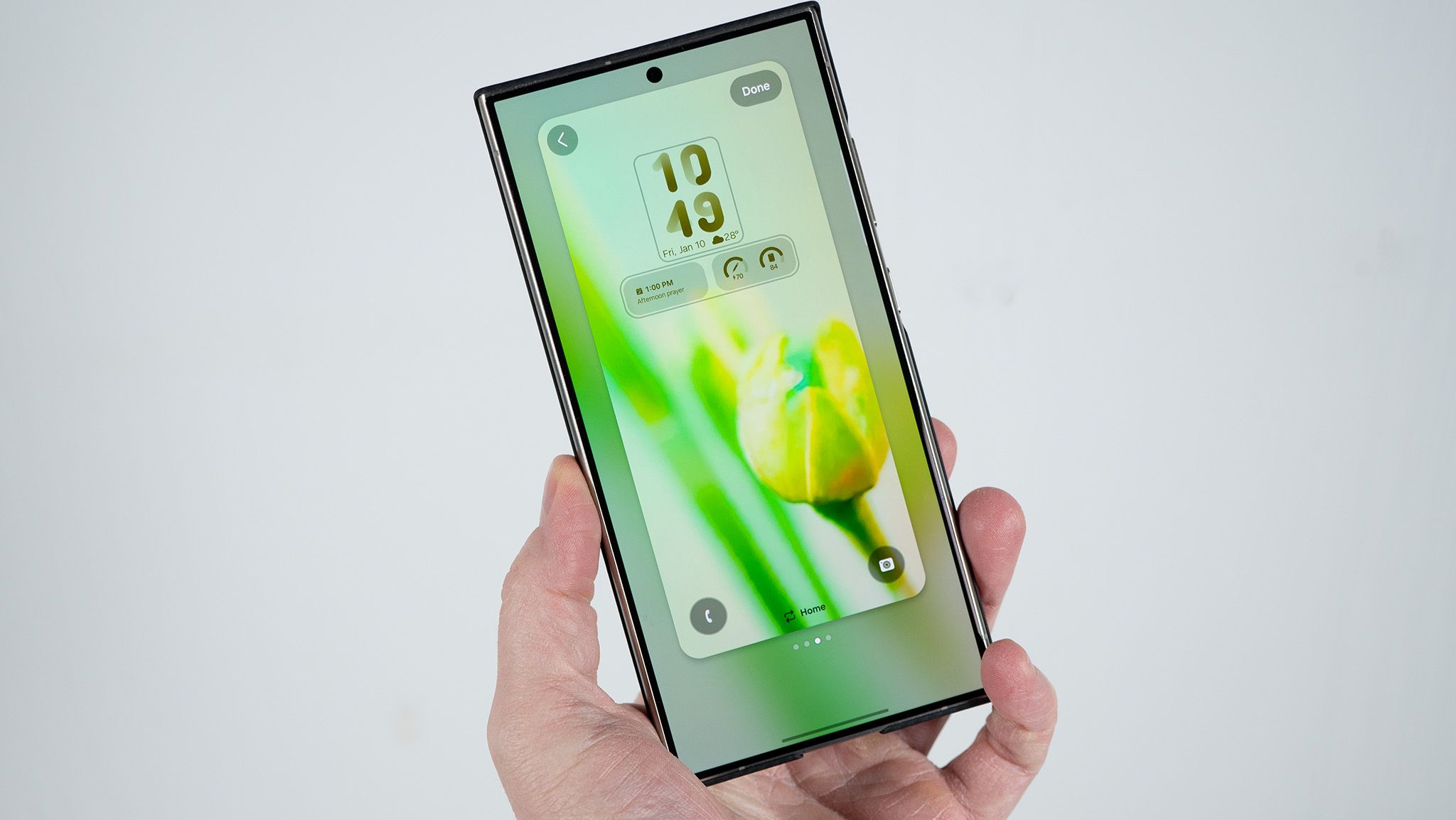
In addition to thermal and power-consumption complaints, early adopters have encountered sporadic software bugs during initial configuration phases. Notably, a user in South Korea documented a frustrating setup roadblock on a Galaxy S26 Ultra running One UI 9. Upon completing the final steps of the operating system upgrade, the device repeatedly threw an error message stating that the "webpage is unavailable," effectively locking the user out of accessing the standard home and lock screens.
Samsung moved relatively swiftly to address this specific friction point. Technical support representatives advised affected users to ensure their system web browsers were fully updated to the latest available version and recommended switching to a stable, high-speed Wi-Fi connection to clear the initialization loop. While this bug does not appear to affect a majority of upgraders, its existence underscores the delicate nature of deep system integrations, particularly when major underlying Android framework versions are updated simultaneously with proprietary OEM skins.
Background Context: The Evolution of One UI and Android Releases
Software stability has historically been a critical battleground for major smartphone manufacturers. As mobile operating systems grow increasingly complex—incorporating advanced machine learning algorithms, deep predictive text engines, on-device artificial intelligence features, and intricate visual customization options—the background processing load required of modern processors has skyrocketed.
One UI 9 represents another milestone in Samsung’s software roadmap, aiming to refine user experience, streamline animations, and introduce deeper cross-device integration. However, major version upgrades frequently trigger a post-installation indexing phase. During this window, system services re-index files, optimize applications for the new runtime environment, and rebuild cache partitions. Typically, this process causes temporary, elevated battery usage that resolves itself within 48 to 72 hours.
The current wave of complaints, however, extends well beyond the standard post-update indexing window. Users are reporting persistent battery drain lasting a week or more after installation, signaling that something deeper within the power management architecture or specific third-party app compatibility layers may be malfunctioning.
Technical Analysis: Why Post-Update Battery Drain Occurs
From a systems engineering perspective, abnormal battery drain following a major OS update can usually be attributed to a few recurring culprits:
- Orphaned Cache Files: When old system caches conflict with newly compiled One UI 9 libraries, background services can enter infinite execution loops, keeping the CPU core frequencies elevated and preventing the processor from entering deep sleep states.
- App Incompatibility: Many third-party applications may not yet be fully optimized for the internal API changes introduced in One UI 9, leading to frequent wakelocks where an app continuously requests hardware resources while running in the background.
- Location and Sync Services: Updated location frameworks or cloud synchronization protocols can sometimes misbehave during a transition, polling hardware sensors far more frequently than necessary.
For users experiencing these symptoms, standard troubleshooting steps often include performing a complete system cache wipe through the Android recovery menu, uninstalling recently updated applications, or, in severe cases, executing a factory reset to establish a clean slate on the new software version.
Industry Implications and the Road Ahead
As Samsung continues its phased global rollout of One UI 9 across millions of active devices, maintaining software stability is paramount. Flagship purchasers invest heavily in devices like the Galaxy S24 and S25 series expecting top-tier reliability, longevity, and predictable everyday performance. Incidents of severe battery degradation—even when localized or case-specific—risk dampening consumer enthusiasm for timely updates.
Industry analysts note that while software patches are standard practice in the mobile industry, rapid communication and transparent hotfix deployments are vital for maintaining consumer trust. Samsung has not yet issued a broad, formal statement regarding a dedicated patch for the reported One UI 9 battery anomalies, but software engineers are likely monitoring community forums and diagnostic logs submitted through the Samsung Members application.
For now, affected users are advised to monitor their device’s battery usage statistics via the device settings to pinpoint rogue background applications, clear system caches, and await official patch notes from Samsung as the company monitors telemetry data from the ongoing global rollout.