The definitive guide to backing up and syncing your entire photo library across Apple and non-Apple devices

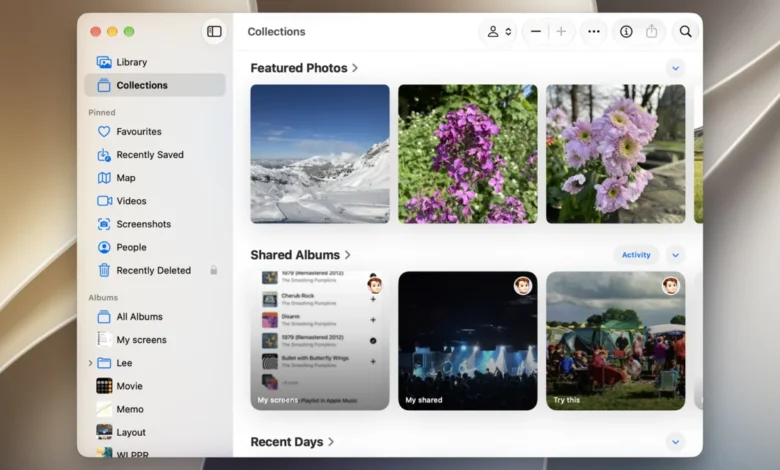
Preserving digital memories has become a central challenge of the modern consumer technology landscape, as individuals generate increasingly high volumes of high-resolution images and 4K video content. With the average smartphone user now capturing thousands of photos annually, the need for a robust, centralized, and secure repository is more critical than ever. For users deeply embedded in the Apple ecosystem, the iCloud Photos service serves as the primary infrastructure for this data management, offering seamless integration across iOS, iPadOS, and macOS. However, as the digital ecosystem becomes more fragmented, the ability to maintain a unified photo library while utilizing Windows PCs or Android smartphones has become a necessity for millions of users who balance cross-platform workflows.
The Evolution of Cloud-Based Image Storage
The trajectory of personal photo storage has shifted dramatically over the past decade. In the early 2010s, physical storage—such as external hard drives and SD cards—was the standard for digital preservation. The subsequent rise of cloud computing, led by major tech firms including Apple, Google, and Microsoft, transformed this paradigm. Apple’s iCloud Photos was officially introduced in 2014, replacing the legacy Photo Stream service. Since its inception, the service has evolved from a basic backup tool into a sophisticated, AI-driven management platform capable of object recognition, location tagging, and smart album curation.
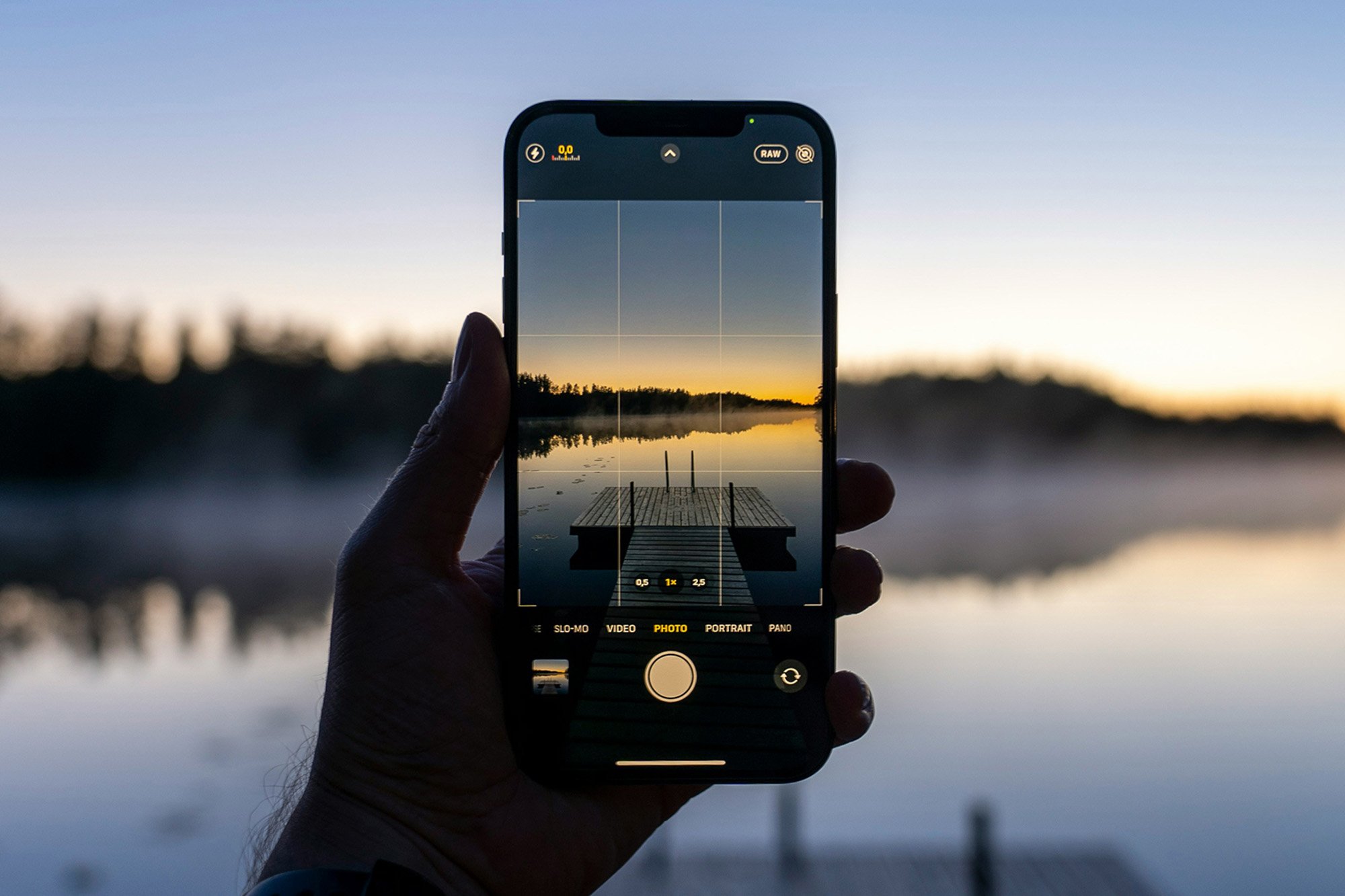
Current industry data suggests that global cloud storage demand is growing at an annual rate of approximately 20%, driven largely by the proliferation of mobile photography. As of 2026, Apple maintains a tiered storage model, starting at $0.99 per month for 50GB, moving up to 2TB and 6TB tiers, reflecting the rising cost of data center operations and the increasing file sizes of modern smartphone cameras.
Synchronizing Within the Apple Ecosystem
The integration of the Photos app within Apple’s hardware is designed to be frictionless, relying on the iCloud Photos synchronization protocol. This architecture ensures that a photograph captured on an iPhone is near-instantaneously reflected across a user’s iPad and Mac, provided they are logged into the same Apple Account.
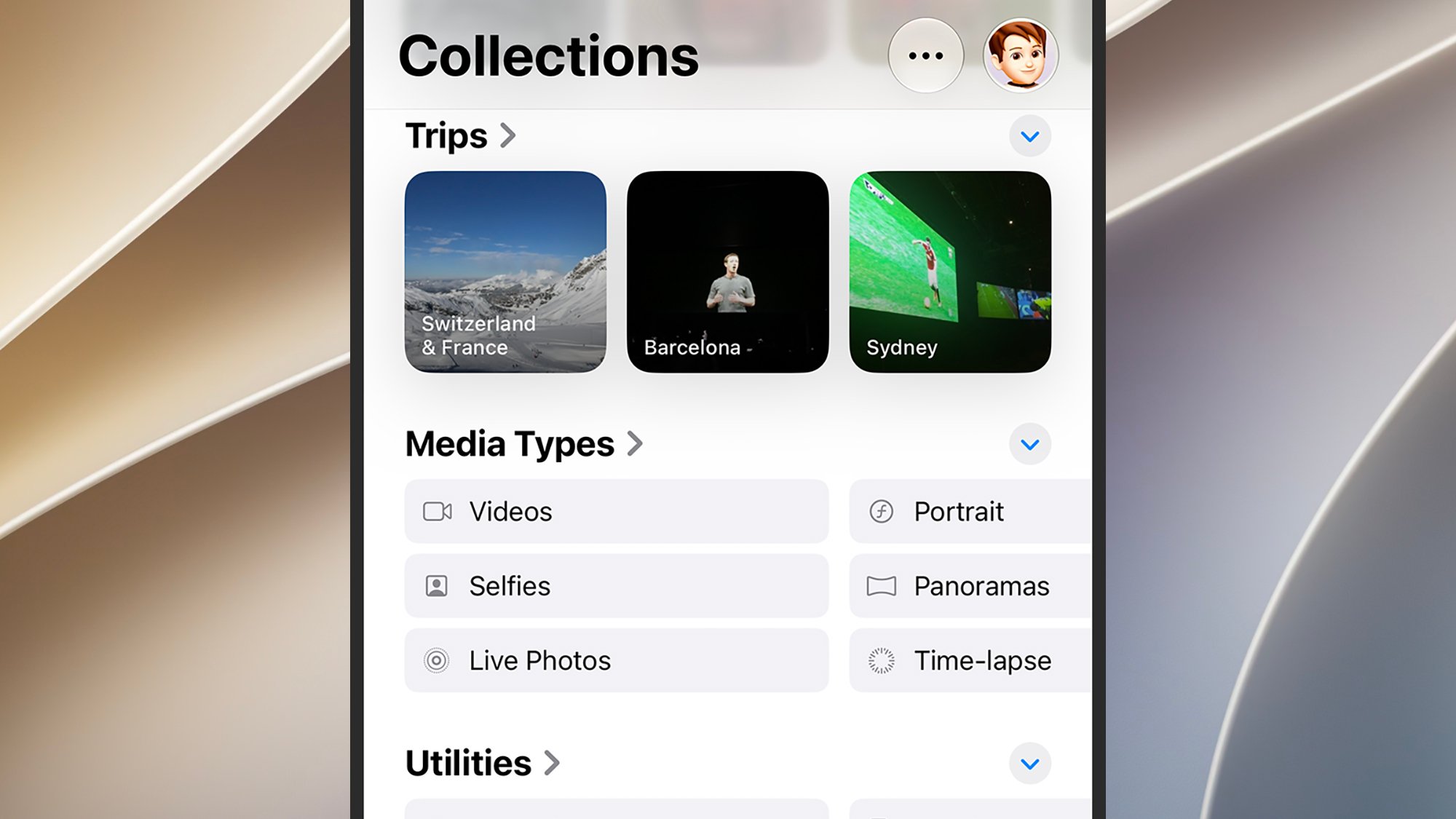
For iOS users, the configuration of this synchronization is handled through the Settings application. By navigating to the Photos section, users can toggle the iCloud Photos switch, which initiates the upload of the local library to Apple’s servers. A critical feature for mobile users is the "Optimize iPhone Storage" setting. This function automatically manages local space by replacing full-resolution images with smaller, space-efficient versions on the device, while keeping the master high-resolution file in the cloud. This has become an essential feature for users who manage libraries exceeding the physical capacity of their handsets.
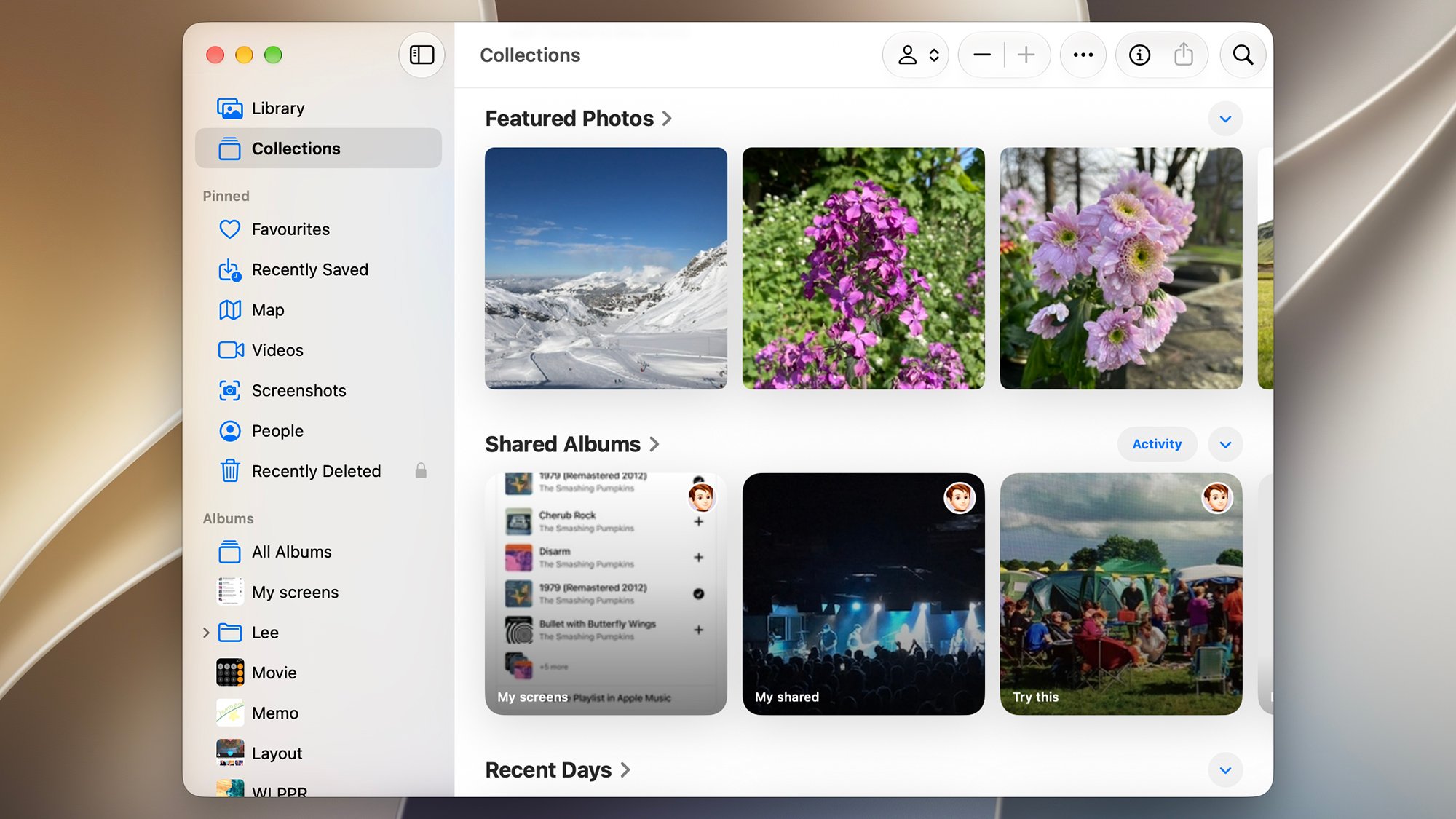
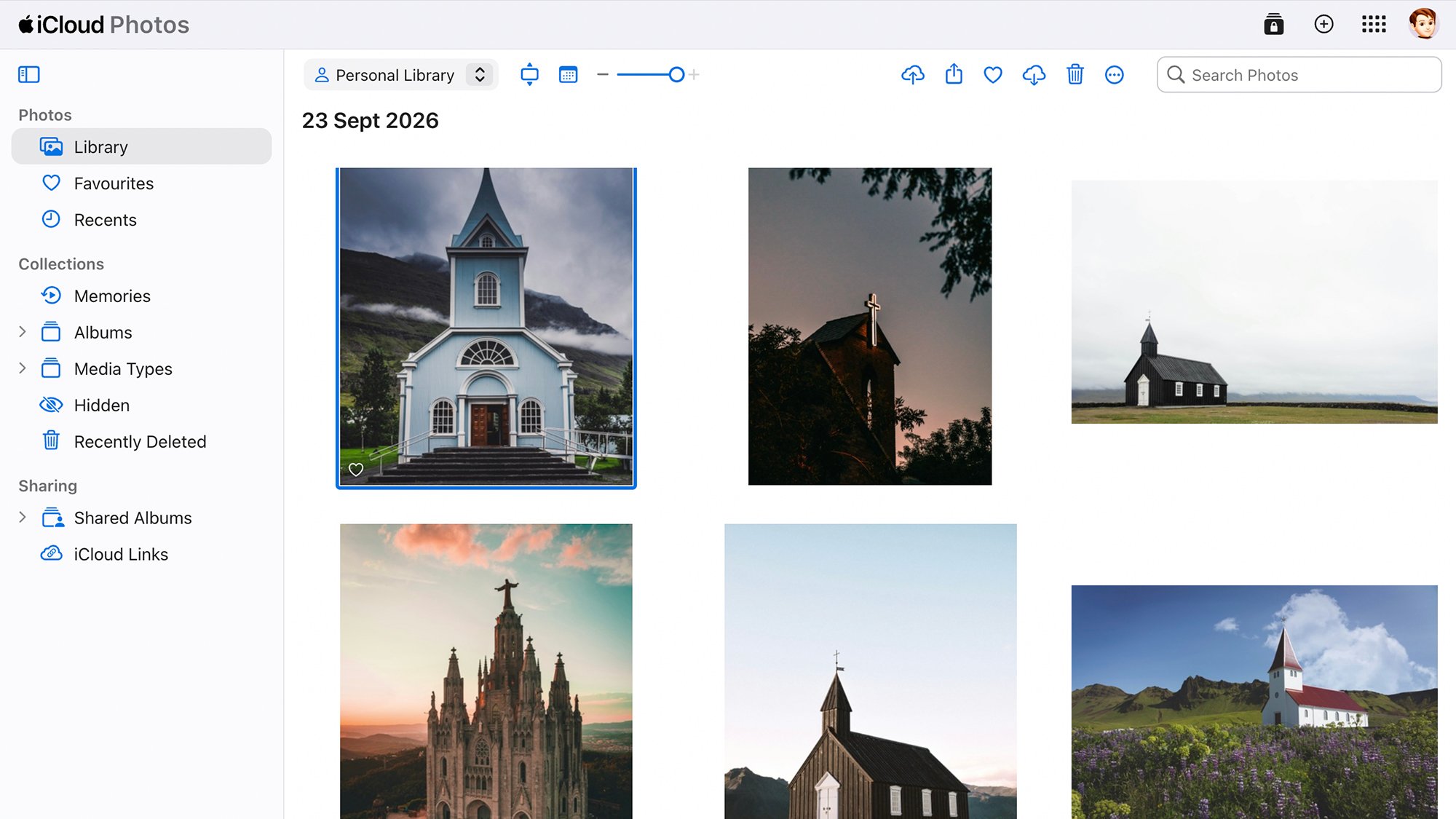
On macOS, the desktop experience mirrors this functionality. The Photos application on the Mac serves as a sophisticated hub, allowing for more advanced editing and file management than its mobile counterpart. To ensure full synchronization, users must navigate to the Photos settings menu and confirm that the "iCloud Photos" checkbox is enabled. Furthermore, the "Copy items to the Photos library" setting in the General tab is a vital component for those importing legacy files from external cameras or physical drives, as it ensures that these external files are properly indexed and uploaded to the cloud repository rather than remaining trapped on the local hard drive.
Bridging the Gap: Windows and Android Integration
The challenge of cross-platform compatibility remains a significant hurdle for users who do not rely exclusively on Apple hardware. Microsoft and Apple, while historical rivals, have developed a cooperative approach to interoperability through the "iCloud for Windows" application. This utility is the primary bridge for Windows users, allowing them to sync their iCloud photos directly into the native Microsoft Photos app.
The technical implications of this integration are significant. By installing iCloud for Windows, users can essentially treat their cloud-based photo library as a local folder, facilitating easier management of image assets between a PC and an iPhone. However, this comes with performance trade-offs. Synchronization speed is inherently dependent on local network conditions and the background processing limits imposed by the Windows operating system. Unlike the native integration on macOS, which utilizes a low-level system daemon to manage background syncing, the Windows integration requires the iCloud client to run continuously, which can impact system resources.
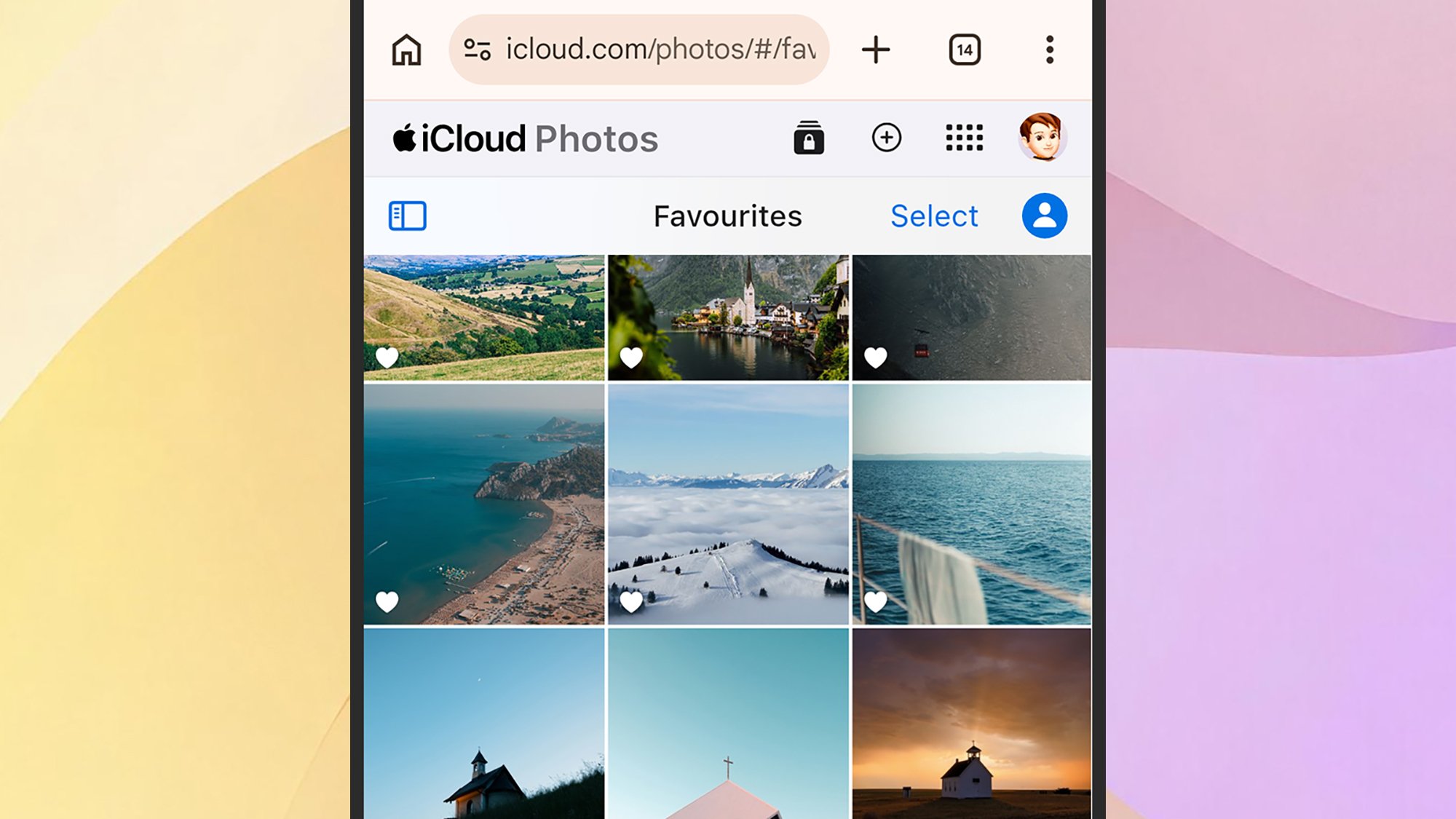
For Android users, the situation is more complex. Apple has historically maintained a closed ecosystem, and to date, there is no native Apple Photos application for the Android platform. Consequently, users are required to rely on the iCloud web portal (iCloud.com) to access their media. This approach offers a functional but limited user experience. While the web interface allows for viewing, downloading, and manual uploading, it lacks the advanced organizational features—such as deep-search, facial recognition, and automated memory curation—that are found in the native mobile applications.
Strategic Implications of Centralized Storage
The decision to consolidate a photo library under Apple’s ecosystem carries broader implications regarding data sovereignty and vendor lock-in. While Apple’s encryption standards—including the implementation of Advanced Data Protection—provide a high level of security, the reliance on a single provider creates a potential barrier to platform migration.
Industry analysts note that the "ecosystem tax"—the cost and friction associated with switching between platforms—is a primary retention strategy for major technology companies. By making the Apple Photos experience superior on Apple hardware, the company incentivizes users to continue purchasing iPhones and Macs. Conversely, the manual nature of the Android and Windows integration serves as a reminder of the limitations of cross-platform interoperability in a highly competitive market.
Best Practices for Digital Preservation
Regardless of the platform, data hygiene is paramount. A comprehensive backup strategy should follow the "3-2-1 rule": three copies of your data, stored on two different types of media, with at least one copy stored off-site. While iCloud Photos serves as a robust cloud-based off-site backup, users are increasingly encouraged to maintain a secondary physical backup, such as a local NAS (Network Attached Storage) or an external hard drive, to guard against potential account lockouts or service interruptions.
Furthermore, users should be mindful of the metadata associated with their images. When uploading files from diverse sources—such as legacy digital cameras or Android devices—to the Apple ecosystem, it is essential to ensure that the EXIF data (which contains information about the date, time, and location of the shot) is preserved. The Apple Photos app relies heavily on this metadata to organize the library. If this information is stripped during the transfer process, the ability to utilize the platform’s intelligent search and sorting features is significantly diminished.
Future Outlook and Technological Trends
Looking toward the remainder of 2026 and beyond, we can expect the integration between cloud services and artificial intelligence to deepen. Apple’s ongoing investments in on-device machine learning suggest that future versions of the Photos app will likely move toward more aggressive, autonomous organization. This could include more sophisticated AI-generated summaries of events and improved object detection that does not require constant cloud-side processing.
For the casual user, the message remains clear: automation is the most effective tool for long-term preservation. By ensuring that synchronization settings are correctly configured across all primary devices, users can mitigate the risk of data loss. However, as the digital footprint of the average individual continues to expand, the technical burden of managing these libraries—particularly for those who exist in mixed-platform environments—will continue to demand a more proactive and informed approach to file management. The transition toward a more integrated, cross-platform digital life is ongoing, and while current solutions for Windows and Android remain functional, they highlight a persistent tension between the convenience of a closed ecosystem and the utility of a truly interoperable digital future.
Related posts: