Unlocking Enhanced Mobile Productivity: The Power of Swipe Typing on Android Devices

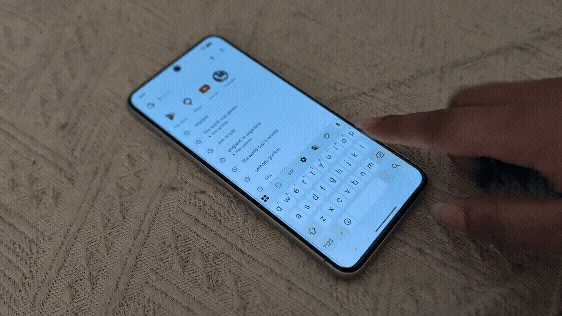
In an era defined by rapid digital communication and an increasing reliance on smartphones for daily tasks, the pursuit of faster and more efficient text input has become a critical objective for millions worldwide. What was once considered a niche input method, swipe typing – known as Glide Typing on Google’s Gboard and Swype mode on Samsung Keyboard – has emerged as a transformative technique, promising to significantly elevate typing speeds and overall mobile productivity. This advanced input method, which allows users to trace a continuous path across the keyboard without lifting their finger, stands in stark contrast to the traditional tap-by-tap approach, offering a tangible advantage for professionals, students, and casual users alike. Its integration into leading Android keyboards has made it a widely accessible tool, capable of revolutionizing how individuals interact with their mobile devices.
The Genesis and Evolution of Gesture-Based Text Input
The concept of gesture-based text input, which forms the foundation of modern swipe typing, is not a recent innovation. Its origins can be traced back to the early 2000s, long before smartphones became ubiquitous. One of the pioneering companies in this field was Swype Inc., founded in 2002 by Cliff Kushler, who had previously co-invented the popular T9 predictive text system. Swype patented its unique "gesture-based text entry" technology in 2004, introducing a paradigm shift from the then-dominant multi-tap and T9 methods. The first commercial deployment of Swype software occurred around 2009, initially on Windows Mobile devices and soon after gaining traction on early Android smartphones. This revolutionary approach allowed users to input words by sliding their finger or stylus from letter to letter, with the software intelligently predicting the intended word based on the traced path.
The success of Swype paved the way for broader adoption and innovation. Recognizing the immense potential for efficiency, other major technology players began developing their own versions of gesture typing. Google introduced its proprietary "Gesture Typing" feature with Android 4.2 Jelly Bean in 2012. This native integration brought the technology to a much wider audience, embedding it directly into the core Android experience. Google’s implementation, later rebranded as Glide Typing within its Gboard keyboard application, leveraged the company’s robust machine learning and linguistic analysis capabilities to offer highly accurate and intuitive word prediction. Similarly, Samsung, a dominant force in the Android ecosystem, integrated its own "Swype mode" into its native Samsung Keyboard, offering users a consistent gesture-typing experience tailored to its device ecosystem. Over the years, these technologies have continually evolved, incorporating advancements in artificial intelligence, predictive text, and autocorrection algorithms to refine accuracy and enhance user experience.
Mastering Swipe Typing: A Practical Guide
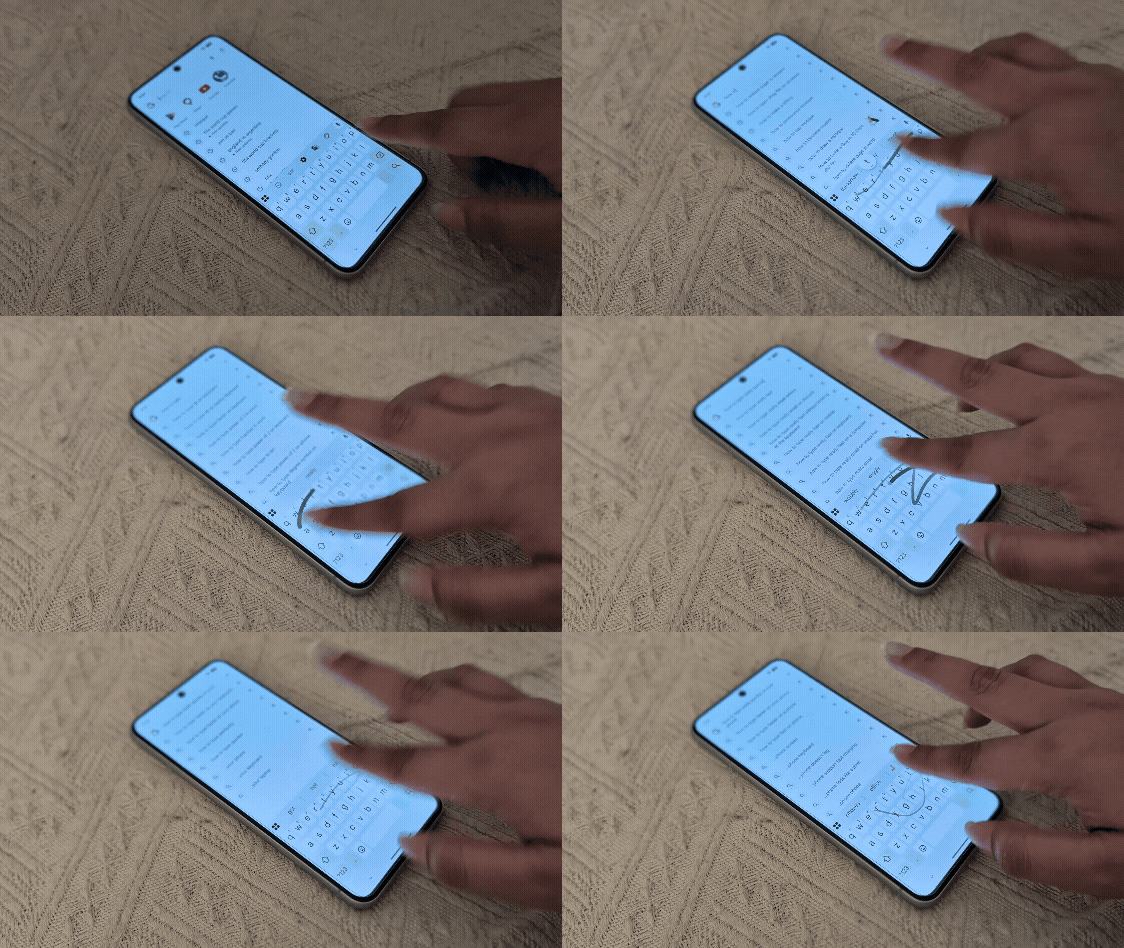
For many Android users, the default method of typing involves individually tapping each letter on the virtual keyboard. While functional, this method can be slow and prone to errors, especially on smaller screens or when typing rapidly. Swipe typing offers a significant leap in efficiency. The core principle is simple: instead of lifting your finger after each letter, you maintain contact with the screen, gliding your finger across the letters that form a word. The keyboard’s underlying intelligence interprets the path and suggests the most probable word.
The demonstration of this feature is typically performed on modern Android devices, such as a Google Pixel 8 running a recent iteration of Android (e.g., Android 14 or later) with Gboard set as the default keyboard. However, the functionality is widely available across a broad spectrum of Android phones, generally requiring Android 8 (Oreo) or a newer version to ensure full compatibility and optimal performance of Gboard’s Glide Typing.
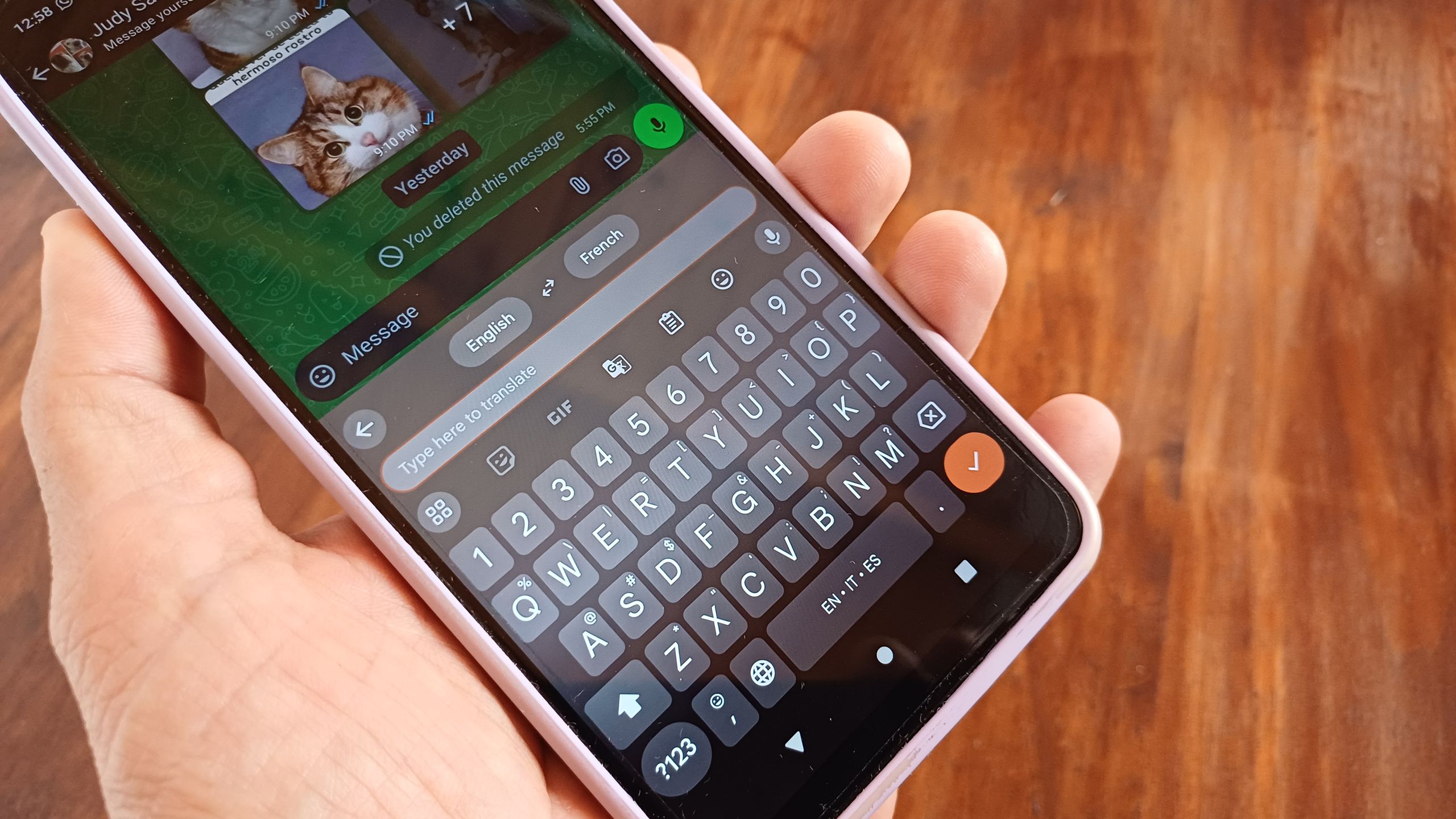
Here’s a step-by-step guide to engaging and utilizing swipe typing:
- Activate the Keyboard: Begin by tapping into any text input field on your Android phone, such as a messaging app, browser search bar, or note-taking application. This action will summon the virtual keyboard onto your screen.
- Initiate Glide Typing: Instead of the customary tapping, place your finger on the first letter of the word you wish to type.
- Trace the Word: Without lifting your finger, smoothly slide it across the subsequent letters of the word. A visual trail often follows your finger, indicating the path being traced. While it’s not necessary to precisely hit the center of each letter, a momentary pause or a slightly more deliberate movement over key letters can aid the algorithm in accurate prediction.
- Complete the Word: Once you have traced the path for the entire word, lift your finger from the screen. Gboard will automatically insert the predicted word and typically add a space, preparing for the next word.
For users of Samsung Keyboard, a preliminary step is required: navigating to the keyboard settings to enable "Swype mode" or "Swipe to type" functionality. Once activated, the process of tracing words remains identical. This minor configuration ensures that Samsung’s proprietary algorithm is engaged to interpret the finger gestures.
The Intelligence Behind the Swipes: AI and Predictive Text
One of the most compelling aspects of Gboard’s Glide Typing and similar swipe-typing implementations is their inherent intelligence and adaptive learning capabilities. These systems are not merely mapping finger paths to letter sequences; they are powered by sophisticated artificial intelligence and machine learning algorithms that continually learn and improve.
As a user repeatedly employs swipe typing, Gboard’s predictive engine observes patterns, analyzes common word combinations, and refines its understanding of individual typing styles. When a word is swiped, the keyboard presents a series of word suggestions above the main key layout. If the initially predicted word is incorrect, tapping the correct suggestion from the list helps "teach" Gboard, improving its accuracy for future predictions. Over time, this iterative feedback loop significantly enhances the system’s ability to anticipate the user’s intended input, making the experience remarkably intuitive and efficient.
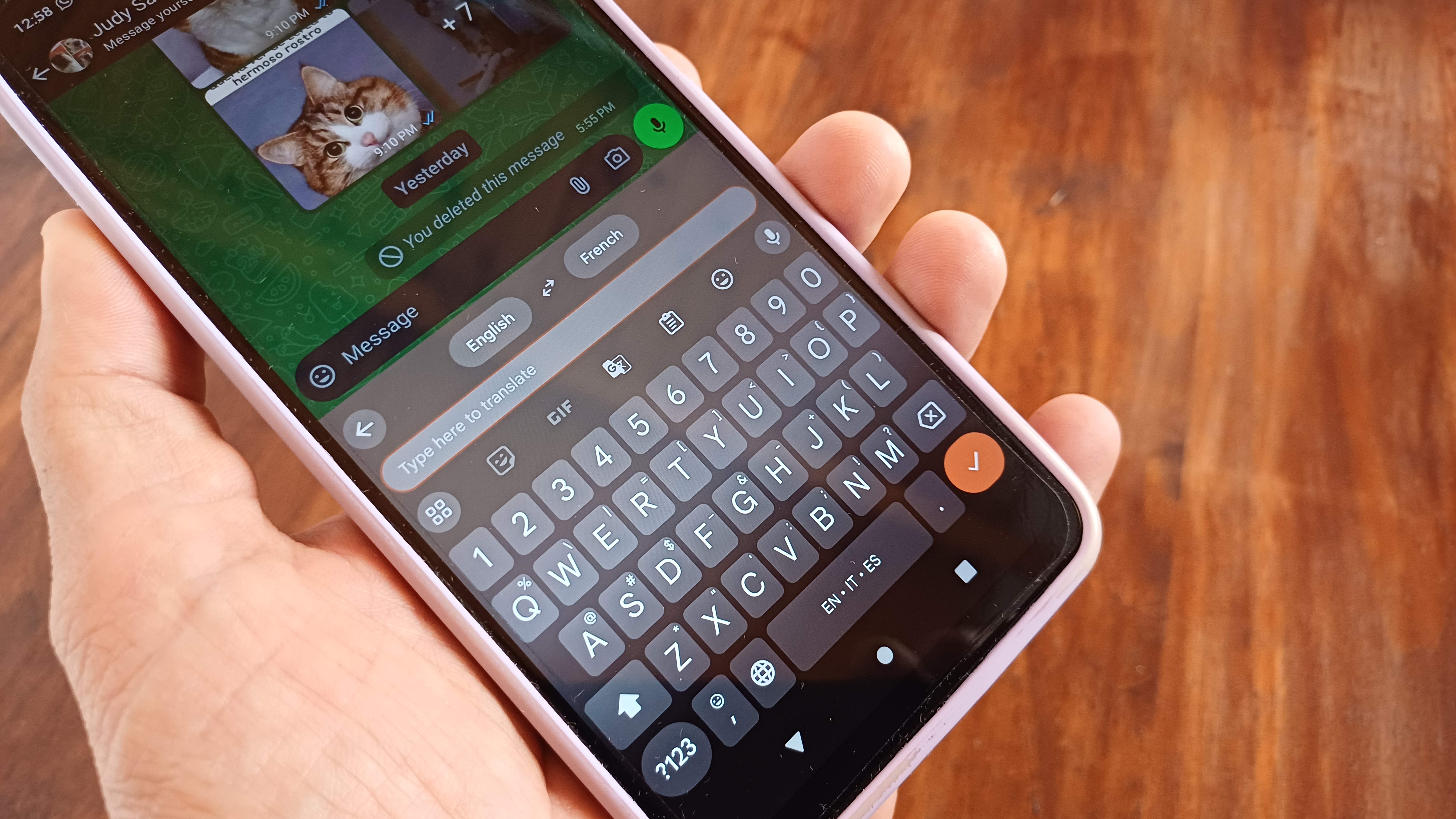
Furthermore, swipe typing seamlessly integrates with the user’s personal dictionary. Words that are frequently used but might not be standard dictionary entries – such as unique names, specialized jargon, abbreviations, or even slang – can be added to the dictionary. Once added, these custom words become recognizable by the swipe algorithm, allowing for their rapid input without the need for manual spelling. This adaptability extends to multilingual support, a crucial feature in today’s globalized world. Gboard, for instance, allows users to swipe-type in various languages beyond English, including complex scripts like Urdu, demonstrating the robust linguistic capabilities embedded within the application. This feature significantly breaks down communication barriers, enabling fluid multilingual text entry without constantly switching input methods.
The versatility of swipe typing is also evident in its expansion to wearable technology. For users of Wear OS smartwatches equipped with Gboard, the same gesture-based input method is available. This is particularly valuable on the confined screen real estate of a smartwatch, where traditional tap typing would be cumbersome and impractical. The ability to quickly swipe out a reply on a wrist-worn device underscores the adaptability and utility of this input method across diverse form factors.
The Quantifiable Benefits: Speed, Accuracy, and Ergonomics
The primary allure of swipe typing lies in its potential to dramatically increase typing speed. Numerous studies and user testimonials attest to this advantage. A notable study conducted by researchers from Aalto University and the University of Cambridge in 2019, which analyzed the typing performance of thousands of smartphone users, found that participants could achieve an average typing speed of approximately 70 words per minute (WPM) using swipe-based keyboards. This figure stands in stark contrast to the average 30-40 WPM typically observed for traditional tap-typing on smartphones. The most proficient swipe typists in the study even exceeded 100 WPM, showcasing the method’s extraordinary potential for rapid text entry.
This significant increase in speed is attributed to several factors. Firstly, the continuous motion eliminates the time-consuming process of lifting and repositioning the finger for each individual key press. Secondly, the predictive algorithms and autocorrection capabilities minimize the need for manual corrections, which can be a major drain on typing speed. Even if a swipe is imperfect, the intelligent system often correctly infers the intended word, saving valuable seconds.
Beyond speed, swipe typing also contributes to improved accuracy. While initial attempts might feel awkward and produce errors, the keyboard’s learning capabilities quickly adapt. The robust autocorrection system, often superior to basic tap-typing autocorrect, can rectify minor mis-swipes, reducing the cognitive load on the user to ensure perfect precision for every letter. This allows users to focus more on the content of their message rather than the mechanics of typing.
From an ergonomic perspective, swipe typing can also offer advantages. The continuous, flowing motion of swiping can be less strenuous on the fingers and wrists compared to the repetitive, isolated taps required by traditional typing. This could potentially reduce the risk of repetitive strain injuries associated with prolonged smartphone use, making extended typing sessions more comfortable. For individuals with certain motor challenges or dexterity limitations, the ability to glide a finger across the screen rather than executing precise individual taps can make mobile text input more accessible and less fatiguing.
Broader Implications and User Adoption
The widespread adoption of swipe typing has profound implications for personal and professional productivity. For students, it means faster note-taking in lectures or quick composition of assignments. For professionals, it translates to more efficient email responses, rapid document drafting, and seamless communication with colleagues and clients. In an age where instantaneous communication is often expected, the ability to articulate thoughts quickly and accurately on a mobile device is an invaluable skill.
The initial learning curve for swipe typing can be a barrier for some. Users accustomed to tap typing might find their speed decreases initially as they adjust to the new motion. However, consistent practice is key. As muscle memory develops and the keyboard’s AI learns the user’s specific swiping patterns, the speed and accuracy benefits become increasingly apparent, making it difficult for many to revert to their old typing habits. This transition transforms swipe typing from a mere "trick" into a fundamental and highly efficient input skill.
The integration of swipe typing into operating systems and popular third-party keyboards like SwiftKey (now owned by Microsoft) further solidifies its position as a standard feature. Companies like Google and Samsung continue to invest in improving these technologies, leveraging advancements in natural language processing (NLP) and machine learning to enhance predictive accuracy, support more languages, and integrate with other smart features like voice input and on-device intelligence. The trend suggests a future where mobile input becomes even more intuitive and less of a bottleneck for human thought.
The personal anecdotes of users, such as attracting attention in public due to the speed and novelty of swipe texting, underscore its impact. It highlights how what was once a technical innovation has become a noticeable social phenomenon, sparking curiosity and demonstrating a visible leap in personal efficiency. This curiosity often leads to sharing knowledge, as individuals, like the author of the original article, find themselves informally teaching strangers how to unlock this powerful feature.
In conclusion, swipe typing represents a significant evolutionary step in mobile text input. By leveraging sophisticated AI and machine learning, it offers a tangible boost in typing speed and accuracy, enhances comfort, and supports diverse linguistic needs. While requiring an initial investment in practice, the long-term benefits in productivity and communication efficiency make it an indispensable tool for anyone seeking to maximize their smartphone experience in our increasingly connected world. As technology continues to advance, swipe typing will undoubtedly remain a cornerstone of efficient mobile interaction, continuously evolving to meet the demands of an ever-accelerating digital landscape.