Asus Zenbook 14: A Comprehensive Review of the Snapdragon X-Powered Office Powerhouse

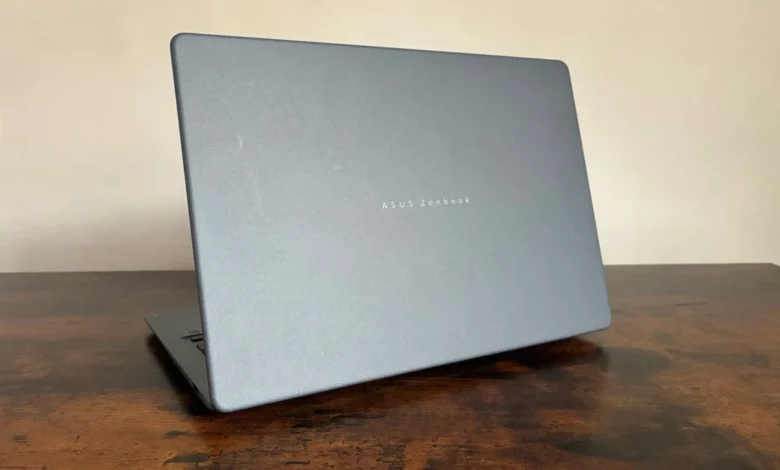
Asus has expanded its footprint in the Windows on Arm ecosystem with the launch of the latest iteration of the Zenbook 14. Priced at £799.99, this new model arrives as a more accessible sibling to the premium Zenbook A14 that debuted earlier this spring. While the A14 sought to establish a high-water mark for the Copilot+ PC category with its flagship Snapdragon X Elite silicon, the new Zenbook 14 targets the mid-range professional market, offering a streamlined experience that retains the series’ hallmark design language while making calculated adjustments to internal hardware to reach a more competitive price point.
The emergence of this device is part of a broader industry shift toward the Qualcomm Snapdragon X platform, which aims to provide high-efficiency computing performance that challenges the traditional dominance of x86 architectures from Intel and AMD. By offering a version of the Zenbook 14 that omits the "A" designation and the higher-tier chipset, Asus is positioning itself to capture a larger share of the enterprise and remote-work demographic that prioritizes portability and battery life over raw, top-tier processing power.
A Chronology of the Snapdragon Transition
The release of this device follows a significant timeline for both Asus and the broader semiconductor industry. In early 2024, Qualcomm officially unveiled the Snapdragon X Elite and Plus series, promising a "paradigm shift" in laptop performance. Asus, as a key hardware partner, was among the first to integrate these chips into its 2024 product roadmap.
The launch of the Zenbook A14 in the spring of 2024 served as the company’s "halo" product, designed to showcase the full capabilities of the Copilot+ PC initiative, including the integrated NPU (Neural Processing Unit) capable of 45 TOPS (Trillions of Operations Per Second). The arrival of this lower-cost Zenbook 14 model, appearing in the latter half of the year, completes the transition strategy. It effectively mirrors the design philosophy of its predecessor while shifting the focus toward a "value-driven" professional tool. This staggered release pattern is consistent with historical market strategies where premium models pave the way for mainstream accessibility.
Design and Build Quality: The Ceraluminium Standard
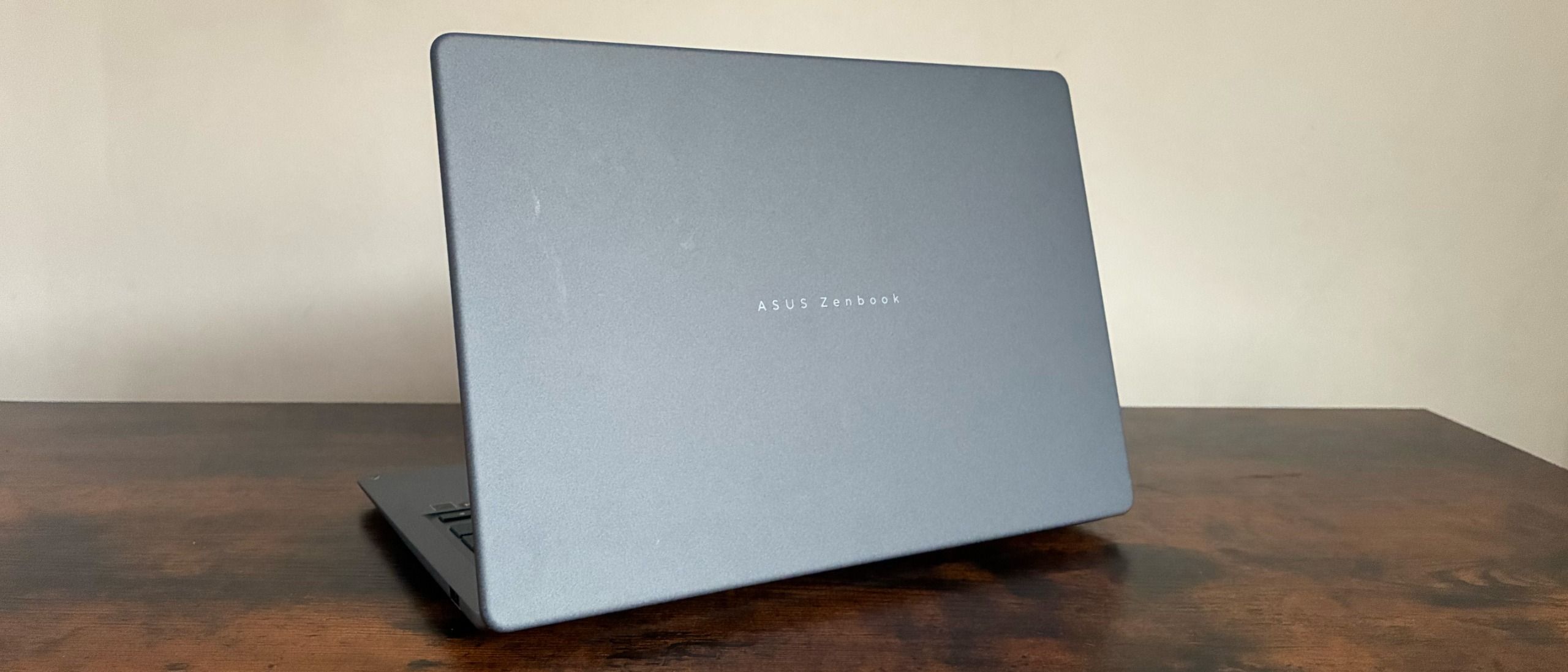
Despite the price reduction, the new Zenbook 14 does not abandon the build quality that has defined the series. The chassis continues to utilize the "Ceramic Ceraluminium" material, a proprietary composite that blends the structural rigidity of aluminum with a ceramic-like finish. This material choice is significant, as it offers enhanced resistance to smudges and minor impacts, which is particularly relevant for mobile professionals who subject their devices to daily transit.
The device weighs in at a highly portable 1.10kg and maintains a slim profile of just 0.55 inches. The aesthetic approach is intentionally understated, favoring a "less is more" design language. The available color palette includes a professional blue-gray, alongside more distinct options like "Zabriskie Beige" and "Coral." From a practical perspective, the inclusion of a redesigned hinge mechanism—engineered to provide optimal torque—allows for easy one-handed opening, a small but impactful detail that contributes to the overall user experience in a fast-paced office environment.
Display Performance and Ergonomics
The display remains one of the device’s strongest selling points. It features a 14-inch WUXGA OLED panel with a 1920 x 1200 resolution. OLED technology continues to outperform standard LED backlighting in terms of contrast ratios and color reproduction. Technical analysis confirms a 100% sRGB color coverage, with volume metrics reaching 169.4%. Furthermore, the 92.6% Adobe RGB score highlights that the screen is not merely for office productivity but is also capable of high-fidelity creative work, such as photo editing, which is often a challenge for devices at this price point.
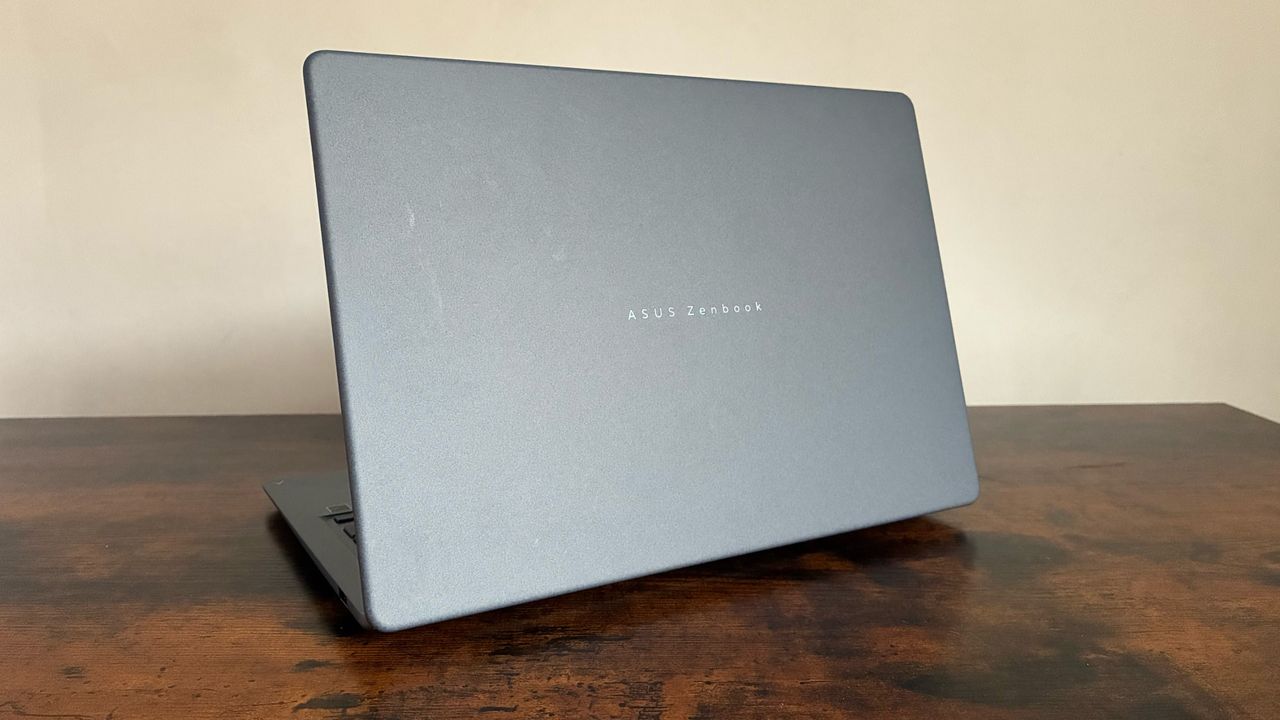
Brightness testing recorded a peak of 302.96 cd/m2. While this is sufficient for indoor office lighting, the display’s strength lies in its color accuracy and adaptive brightness software, which adjusts in real-time to ambient conditions without noticeable flicker. The keyboard, featuring chiclet-style keys with an excimer coating, offers 1.7mm of travel. This is a deliberate design choice by Asus to maintain a tactile, mechanical feel that resists the wear and tear associated with long-term typing. The ErgoSense touchpad rounds out the input experience, supporting a wide range of multi-gesture controls that integrate smoothly with Windows 11.
Technical Specifications and Performance Analysis
The core of the performance gap between this model and the A14 lies in the chipset. The standard Zenbook 14 utilizes the Snapdragon X-series processor (specifically the X1 26 100 variant), which features an 8-core, 8-thread architecture with a maximum clock speed of 2.97GHz. This is compared to the X Elite’s more aggressive core counts and higher clock speeds.
In synthetic benchmarking via Geekbench 7, the device posted a single-core score of 1,324 and a multi-threaded score of 10,547. These figures indicate a machine that is well-equipped for multitasking, document management, and cloud-based enterprise applications, though it may not be the primary choice for heavy-duty video rendering or complex simulation workloads. The inclusion of the Qualcomm Hexagon NPU ensures that the device remains "AI-ready," capable of handling on-device machine learning tasks, which is becoming a baseline requirement for modern enterprise software.
Regarding memory and storage, the unit comes equipped with 16GB of LPDDR5X RAM and a 512GB M.2 NVMe PCIe 4.0 SSD. While some professional workflows might prefer 32GB of RAM, 16GB remains the standard for most business-oriented notebooks, providing sufficient headroom for browser-heavy workflows and standard productivity suites.
Battery Life and Real-World Endurance
Battery performance is perhaps the most scrutinized aspect of the Snapdragon transition. Asus claims up to 18 hours of web browsing. However, rigorous testing shows that in a real-world looped video scenario, the device reaches approximately 10 hours and 13 minutes. While this falls short of the theoretical maximum, it is more than enough to cover a standard eight-hour workday without the need for a charger. For office-based users, the power efficiency of the Snapdragon chip means that the device remains cool and quiet, even under moderate load, which is a notable improvement over some of its x86-based counterparts.
Connectivity and Software Ecosystem
The port selection is balanced for the modern office. The Zenbook 14 includes two USB 3.2 Gen 2 Type-C ports capable of display output and power delivery, one USB 3.2 Gen 1 Type-A port for legacy peripheral support, an HDMI 2.1 port, and a 3.5mm audio jack. The absence of an integrated SD card reader might be a point of friction for some, but the presence of HDMI 2.1 ensures direct compatibility with office monitors and conference room projection systems.
The software suite, including Microsoft Pluton Passkeys, is a direct response to increasing cybersecurity requirements in corporate environments. By embedding security at the CPU level, Asus is addressing the growing demand for hardware-backed identity protection. Additionally, the pre-installed Asus software, including GlideX for cross-device screen sharing and MyASUS for system management (fan speeds, noise cancellation), adds a layer of convenience that reduces the need for third-party utilities.
Broader Implications and Market Positioning
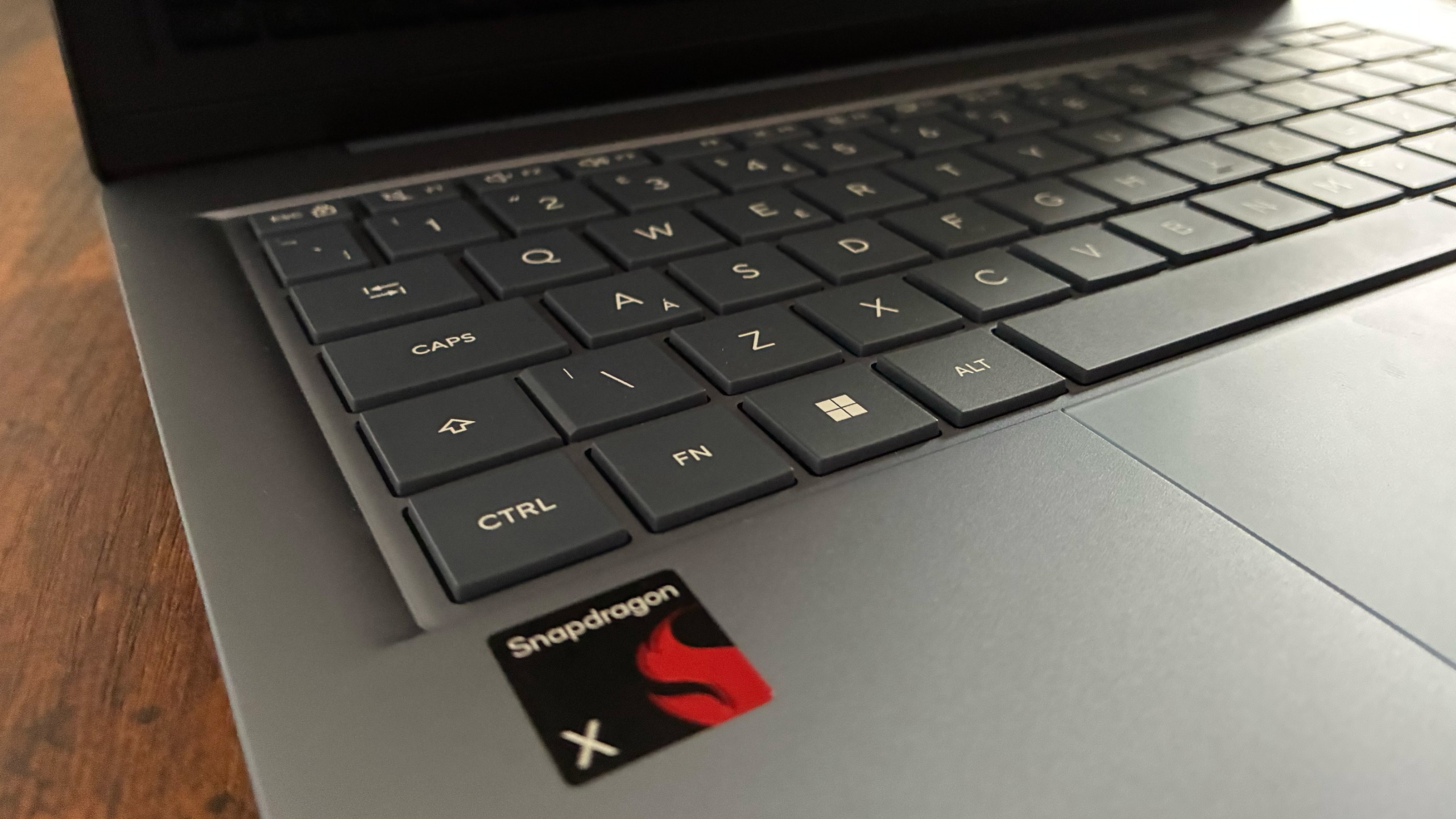
The introduction of the £799.99 Zenbook 14 reflects a broader trend: the democratization of high-efficiency Arm-based computing. By positioning the device at this price point, Asus is effectively challenging the "premium" perception of the Snapdragon X platform. This move forces competitors to re-evaluate the cost-to-performance ratio of their own Arm-based offerings.
For IT decision-makers, the Zenbook 14 represents a dependable, low-maintenance hardware option. The combination of its lightweight chassis, robust OLED display, and the promise of a full day of battery life makes it a strong contender for fleet deployment. While the performance benchmarks are not intended to compete with high-end workstations, they are more than adequate for the "knowledge worker" demographic that powers the majority of the modern corporate economy.
Conclusion
The Asus Zenbook 14 is a calculated, well-executed entry into the mid-range laptop market. It succeeds because it prioritizes the features that matter most to professionals—portability, display quality, and keyboard ergonomics—while making sensible compromises on hardware that is rarely pushed to its limit in standard office environments. It is not designed to replace the premium Zenbook A14, but rather to coexist with it, providing a viable, cost-effective alternative for those who want the benefits of the Snapdragon X architecture without the premium price tag of a top-tier device.
In the competitive landscape of late 2024, the Zenbook 14 stands as a testament to the maturation of Windows on Arm. As more software developers optimize their applications for the Snapdragon ecosystem, the value proposition of this device is likely to increase, making it a forward-looking choice for businesses looking to standardize their hardware while preparing for a future driven by on-device AI and high-efficiency mobile computing.