Googlebook developers showcase new productivity tools that bring macOS-style functionality to the platform

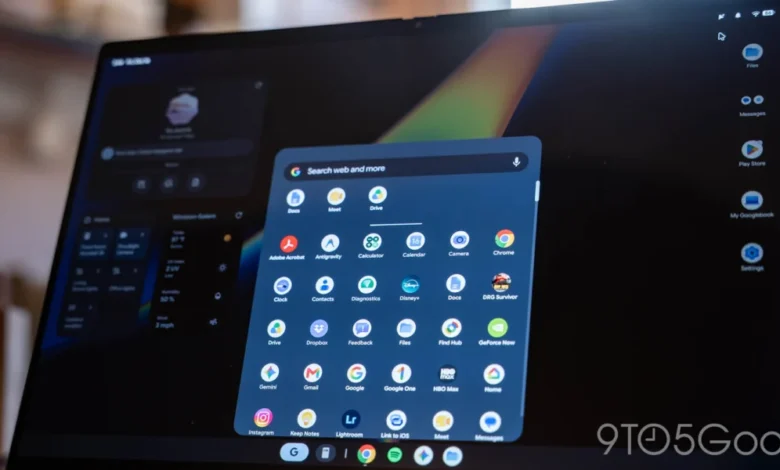
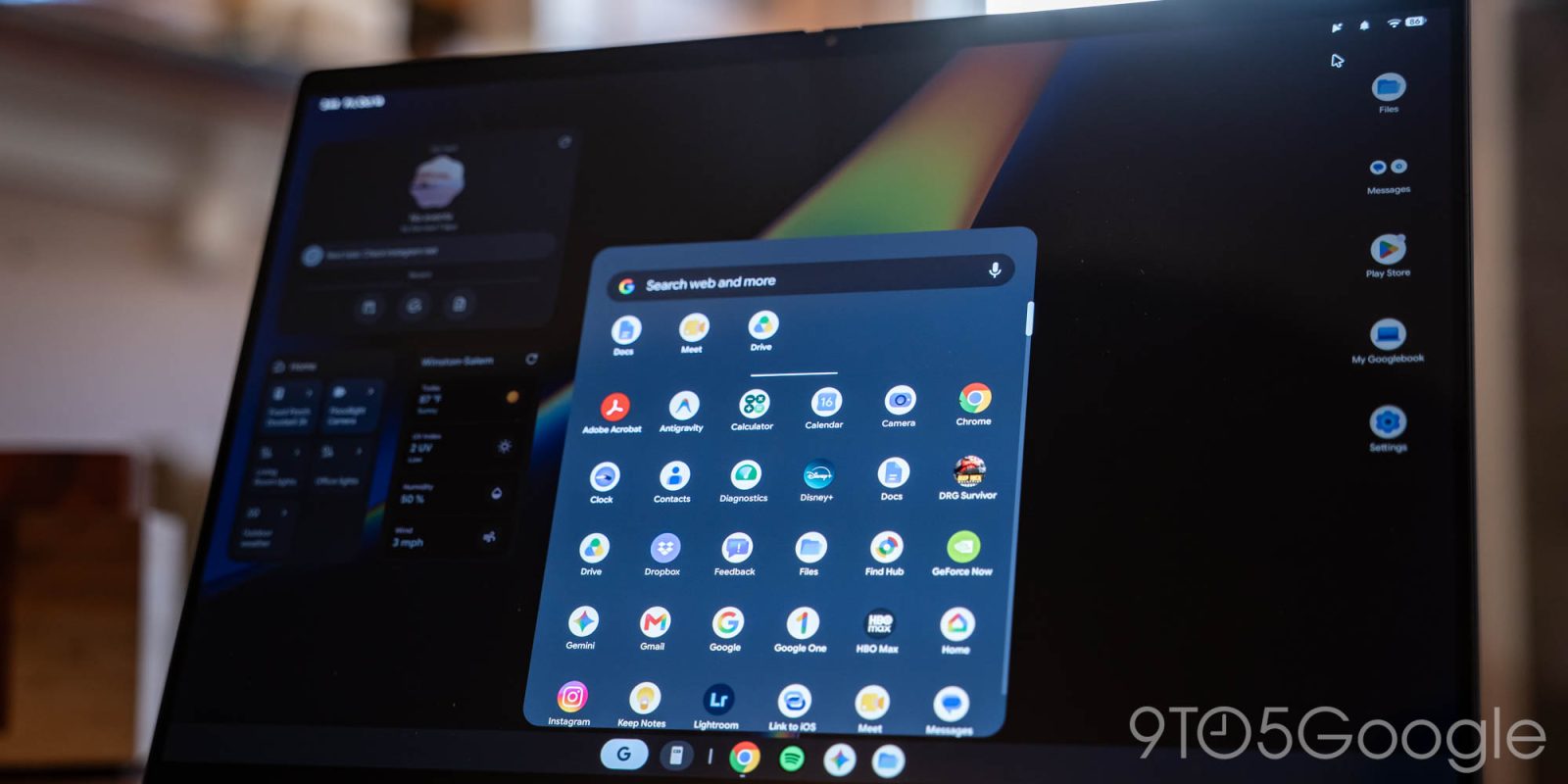
The launch of the Googlebook platform has been met with both enthusiasm for its potential and skepticism regarding its current software ecosystem. As Google works to establish its new laptop platform as a viable competitor in the premium personal computing market, one of its primary challenges has been the relative lack of desktop-class software. To address this "app gap," Google employees have begun utilizing the "Antigravity" development framework to create and demonstrate custom utilities that bridge the functional divide, effectively importing features commonly associated with macOS staples into the Googlebook environment.
The Antigravity Initiative and Platform Development
The recent emergence of these custom applications, highlighted in a community-led discussion on Reddit, offers a glimpse into how Google intends to leverage its internal engineering talent to cultivate an ecosystem for the Googlebook. The Antigravity framework appears to be a specialized toolset designed to empower developers—both internal and, eventually, external—to build native, high-performance applications that take advantage of the unique hardware-software integration of the Googlebook.
By showcasing these tools, Google is sending a signal to the broader developer community: the platform is capable of hosting complex, desktop-grade utilities. This initiative is particularly important given that the initial release of any new operating system often suffers from a lack of "power user" software, which can deter professional and creative demographics.

BentoBox: Redefining the Status Bar
Among the applications garnering attention is "BentoBox," a utility designed to transform the Googlebook’s status bar into a functional dashboard. On many desktop operating systems, the top menu bar is a critical zone for system monitoring and quick-access controls. BentoBox brings this level of utility to the Googlebook by allowing users to integrate shortcuts, mini-applications, and real-time data feeds.
Key features of BentoBox include:

- System Monitoring: Real-time visibility into battery charging speeds and performance metrics.
- Information Density: Customizable widgets that provide glanceable weather data and notifications.
- Workflow Efficiency: Native clipboard history management and built-in timer tools, reducing the need for users to switch context to secondary applications.
The implementation of these features requires elevated system permissions, specifically accessibility overlays, which allow the app to interact with the system UI in real-time. This level of customization mirrors the functionality found in third-party macOS utilities like Bartender or iStat Menus, which have long been favorites among power users for their ability to declutter and expand the utility of the menu bar.
Booklight: A New Approach to Search
The second tool, "Booklight," serves as a direct analog to Apple’s Spotlight search feature. While Googlebook includes a native search capability within its app drawer, Booklight offers a more refined, transparent interface that functions as a system-wide launcher.

The primary advantages of Booklight include:
- Shorthand Command Execution: Users can input complex strings in a single line, which the application then parses to execute specific tasks across multiple programs.
- Advanced Calculation: A more robust, cleaner UI for mathematical operations compared to the standard system search.
- Symbol Management: The application simplifies the insertion of special characters and symbols, bypassing the need for users to memorize legacy U+ character codes, a common pain point for users transitioning from older ChromeOS-based environments.
Although the app has seen intermittent availability on the Google Play Store, its design philosophy highlights a clear effort to move away from purely web-based interactions toward a more fluid, integrated desktop experience. The disappearance and reappearance of such tools often suggest a period of active iteration, where Google engineers are likely testing these apps for stability and integration with future system updates.

Wayfinder: Bridging the File Management Gap
Beyond interface utilities, the "Wayfinder" application addresses one of the most common criticisms of early-stage desktop operating systems: file management. Wayfinder is positioned as a "desktop-grade" file manager, offering a more granular approach to data organization than the default Files app.
The most significant addition in Wayfinder is its support for network-attached storage (NAS) devices. For professional users, the ability to manage files across local and network drives is not merely a convenience but a necessity. By providing a more advanced user experience—likely featuring multi-pane views, batch renaming, and complex sorting algorithms—Wayfinder aims to make the Googlebook a more serious contender for professional workflows that involve large-scale data handling.

The Chicken-and-Egg Dilemma
The development of these apps by high-level Google staff—specifically Alexander Kuscher, the Vice President of Laptops & Tablets—suggests that the company is taking a hands-on approach to solving the platform’s initial software scarcity. However, this strategy faces a classic "chicken-and-egg" challenge. Developers are often hesitant to invest time and resources into building native applications for a platform that has not yet achieved a significant, stable install base. Conversely, consumers are often reluctant to adopt a new platform until it possesses a robust library of software.
The reliance on internal developers to build these "macOS-like" tools is a temporary, albeit effective, measure. It serves two purposes: it provides immediate value to early adopters and establishes a set of design patterns and expectations for external third-party developers.

Contextualizing the Googlebook Ecosystem
The transition toward more native, desktop-class applications is a defining moment for Google’s hardware strategy. Historically, the company’s focus was on the "browser-first" philosophy of ChromeOS. The Googlebook, however, represents a departure toward a more traditional, high-performance computing model.
In the current market, the competition is fierce. Apple’s transition to its custom Silicon (M-series chips) has set a high bar for power efficiency and performance, while Microsoft continues to iterate on Windows 11 with a focus on AI integration. For the Googlebook to succeed, it must balance the simplicity that made its predecessors popular with the depth and flexibility that professional users now demand.

Broader Implications and Future Outlook
The release of these tools, while small in scale, points to a larger strategic shift. If Google successfully encourages a culture of "power-user" app development, the Googlebook could eventually occupy the middle ground between a consumer-grade tablet and a professional workstation.
Analysts note that the success of the platform will likely depend on three factors:

- Developer Incentives: Whether Google can offer a sustainable monetization model for app creators to justify the investment in native development.
- Hardware Penetration: The ability to scale sales figures to a point where the platform is considered a "must-develop-for" target by major software vendors like Adobe, Microsoft, or specialized professional suites.
- OS Maturity: The continued evolution of the underlying operating system to support more complex background processes, file system access, and peripheral compatibility.
As of late 2026, the platform remains in its infancy. The community reception to the apps created by Kuscher and his team has been largely positive, with many users noting that these tools solve long-standing irritations. However, whether these utilities become part of the core operating system or remain niche "enthusiast" tools will be a key indicator of how Google intends to steer the platform’s future.
For now, these applications stand as a testament to the platform’s hidden potential. They demonstrate that the underlying architecture of the Googlebook is capable of supporting sophisticated, high-performance tools, and that the limiting factor remains the development ecosystem. As the company continues to refine its hardware and software, the integration of these features—either through official system updates or a blossoming third-party ecosystem—will be critical in determining whether the Googlebook can successfully carve out its own identity in a crowded market.
Related posts: