New Backglow App Empowers Users to Customize the Newly Restored Illuminated Apple Logo on OLED MacBook Pro Models

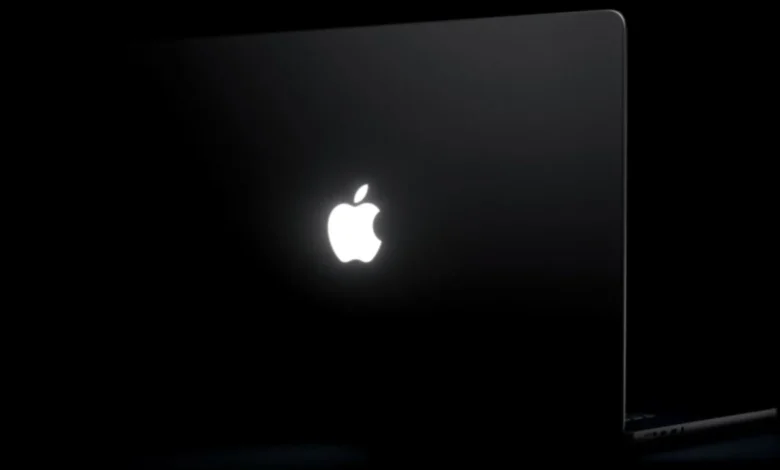
The release of Apple’s latest 14-inch and 16-inch MacBook Pro models, featuring cutting-edge PROLED XDR displays, brought back a design element long missed by the Mac community: the glowing rear Apple logo. Phased out beginning in 2015 in favor of a polished, flush metallic emblem, the luminous lid has made a triumphant return. Now, just days after these highly anticipated laptops hit the market, a clever software utility named "Backglow" has emerged, giving users unprecedented control over this newly re-engineered hardware feature.
Created by independent designer Juan Buis, the Backglow application bridges a gap in macOS by allowing individuals to tailor the behavior, intensity, and functional utility of the lid’s illumination. While Apple’s native implementation ties the logo’s brightness directly to the computer’s screen settings and ambient light sensors—and leaves it lit continuously whenever the machine is awake—Backglow introduces a suite of dynamic customization options that extend far beyond standard system preferences.
The Return of the Glow: Engineering the New Lid
To understand the significance of utilities like Backglow, it is essential to examine the technical journey of the MacBook logo. For decades, older generation MacBooks utilized the computer’s internal display backlight to shine light through a translucent plastic Apple logo embedded in the aluminum lid. However, as Apple transitioned its laptop lineup toward Retina displays and eventually ultra-thin industrial designs, that technique became obsolete.
The turning point arrived in 2015 and 2016, when Apple completely removed the backlit logo, replacing it with a reflective, mirror-finish metal emblem. For years, loyalists petitioned for its return, viewing the glowing icon as an iconic piece of Apple’s design identity. The hurdle was technological: modern OLED and advanced panel architectures do not feature the uniform backlights required by the legacy design.
The breakthrough finally materialized with the introduction of the new 14-inch and 16-inch MacBook Pro lineup, which starts at $2,899 and $3,399, respectively. Featuring state-of-the-art PROLED XDR touch-enabled displays, these machines required an entirely new approach to corporate branding on the exterior. According to reports from industry insider John Gruber of Daring Fireball, Apple engineers designed a bespoke, dedicated light source integrated specifically into the lid assembly. Remarkably, this was achieved without adding a fraction of a millimeter to the laptop’s thickness. When asked why the company went to such lengths to resurrect the feature, an Apple representative reportedly offered a succinct philosophy: "Because it’s awesome."
Out of the box, Apple’s default software governs this new white LED light source—which remains strictly white and does not alter hues—by scaling its luminosity relative to the active display brightness and environmental lighting conditions.
Enter Backglow: Features and Functionality
While Apple’s default controls are functional, they offer little flexibility for users who want to fine-tune their device’s aesthetics or integrate the logo into their daily workflows. Juan Buis’s Backglow app addresses these limitations directly through a tiered software model designed for both casual enthusiasts and power users.
The application is split into a robust free tier and a feature-rich Pro version available via a one-time payment of $9 during an introductory window, or $15 thereafter.
In the free version, Backglow provides immediate quality-of-life improvements. Most notably, it detaches the logo’s brightness level from the main display settings, enabling manual adjustments. Furthermore, it allows users to switch off the illuminated logo with a single click—a task that previously required executing commands within the macOS Terminal. Additionally, the free tier includes a "Breathe" mode, which gently pulses the logo’s illumination in a rhythmic pattern reminiscent of the classic sleep indicator lights found on older, pre-Unibody and early Unibody MacBooks.
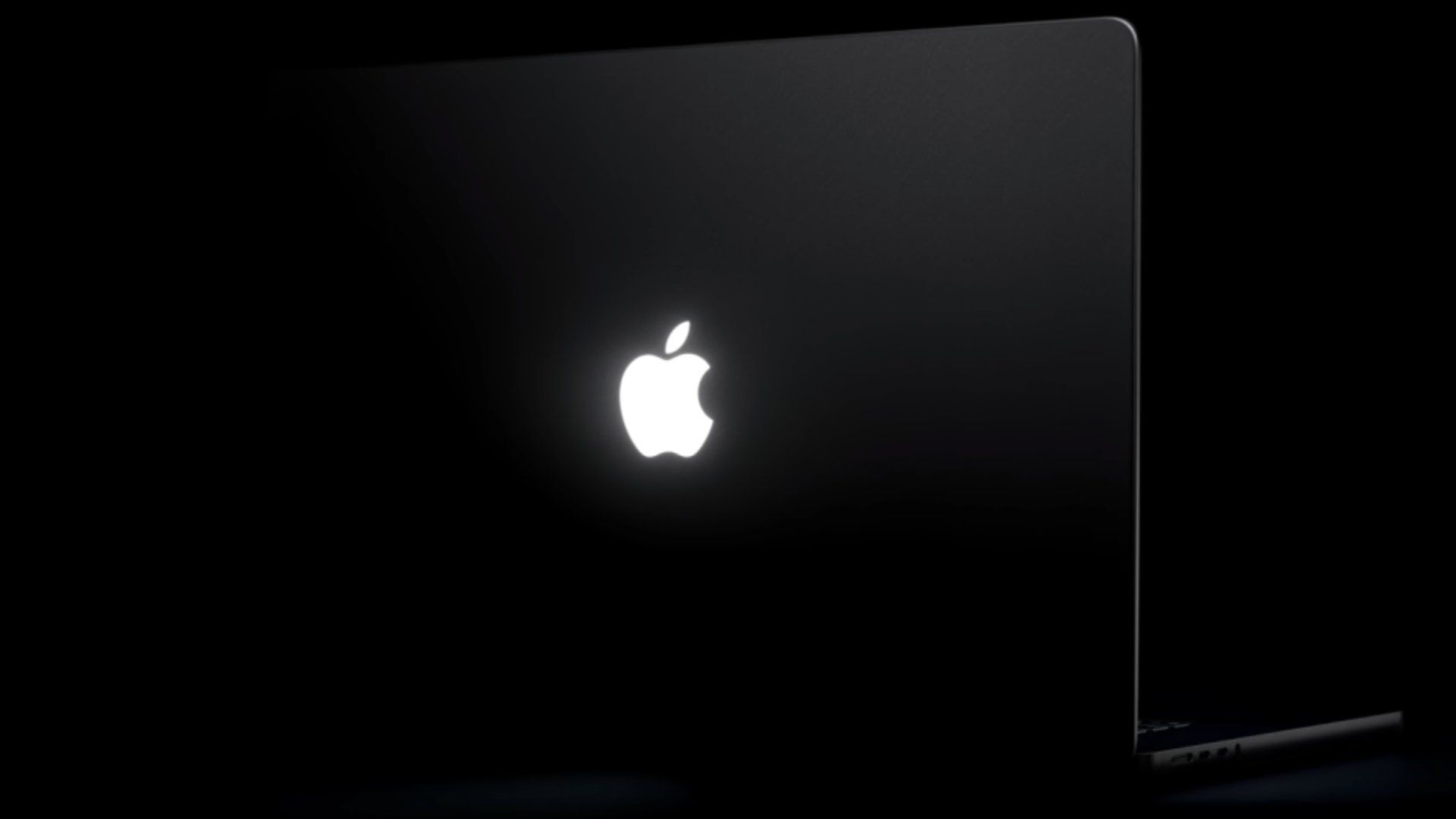
Upgrading to the Pro tier unlocks advanced modes tailored for media consumption and developer workflows. "Music" mode synchronizes the logo’s output with the rhythm of audio playing through the Mac, turning the laptop lid into a subtle visualizer. Meanwhile, "Agents" mode targets software engineers and technical professionals by interfacing with development tools; the logo pulses while Claude Code is actively executing tasks and blinks to alert the user when manual intervention or attention is required.
Demonstrating the app’s reception, Buis shared a breakdown of its core capabilities on social media platforms shortly after launch, driving significant early adoption among early-adopters of the new M-series and OLED MacBook Pro generation.
Contextualizing the Ecosystem: The Road to the OLED MacBook Pro
The launch of Backglow arrives at the tail end of a massive hardware cycle for Apple. The autumn of 2026 has proven to be one of the company’s most aggressive hardware rollout periods in recent memory.
Chronologically, the hardware momentum began building in early October 2026. On October 8, supply chain reports from outlets like Bloomberg correctly indicated that major refreshes were imminent. Shortly thereafter, on October 13, Apple debuted a revised smart home hub lineup, a refreshed Apple TV 4K, and an updated HomePod mini.
The anticipation peaked when Apple distributed media invitations for a special experiential showcase in Los Angeles under the tagline "Pro and tell." While initial rumors had occasionally floated alternative naming conventions—such as a rumored "MacBook Ultra" moniker, mirroring speculation that preceded the iPhone Duo—Apple ultimately decided to preserve its legacy branding, applying the PROLED XDR touchscreen technology directly to the established MacBook Pro nomenclature.
When the devices officially debuted on October 28, 2026, and hit store shelves and doorsteps on Friday, November 7, they immediately captured the tech industry’s attention. Reviewers praised the PROLED XDR panel as a triumph of portable display engineering, while the reintroduction of the glowing Apple logo stirred a wave of nostalgia paired with modern utility.
Implications and the Future of Third-Party Customization on macOS
The rapid development of apps like Backglow highlights a broader ecosystem trend: the enduring appetite for micro-customization within macOS. Apple has historically maintained strict control over its hardware behavior, prioritizing uniformity, power efficiency, and brand consistency over granular user tweaks. By locking system-level indicators behind rigid automation, Apple leaves a fertile landscape for independent developers to build lightweight, utility-driven software that enhances the user experience.
From an engineering perspective, Backglow’s ability to interface smoothly with the new hardware underscores the openness of macOS to accessibility and hardware-adjacent application programming interfaces (APIs). While the application relies on the underlying white LED hardware provided by Apple, its software interpretation proves that users value contextual feedback—turning a static aesthetic feature into a dynamic notification hub.
As more users receive their 14-inch and 16-inch OLED MacBook Pro units throughout the holiday season, software tools that bridge the gap between Apple’s aesthetic choices and individual productivity needs are expected to thrive. Whether users simply want to dim the logo for a dark-room movie viewing session, enjoy a nostalgic nod to legacy hardware via the "Breathe" setting, or monitor complex coding agents through rhythmic pulses, Backglow demonstrates how a single, well-targeted utility can revitalize a beloved physical feature for a new generation of computing.
Related posts: