Apple’s Major Operating System Rollout Brings iPadOS 27 to Compatible Tablets Worldwide

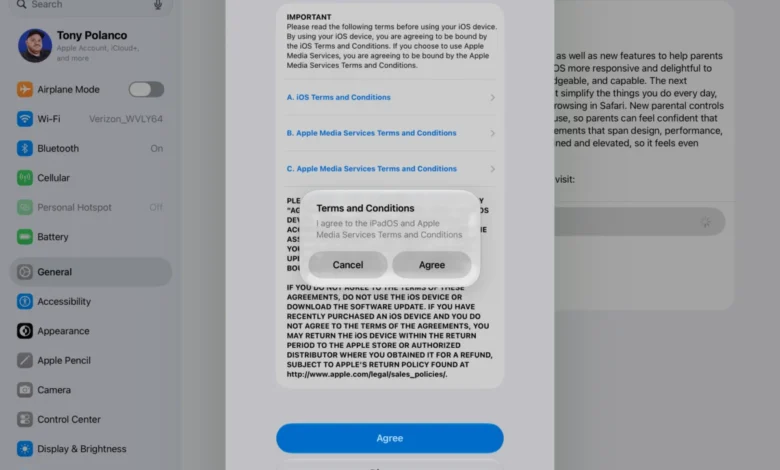
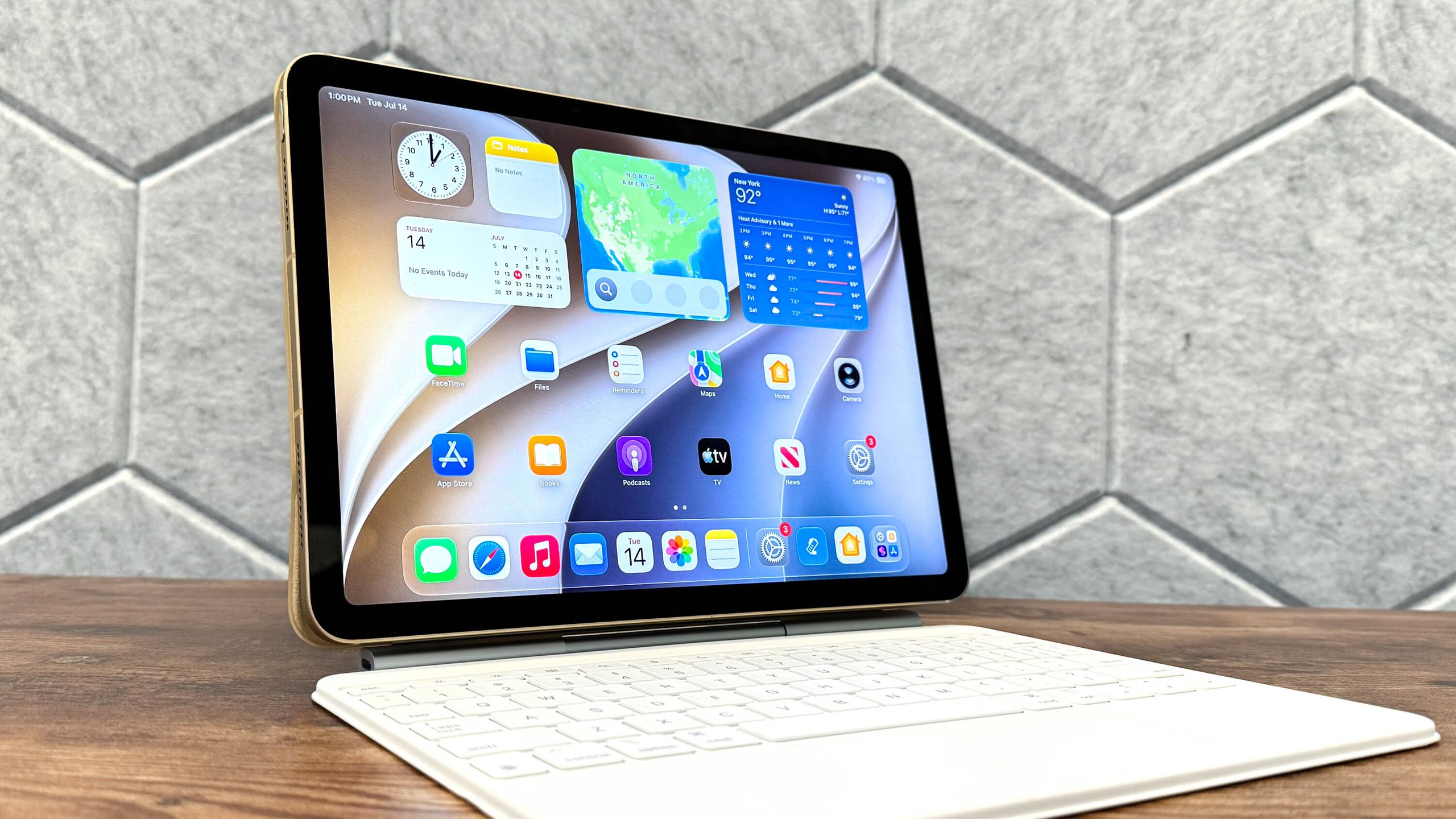
Apple has officially commenced its highly anticipated autumn software deployment, rolling out iPadOS 27 to supported tablet models across the globe. Alongside companion releases such as iOS 27 and macOS Golden Gate, this year’s software cycle marks a distinct pivot in Apple’s mobile strategy. Rather than introducing radical, disruptive interface overhauls, iPadOS 27 concentrates heavily on deeply integrated artificial intelligence capabilities, personalized utility features, and cross-platform ecosystem refinements designed to elevate the everyday user experience.
The release arrives following months of rigorous beta testing by developers and public enthusiasts. While major operating system updates in the past frequently centered on dramatic visual redesigns or vast multitasking overhauls, iPadOS 27 instead prioritizes intelligence and contextual awareness. At the heart of this strategy is the introduction of a reinvented, highly capable iteration of Apple’s virtual assistant, now widely referred to as Siri AI.
Background Context and the Evolution of Apple Intelligence
For years, critics and power users alike argued that Apple’s virtual assistant lagged behind competitors like Google Assistant and OpenAI’s ChatGPT in terms of conversational depth and complex task execution. With the introduction of the Apple Intelligence framework, the Cupertino-based tech giant has systematically rebuilt its assistant architecture from the ground up.
iPadOS 27 leverages this new intelligence layer to allow the operating system to understand what is actively displayed on the user’s screen. By combining on-device processing with secure cloud-based fallback models, Siri AI can now execute complex multi-step commands natively within third-party and native applications. For instance, a user can highlight a text address while reading an email, invoke the assistant, and instruct it to map the location, create a calendar event, and message a colleague—all within a single, fluid interaction.
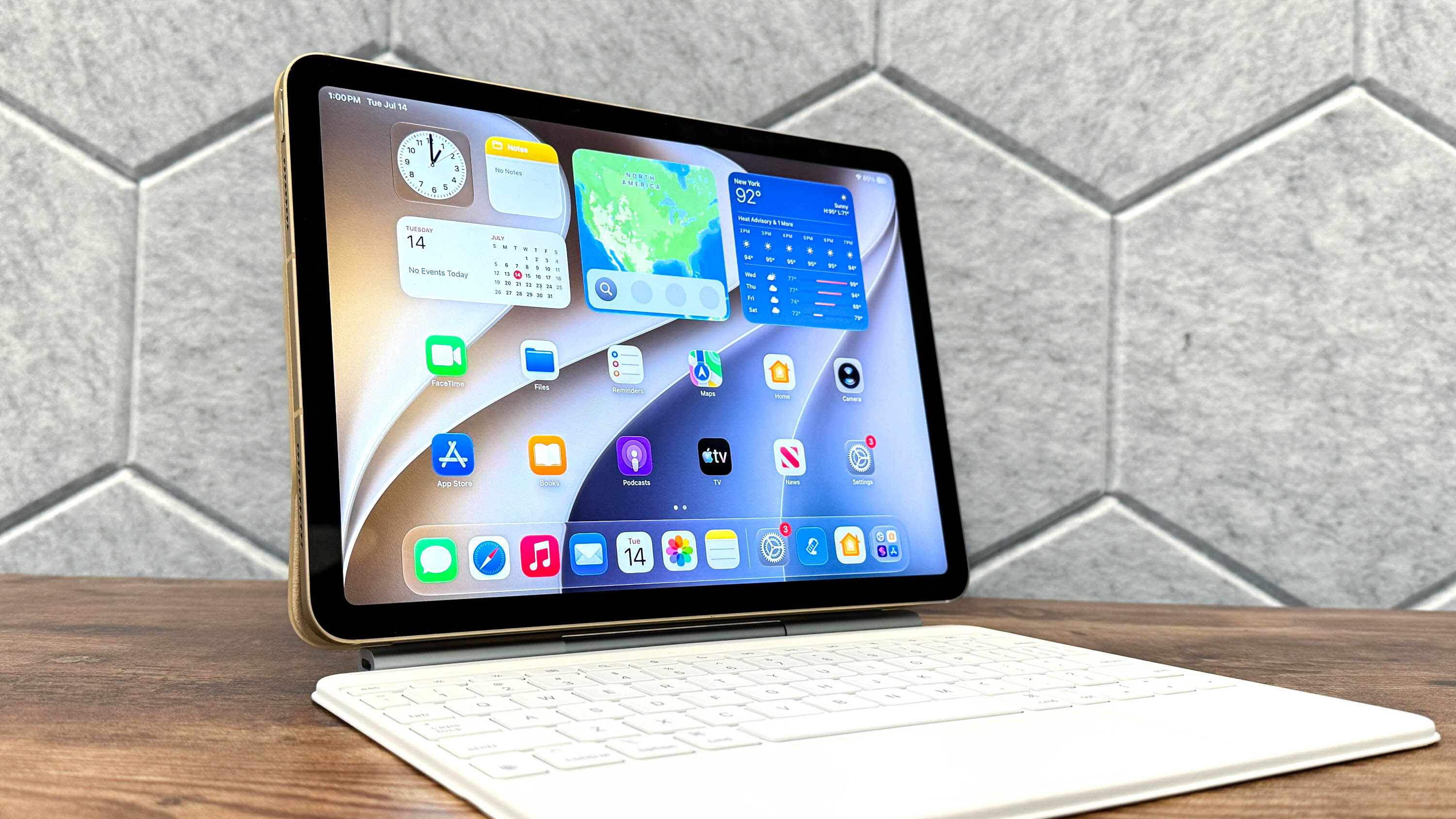
Beyond the revamped assistant, iPadOS 27 delivers a suite of targeted enhancements. These include advanced child safety protocols designed to protect younger users from sensitive content, refined typography and visual readability updates for the system’s Liquid Glass interface aesthetic, and sophisticated new photo-editing tools powered by machine learning algorithms that can cleanly remove distracting background elements with a single tap.
A Step-by-Step Guide to Downloading and Installing iPadOS 27
Deploying a major operating system upgrade requires careful preparation to ensure data integrity and system stability. Industry analysts and Apple support technicians universally recommend backing up your device via iCloud or a localized computer connection before initiating the installation process. Should any unexpected anomalies occur during the download phase, a reliable backup guarantees that users can restore their tablets to the previous stable build, iPadOS 26, without data loss.
While the upgrade is offered entirely free of charge, it is limited by hardware compatibility. Only specific iPad models equipped with sufficiently powerful neural engines and processing architecture can support the resource-intensive Apple Intelligence features included in this release. Users should verify their specific device model before attempting to secure the package.
The installation procedure has been streamlined for maximum efficiency:
-
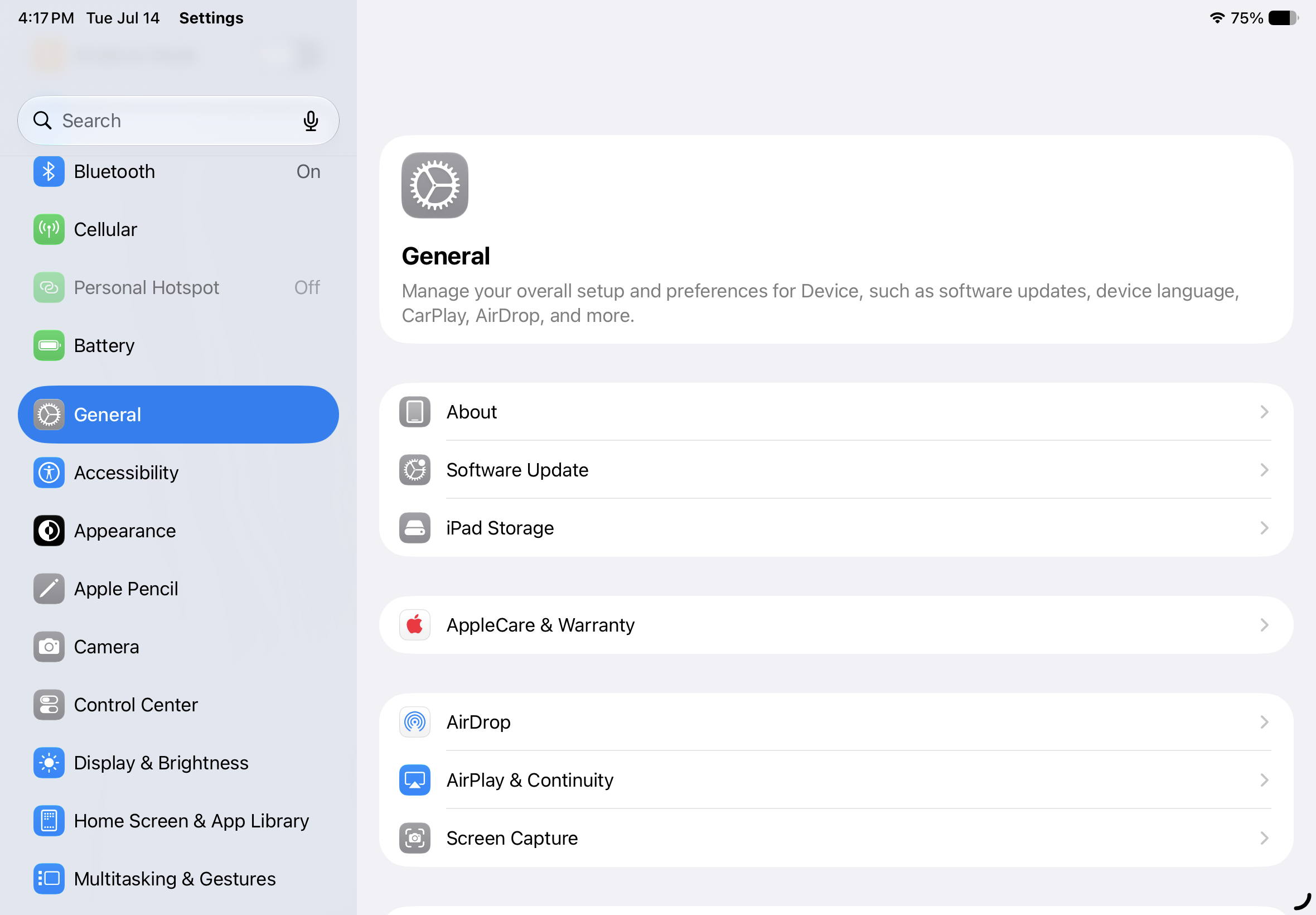
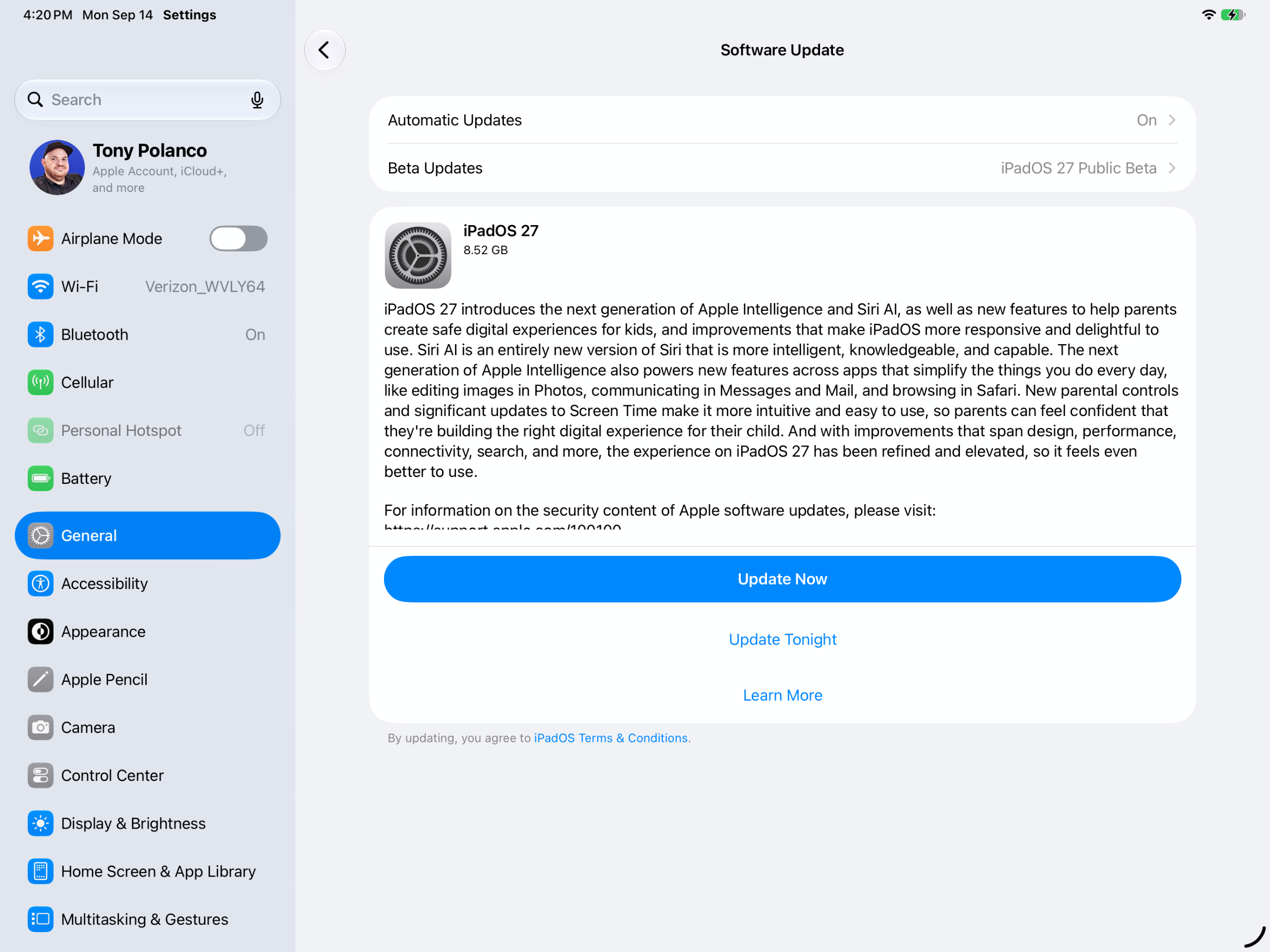
Access System Settings: Unlock your compatible iPad, locate the application drawer, and launch the native Settings utility. Navigate downward to select the General tab, followed by Software Update.
-
Locate the Target Update: If your device is running the most recent version of iPadOS 26, the notification banner for iPadOS 27 should automatically populate on the screen, detailing the software version and approximate file size.
-
Initiate the Download: Users are presented with two distinct scheduling options. Selecting "Update Now" begins the downloading sequence immediately, whereas choosing "Update Tonight" defers the operation until overnight hours, provided the device remains connected to power and a reliable Wi-Fi network. Because major firmware packages are often exceptionally large, ensuring the iPad is plugged into a wall charger is strongly advised to prevent mid-download battery depletion.
-
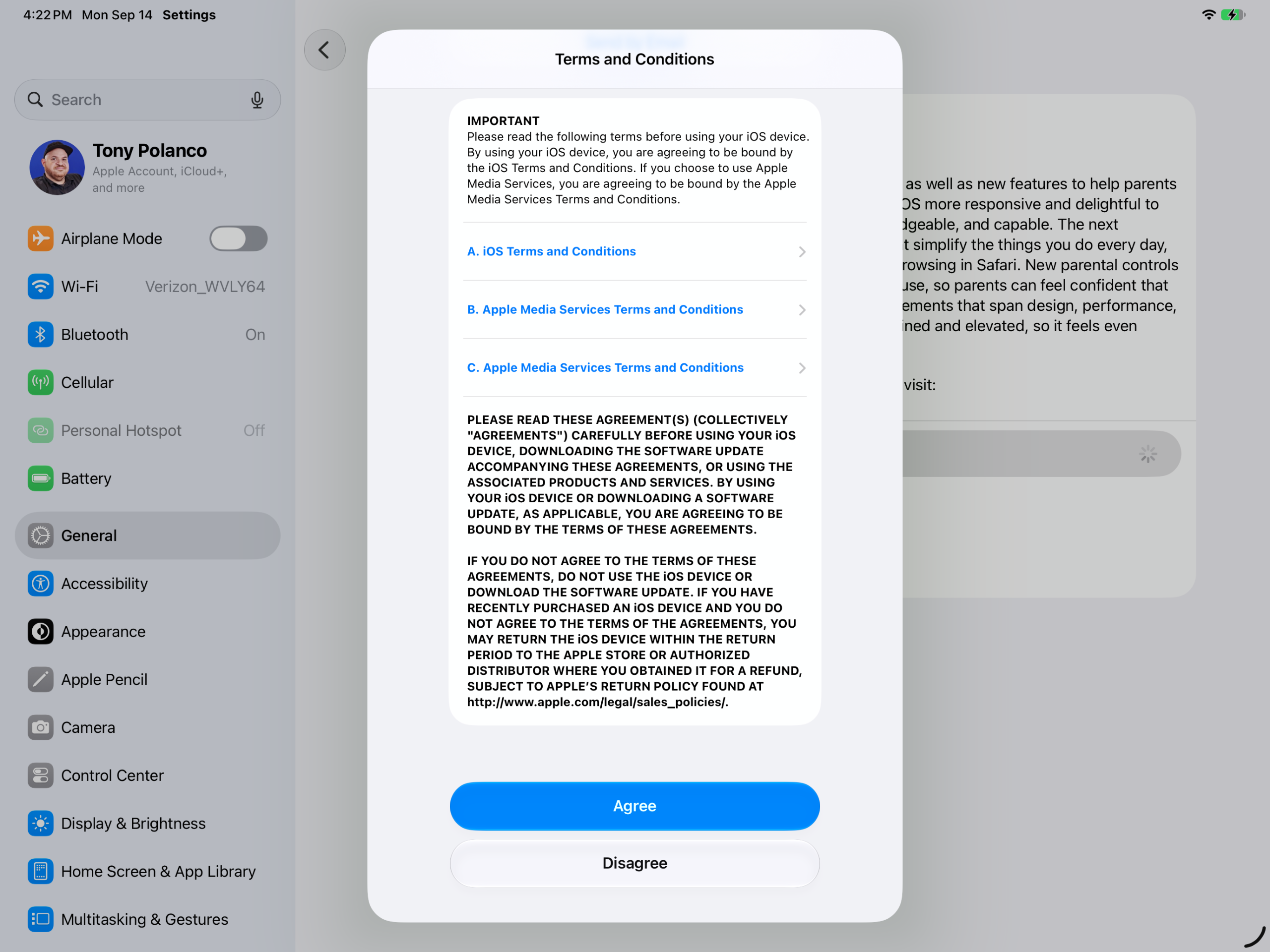
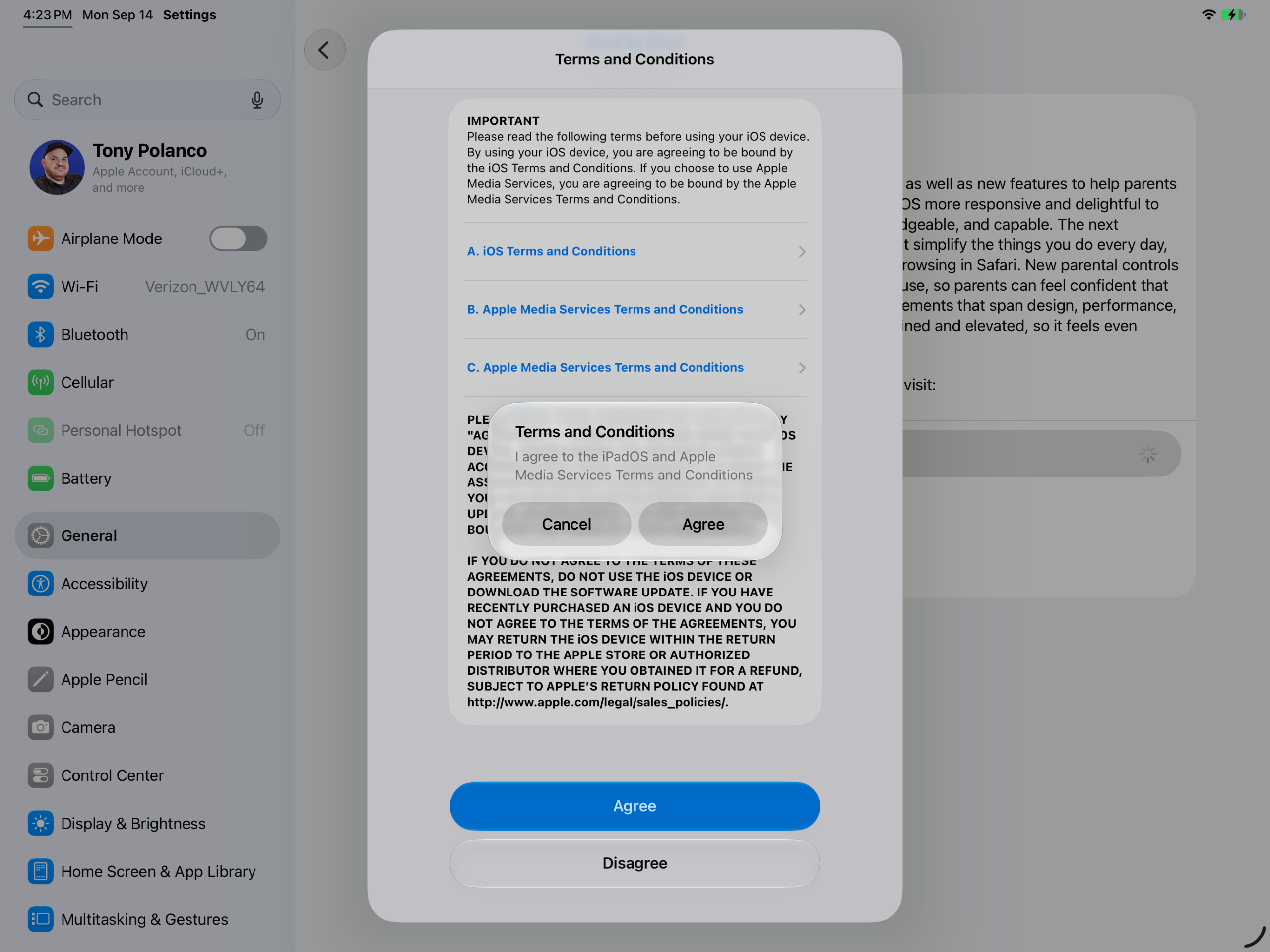
Execute the Installation: Once the package files have been fully downloaded and verified by the system, a prompt will appear asking whether you wish to install the update immediately or postpone it. Upon confirmation, the device will temporarily restart. Users will be required to input their security passcode upon rebooting, after which the final configuration scripts will execute, leaving the tablet running the newly minted iPadOS 27 environment.
Broader Implications and Industry Reactions
Tech industry analysts have observed that Apple’s deliberate, measured approach to iPadOS 27 reflects a broader maturation of the tablet market. Rather than attempting to turn the iPad into a traditional laptop replacement via complex window management systems—a persistent critique of earlier iPadOS iterations—Apple is instead positioning the iPad as a uniquely versatile, AI-enhanced canvas for creative work, consumption, and productivity.
Competitors in the consumer electronics space are closely monitoring the rollout. By embedding contextual AI directly into the operating system fabric rather than treating it as a standalone application, Apple has raised the baseline expectation for privacy-focused, hardware-accelerated machine learning on mobile devices. Because a significant portion of these AI calculations are processed locally on the device’s specialized neural hardware, Apple continues to emphasize its core corporate pillar: user privacy and data security.
As millions of users around the world begin downloading iPadOS 27, initial telemetry and early adopter feedback suggest a smooth deployment phase with minimal critical bugs reported. However, as developers begin leveraging the new Siri AI APIs within their own applications, the true test of iPadOS 27’s capabilities will unfold over the coming months, determining whether this software cycle successfully redefines how humans interact with their tablet computers.