Google Messages homepage redesign: Pinned chat avatars, bottom search, corner Gemini

The Evolution of the Google Messages Interface
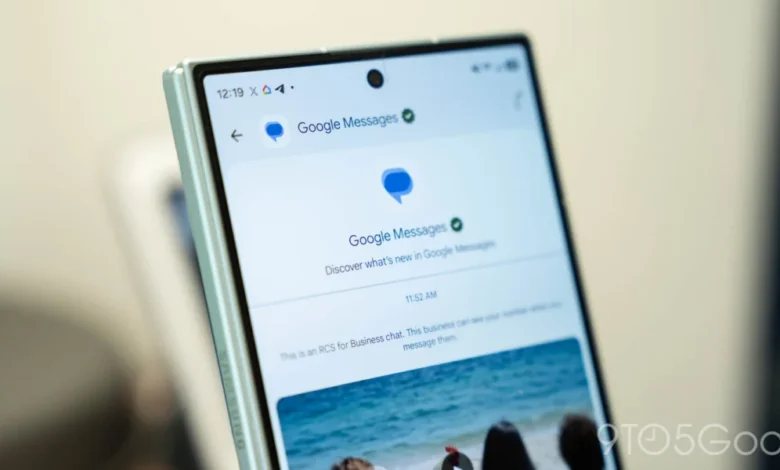
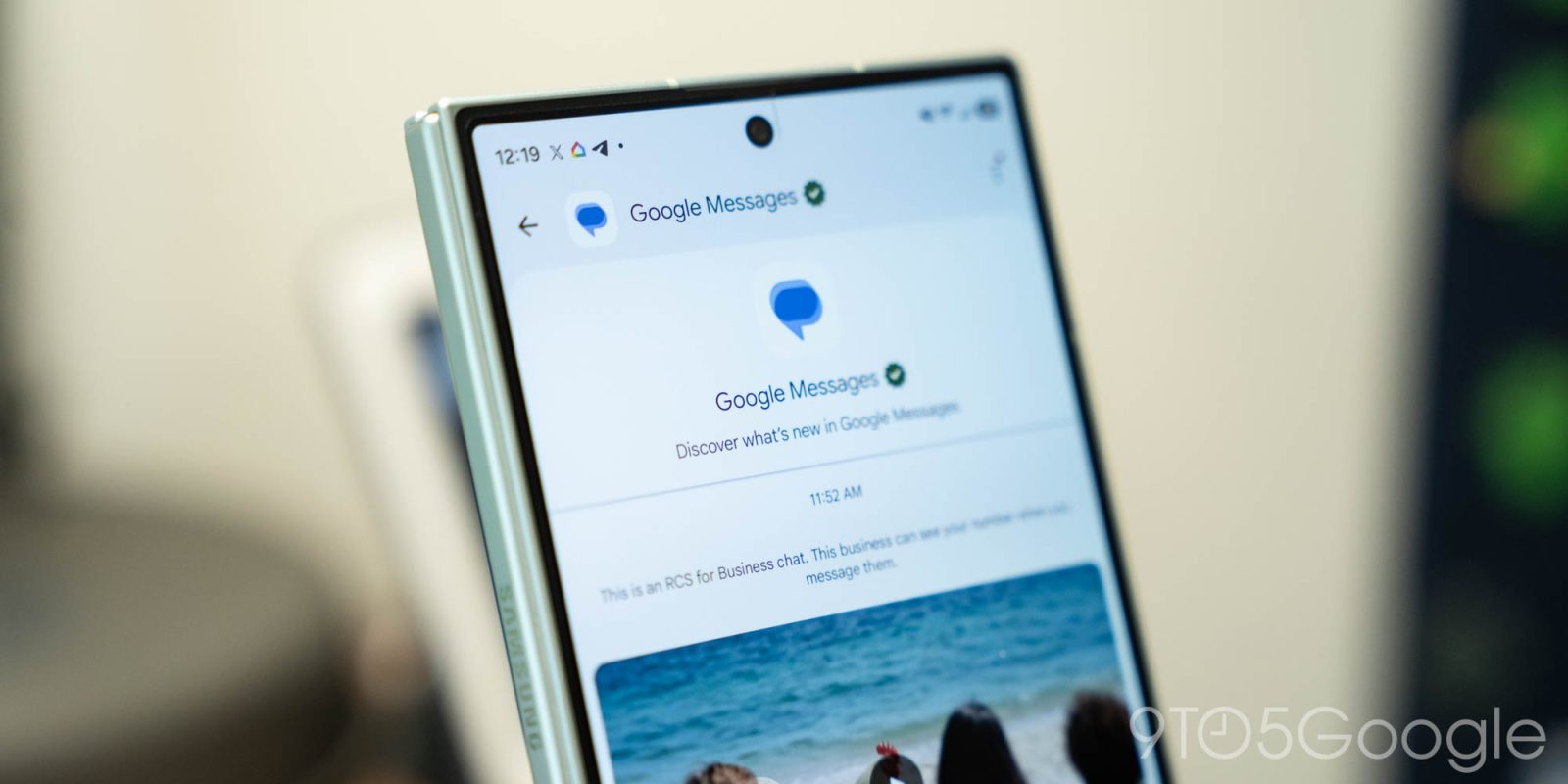
The trajectory of Google Messages over the past eighteen months has been characterized by a transition from a strictly utilitarian SMS/RCS client to a comprehensive communication hub. Following the company’s recent updates to its app icon—which introduced a refined, gradient-heavy aesthetic—the development team has turned its attention to the core user interface. This redesign follows a series of incremental updates throughout 2026, which have seen the integration of RCS (Rich Communication Services) as a default standard and the deeper embedding of generative AI tools.
The current testing phase, which began in early November 2026, is not an isolated event but rather the latest iteration of Google’s "unified communication" initiative. By experimenting with these changes in the beta channel, Google is collecting telemetry data to determine how users navigate their inbox when pinned items are elevated to a more prominent position.
Redesigning the Pinned Chats Experience
The most visually striking change in this update involves the treatment of pinned conversations. Historically, pinned chats in Google Messages were integrated directly into the main message list, differentiated only by a small pin icon. The new design shifts this paradigm entirely.
Under the current test, pinned chats are migrated to a dedicated space at the top of the interface, represented by large, circular contact avatars. This layout effectively pushes the primary message stream lower down the screen. By moving away from a vertical list format for pinned items, Google is clearly drawing inspiration from messaging platforms like Apple’s iMessage, which utilizes a similar "carousel" or header-based approach for frequently accessed contacts.
While this change offers a cleaner aesthetic and faster access to priority threads, it introduces a functional trade-off: the lack of metadata. In the previous iteration, pinned chats displayed the last sent message and a timestamp. The new, avatar-centric design prioritizes visual recognition over information density, meaning users can no longer see the most recent status of a pinned conversation without tapping into it. This reflects a shift toward a more minimalist interface design, favoring clean lines and visual clarity over the traditional data-dense lists found in older iterations of Android applications.

Enhancing One-Handed Usability with Bottom Search
The second core component of this redesign is the introduction of a dynamic, bottom-aligned search and composition interface. Google has implemented a floating action button (FAB) system that intelligently adapts to user interaction.
When the user is at the top of their message list, the interface presents a pill-shaped button that houses both a search function and a "Start chat" option. However, as the user begins to scroll down the message list, the UI undergoes an animated transition. The "Search" label collapses into a simple, circular magnifying glass icon, and the "Start chat" button remains accessible.
This design is a direct response to the increasing size of modern smartphone displays. By concentrating the most frequently used actions—searching for past messages and initiating new conversations—at the bottom of the screen, Google is optimizing the app for one-handed operation. This move aligns with the broader "reachability" design trends seen across both Android and iOS, where navigation elements are moved toward the thumb’s natural range of motion. The animation accompanying these transitions is subtle yet responsive, intended to provide immediate visual feedback that the application is adapting to the user’s movement.

Centralizing AI: The Gemini Shortcut Migration
The third pillar of the current redesign is the relocation of the Gemini AI integration. Previously, Gemini was accessed via a standalone floating action button. In the new layout, this shortcut has been moved to the top-right corner of the screen, positioned directly next to the user’s profile avatar.
This shift serves two purposes. First, it declutters the lower half of the screen, allowing the new search and composition buttons more room to function without interference. Second, it brings the Messages app into parity with Google’s Workspace suite—including Docs, Sheets, and Slides—where AI features are consistently located in the top navigation bar. By standardizing the location of Gemini across its mobile and desktop platforms, Google is aiming to create a predictable user experience for individuals who rely on the ecosystem for professional and personal tasks.
Context and Broader Implications
The rollout of these features is currently being handled in a piecemeal fashion. Not every beta tester has access to all three elements simultaneously, suggesting that Google is performing A/B testing to measure user engagement and potential friction points for each component.

From an industry perspective, these changes signify that Google is no longer content to treat Messages as a legacy SMS repository. With the global adoption of RCS reaching critical mass, the application has become a primary vehicle for Google’s AI ambitions. By elevating pinned chats and streamlining the search experience, the company is attempting to increase the "stickiness" of the platform.
Analysts note that as messaging apps become more complex—incorporating AI chatbots, file sharing, and cross-device synchronization—the burden on the user interface increases. The challenge for developers is to maintain a balance between power and simplicity. The current redesign demonstrates a willingness to sacrifice the density of information (as seen in the removal of snippets for pinned chats) in favor of a modern, "breathable" interface that mirrors current design trends in mobile software.
Looking Ahead: The Future of Android Communication
As Google continues to refine these elements, the feedback from the beta community will be critical. The transition from a list-based, data-heavy inbox to a more visually driven, navigation-optimized interface represents a fundamental shift in how Google expects users to interact with their messages.

If this redesign sees a full public release, it will likely be accompanied by a series of tutorials or "onboarding" cues, as users accustomed to the older interface may find the new layout—particularly the lack of message snippets in pinned chats—to be a significant departure from established workflows.
Furthermore, the integration of Gemini into the top navigation bar suggests that Google intends to make AI a permanent fixture of the messaging experience, rather than an optional tool. As the company continues to iterate on this layout, observers will be watching to see if the interface remains stable or if further refinements are needed to balance the competing demands of AI accessibility, one-handed usability, and the core requirement of viewing recent message history at a glance.
Ultimately, these changes underscore Google’s commitment to maintaining Google Messages as a competitive, modern platform. Whether these specific design choices will satisfy the power-user base remains to be seen, but the clear objective is a more cohesive, visually consistent, and AI-forward communication tool for the Android ecosystem. The ongoing test period serves as a necessary buffer, allowing the company to balance these aesthetic ambitions with the functional realities of daily user communication.