The Mechanics of the Redesign
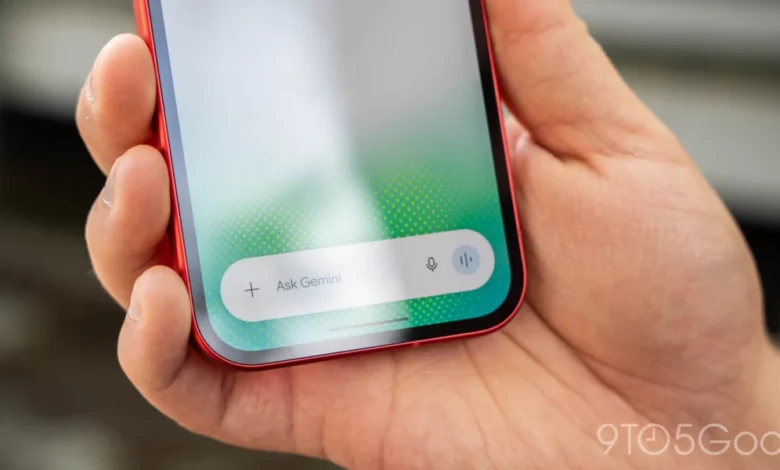
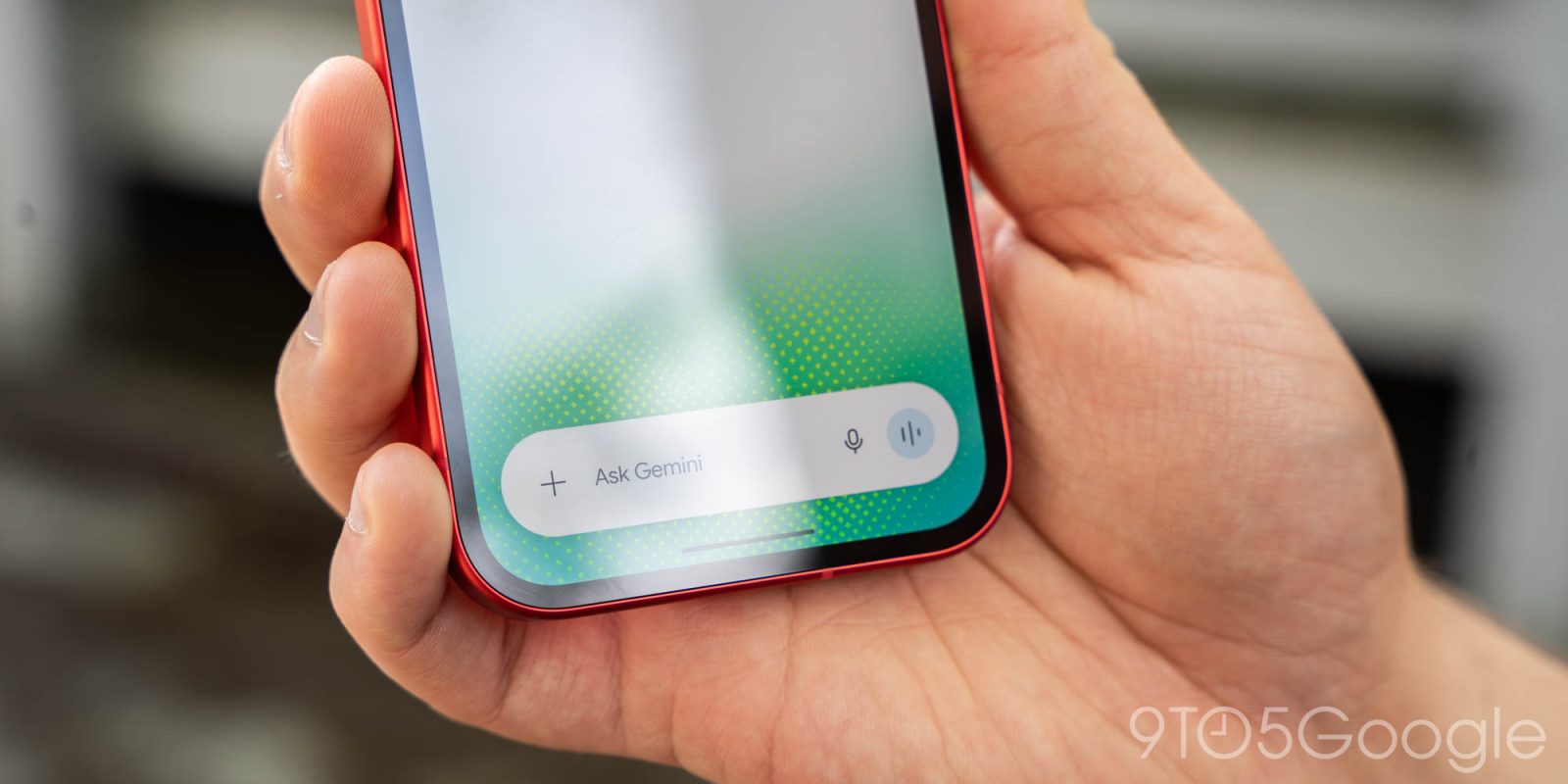
The previous iteration of the Gemini camera interface was functional but lacked cohesion with the broader Android ecosystem. When a user tapped the "plus" menu to access the camera, they were met with a rigid, full-screen viewfinder that felt disconnected from the conversation. The new implementation, which is now widely available across both beta and stable channels (version 17.76 and above), adopts a bottom-sheet architecture.
When triggered, the camera interface now slides upward with a polished animation, occupying the majority of the screen without fully obscuring the context of the user’s conversation. Crucially, the UI extends behind the system navigation bar, offering an edge-to-edge aesthetic that aligns with modern Material Design 3 principles.
Navigation within the new camera module has also been refined. To the right of the capture button, a three-dot overflow menu provides quick access to flash toggles and front-facing camera switching. The transition between these states is marked by smooth, responsive animations that enhance the overall sense of performance. Users can dismiss the camera by tapping a dedicated back button or by utilizing a simple swipe-down gesture, making the process of capturing and uploading images for analysis faster and more intuitive than before.
Chronology of Gemini’s Visual Evolution
The rollout of this camera update is the latest in a series of rapid deployments for the Gemini app throughout 2026. This trajectory reflects Google’s aggressive strategy to integrate its Gemini model into the daily workflows of Android users.
- Early 2026: Google prioritized integrating Gemini as the primary digital assistant, replacing Google Assistant in many core functions. This period focused on basic text and voice queries.
- Mid-2026: The focus shifted toward multimodal capabilities. The ability for Gemini to process screenshots and live camera feeds was introduced, though the UI remained in a nascent, "generic" state.
- Late 2026 (Q4): Google introduced "Gemini for iOS" as a standalone experience. During this development phase, the team experimented with the bottom-sheet camera UI, which received positive feedback for its ease of use.
- November 2026: The camera redesign officially migrated from the iOS platform to the Android version, ensuring parity across the two primary mobile ecosystems.
- November 20, 2026: Coinciding with the camera update, Google launched native GIF creation capabilities within the Gemini app, powered by the Gemini Omni 1.2 Flash model.
Contextualizing Gemini Omni 1.2 Flash
The camera update does not exist in a vacuum; it is supported by significant backend advancements in Google’s model architecture. The recent introduction of Gemini Omni 1.2 Flash represents a milestone in how Google processes visual and motion-based data.
Gemini Omni 1.2 Flash is specifically engineered for latency-sensitive tasks. By optimizing the model to handle video and image frames with higher efficiency, Google has enabled features like "Create a GIF." Instead of relying on a pre-existing database of GIFs—which requires the user to search through limited libraries—Gemini can now synthesize original motion imagery based on text prompts. This capability allows users to describe an action or a meme, and the model generates a high-quality, looping animation.
From a technical perspective, the integration of this model into the app’s workflow—where a user can snap a photo and then prompt the model to modify or animate it—demonstrates a shift from "AI as a search engine" to "AI as a creative studio."
Supporting Data and Industry Implications
The mobile AI market is currently undergoing a rapid transformation. According to industry analysis, user engagement with generative AI tools increases by approximately 40% when the interface transitions from a text-heavy, static prompt box to a multimodal, "camera-first" experience. By reducing the friction required to feed visual data into the AI, Google is effectively lowering the barrier to entry for casual users.
Furthermore, data suggests that the "three-dot" overflow menu design—a staple of Android UI—significantly reduces cognitive load. Users who are already familiar with the Android camera app experience a reduced learning curve when using the new Gemini interface, as the muscle memory required to toggle the flash or flip the camera remains consistent.

Official Stance and Strategic Direction
While Google has not released specific user metrics regarding the new camera interface, the company’s recent communications emphasize "fluidity" and "immediacy." In official blog posts and social media updates, the Gemini team has positioned these changes as part of a broader "Say Goodbye to Searching" campaign.
The strategy is clear: Google wants to eliminate the middleman. By creating GIFs from scratch or having the camera "understand" a complex environment, the company is attempting to make its app the default destination for creative and utility tasks. The push to bring this feature to both the beta and stable channels simultaneously indicates that Google is confident in the stability of the new UI and wants to achieve universal adoption as quickly as possible.
Analyzing the Broader Impact
The implications of this update extend beyond simple UI tweaks. As smartphones become increasingly "AI-native," the camera is no longer just a tool for photography; it is the primary input device for the AI. When a user points their phone at a piece of hardware, a document, or a complex visual scene, the interface between that physical object and the AI model is the camera app.
By redesigning this interface to be more accessible, Google is preparing the Android ecosystem for a future where users interact with their physical environment through the lens of a model like Gemini. The move toward a bottom-sheet design is particularly important here, as it allows the user to maintain context—they can see what the AI is seeing while simultaneously reading the AI’s analysis or drafting a response.
Troubleshooting and Deployment
For users who find that the update has not yet appeared on their devices, Google’s standard recommendation is to perform a "Force Stop" of the Google app. Because the Gemini app is deeply tethered to the core Google app architecture, refreshing the process is often sufficient to trigger a server-side flag update.

The deployment of version 17.76+ ensures that the app is compatible with the latest model optimizations, including the aforementioned Omni 1.2 Flash capabilities. Users are encouraged to keep their applications updated through the Google Play Store to ensure that they receive not only the visual updates but also the security and performance patches that accompany these frequent releases.
Conclusion: A Seamless Future
The transformation of the Gemini camera interface is a quintessential example of how the software industry is adapting to the demands of the AI era. It is no longer enough to have the most powerful model; the interface must be invisible enough to let the AI do the work, yet intuitive enough to ensure the user stays in control.
As Google continues to refine the Gemini experience, we can expect further iterations in how users interface with multimodal models. Whether through improved voice interactions, deeper integration with the Android system, or more sophisticated visual analysis tools, the goal remains the same: to turn the smartphone into an extension of the user’s intent. For now, the new camera UI stands as a testament to the importance of design in the age of intelligence, bridging the gap between the physical world and the digital mind of the AI. By moving away from clunky, full-screen blockers and toward fluid, contextual overlays, Google is setting a new standard for how mobile applications should function in a world where AI is everywhere.