Asus Zenbook 14 Review: A Budget-Friendly Entry into the Snapdragon X Ecosystem

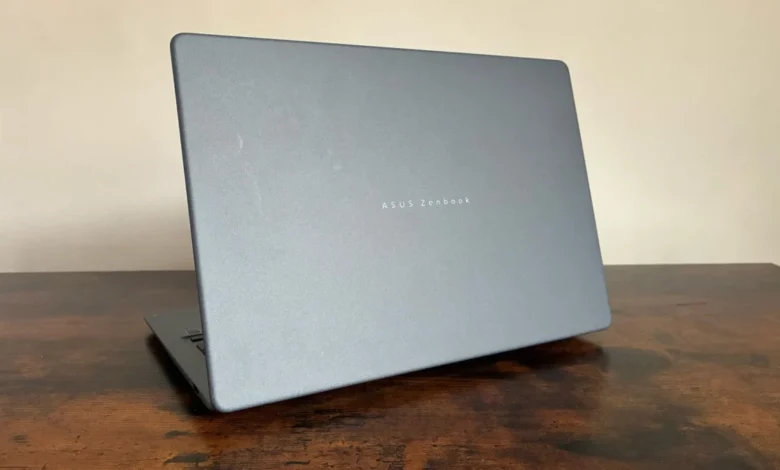
Asus is back with a brand new Zenbook 14, and once again with a Snapdragon X chipset. The release of this iteration marks a significant shift in the competitive landscape for Windows-on-Arm devices. Unlike the premium Zenbook A14 launched earlier this spring, which positioned itself as a flagship Copilot+ PC, this new Zenbook 14 arrives with a much more accessible price point of £799.99. By strategically adjusting the internal hardware specifications while maintaining the aesthetic and structural integrity of the higher-end model, Asus is clearly targeting the professional segment that prioritizes portability and battery efficiency over extreme processing power.
The Evolution of the Zenbook Lineup: A Brief Chronology
The trajectory of the Asus Zenbook series over the past twelve months has been defined by a pivot toward Qualcomm’s Snapdragon X architecture. In the spring of 2024, the industry saw the debut of the Zenbook A14, which served as a showcase for the capabilities of the Snapdragon X Elite platform. That launch was characterized by high-end performance, 32GB of RAM, and a price tag that placed it firmly in the premium category.
The introduction of this latest Zenbook 14 in the latter half of the year represents a secondary phase in this rollout. Following the initial excitement surrounding the "Copilot+ PC" initiative, consumer demand has trended toward devices that offer the benefits of Arm-based computing—such as enhanced thermal management and extended battery life—at a price point that is competitive with traditional x86 ultrabooks. By dropping the "A" prefix and streamlining the internal components, Asus has effectively bridged the gap between enthusiast-grade hardware and the needs of the average enterprise user.
Design and Build Philosophy
The Zenbook 14 maintains the professional, understated design language that has become a staple of the brand. The chassis is constructed from what Asus terms "Ceramic Ceraluminium," a material that blends the structural rigidity of aluminum with a ceramic-like finish. This coating is not merely aesthetic; it is designed to be highly resistant to smudges and physical shocks, ensuring that the device retains a pristine appearance even after extended use in high-traffic office environments.
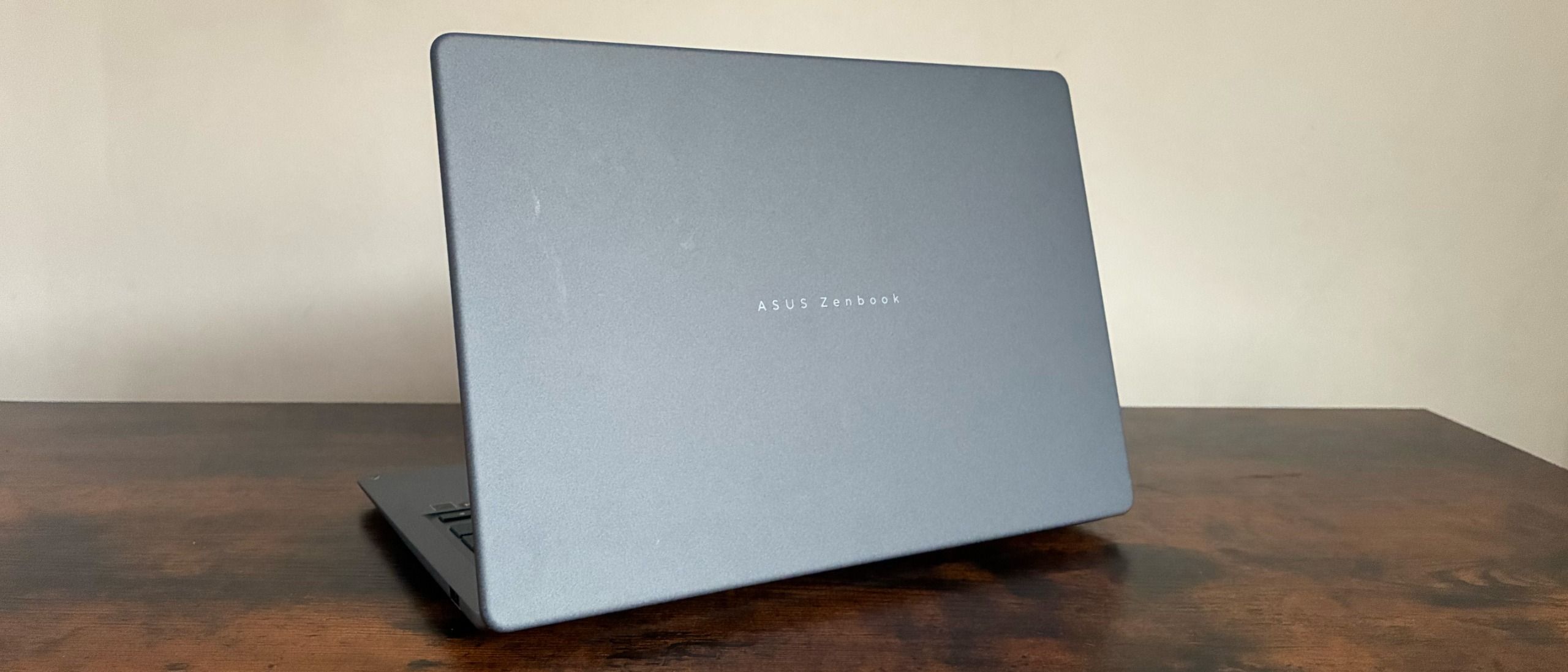
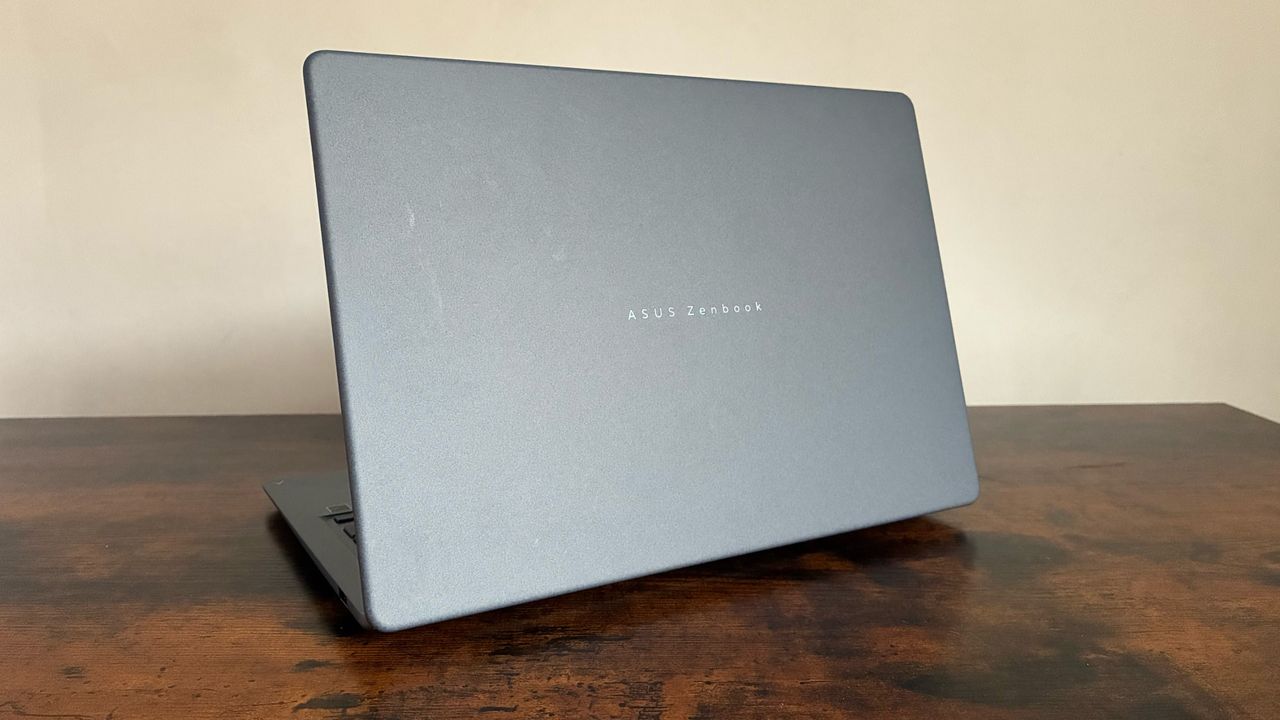
Weighing in at a mere 1.10kg with a thickness of 0.55 inches, the laptop is designed for maximum mobility. The integration of a new hinge mechanism, which the manufacturer notes provides "optimal torque," allows the lid to be opened with ease. This attention to mechanical detail underscores a commitment to user experience, particularly for those who frequently move between meetings or travel for business. The color palette—including the professional-leaning blue-gray, alongside more expressive options like Zabriskie Beige and Coral—suggests an effort to cater to diverse professional identities.
Technical Specifications: Performance and Efficiency
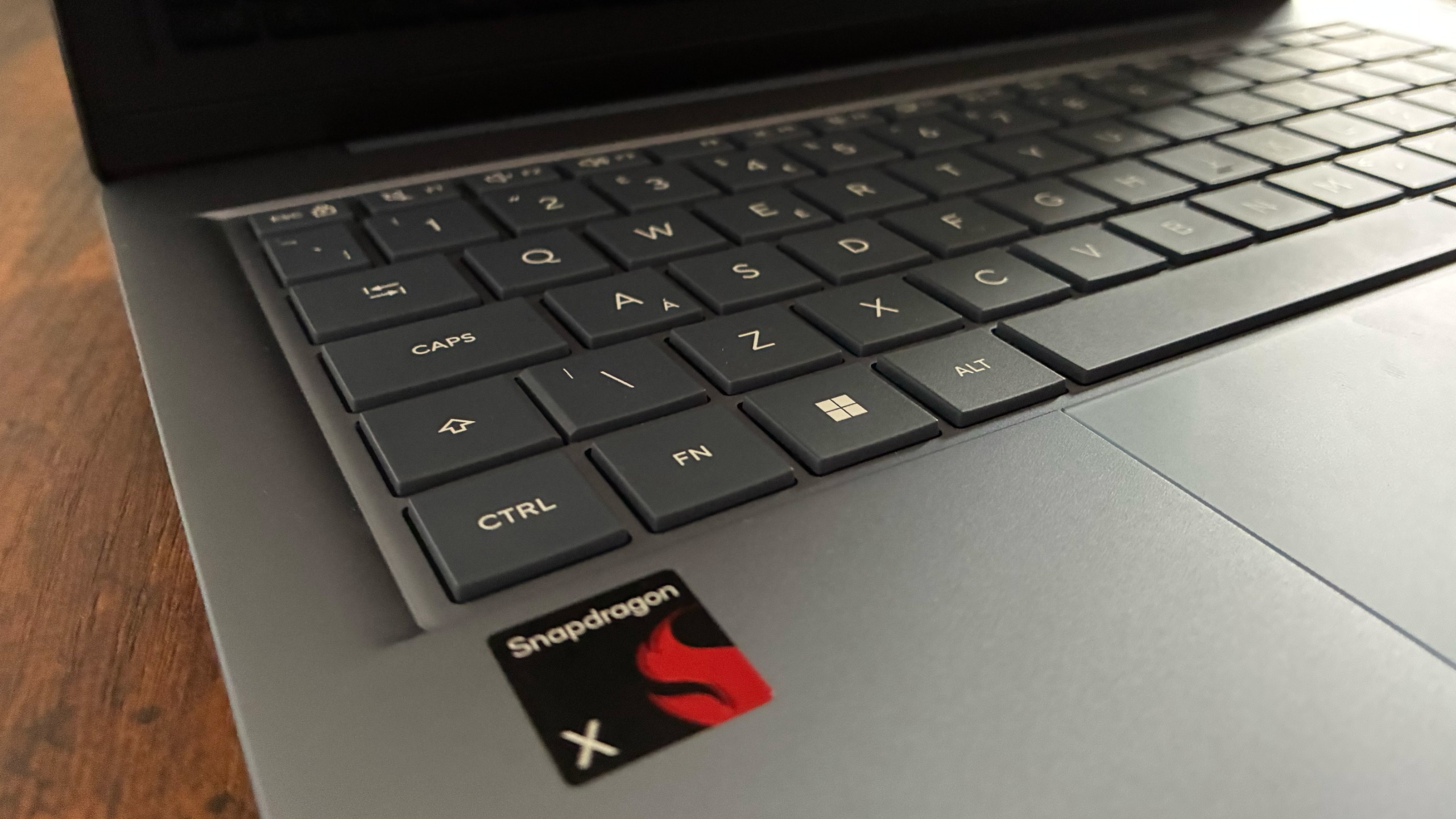
The primary differentiator for this model is the shift from the Snapdragon X Elite to the base-level Snapdragon X chipset. This transition results in a more modest performance profile compared to the flagship models. Equipped with 16GB of LPDDR5X RAM and a 512GB M.2 NVMe PCIe 4.0 SSD, the device is clearly optimized for productivity tasks rather than resource-intensive creative rendering or high-end gaming.
Benchmark testing reveals a nuanced picture of its capabilities. In Geekbench 7, the machine recorded a single-core score of 1,324, which reflects the limitations of the lower-tier Snapdragon X chip. However, the multi-threaded score of 10,547 demonstrates that the laptop remains more than capable of handling complex multitasking, such as maintaining numerous browser tabs, running communication suites, and managing document workflows simultaneously. While these figures may not satisfy users requiring high-end workstation performance, they provide a reliable foundation for standard business operations.
Furthermore, the inclusion of the Qualcomm Hexagon NPU, capable of up to 45 TOPS (trillion operations per second), ensures that the device is prepared for future local AI-driven tasks. This is a critical factor for enterprise procurement, as businesses look to future-proof their hardware investments in the face of rapidly evolving software requirements.
Display and Input Experience
The 14-inch WUXGA OLED display serves as one of the device’s strongest assets. With a resolution of 1920 x 1200, the screen provides a crisp, high-contrast visual experience. During rigorous testing, the display achieved a peak brightness of approximately 302.96 cd/m2, which is sufficient for typical office lighting conditions.
Color reproduction is arguably the standout feature here, with the device boasting 100% sRGB color coverage and a massive 169.4% color volume. Additionally, the 92.6% Adobe RGB coverage indicates that the display is suitable for entry-level photo editing and graphical presentations.
Input mechanisms are equally refined. The keyboard features large, excimer-coated keycaps with 1.7mm of travel, providing a tactile and comfortable typing experience suitable for long-form content creation. Below the keyboard, the ErgoSense touchpad supports a variety of intuitive gestures, allowing for fluid navigation between Windows workspaces. While the clicks are slightly more audible than some competitors, the responsiveness of the trackpad is consistent and reliable.
Battery Longevity and Portability
The question of battery life is paramount for any ultra-portable device. The Zenbook 14 utilizes a 3-cell Li-ion battery. While Asus claims a potential for up to 18 hours of web browsing, real-world testing shows a more conservative figure, with the device lasting 10 hours and 13 minutes in a looped video playback scenario.
For the average office worker, this translates into a full workday of mixed-use productivity without the constant need for an external power source. While this represents a step down from the endurance of the more expensive X Elite variants, it remains competitive within the £800 price bracket.
Connectivity and Software Ecosystem
In an era where many thin-and-light laptops are stripping away physical ports, the Zenbook 14 offers a balanced array of connectivity options. Users are provided with two USB 3.2 Gen 2 Type-C ports, one of which supports display output and power delivery, and a standard USB 3.2 Gen 1 Type-A port. The inclusion of an HDMI 2.1 port and a 3.5mm audio jack ensures that the device can easily integrate into most existing office desk setups without the immediate requirement for dongles or port replicators.
Security remains a focal point, with Microsoft’s Pluton security processor embedded directly into the CPU. This hardware-level protection is increasingly essential for enterprise IT departments concerned with safeguarding against firmware attacks. Complementing the hardware are Asus’s proprietary software tools, including GlideX, ScreenXpert, and MyASUS. These utilities allow users to manage fan profiles, suppress background noise in calls, and extend their workspace to mobile devices, offering a holistic ecosystem that adds tangible value to the hardware package.
Market Implications and Conclusion
The arrival of this £799.99 Zenbook 14 signals a broader industry trend toward the "democratization" of Arm-based Windows devices. By offering a refined, lightweight, and high-quality machine that utilizes the Snapdragon platform at a more attainable price, Asus is positioning itself to capture a larger share of the enterprise and student markets.
While the device makes necessary concessions in raw processing power and storage capacity compared to its more expensive counterparts, it does not compromise on the fundamental pillars of the Zenbook brand: style, portability, and display quality. For the professional who requires a dependable, modern machine that excels in day-to-day office tasks, the Zenbook 14 offers a compelling balance of cost and capability.
As Qualcomm’s Snapdragon X architecture continues to mature, the success of mid-range devices like this one will be a vital indicator of whether the Windows-on-Arm ecosystem can successfully transition from a niche, premium category to a standard choice for the global workforce. For now, the Zenbook 14 stands as a testament to the fact that high-quality design and modern silicon need not be restricted to the highest echelons of the price market.