Google Messages Overhauls Core Navigation, Gestures, and Long-Press Menus in Latest Stable Update

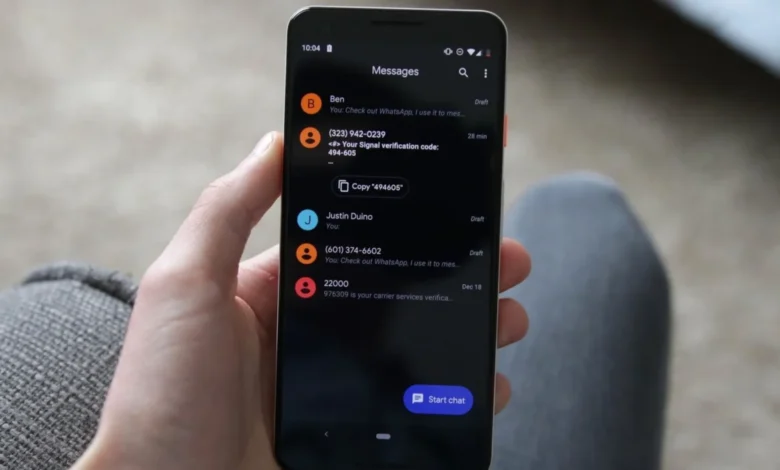
Google is rolling out a significant update to its flagship messaging application, Google Messages, introducing a comprehensive overhaul of its foundational user interface and gesture controls. For millions of Android users worldwide, habits built over years of texting—such as copying text, checking precise timestamps, replying to specific threads, and managing message bubbles—are being redefined. Rather than relying on traditional top-of-screen toolbars and static menus, Google is shifting toward a more contextual, floating interface designed to streamline communication and improve multitasking efficiency.
The rollout, tied to recent application builds such as version 20260910_03_RC02, is currently reaching users via a phased server-side deployment. As a result, millions of active Android device owners will see these visual and interactive shifts gradually appear on their screens over the coming weeks.
A New Visual Paradigm: The Floating Long-Press Menu
The most immediate and striking visual change in the updated version of Google Messages is the abandonment of the traditional top-of-screen action bar during message selection. Historically, when an Android user pressed and held a message bubble, a toolbar containing icons for deleting, forwarding, and copying would snap to the top of the display.
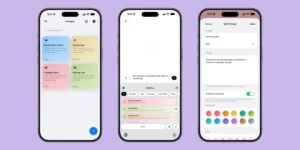
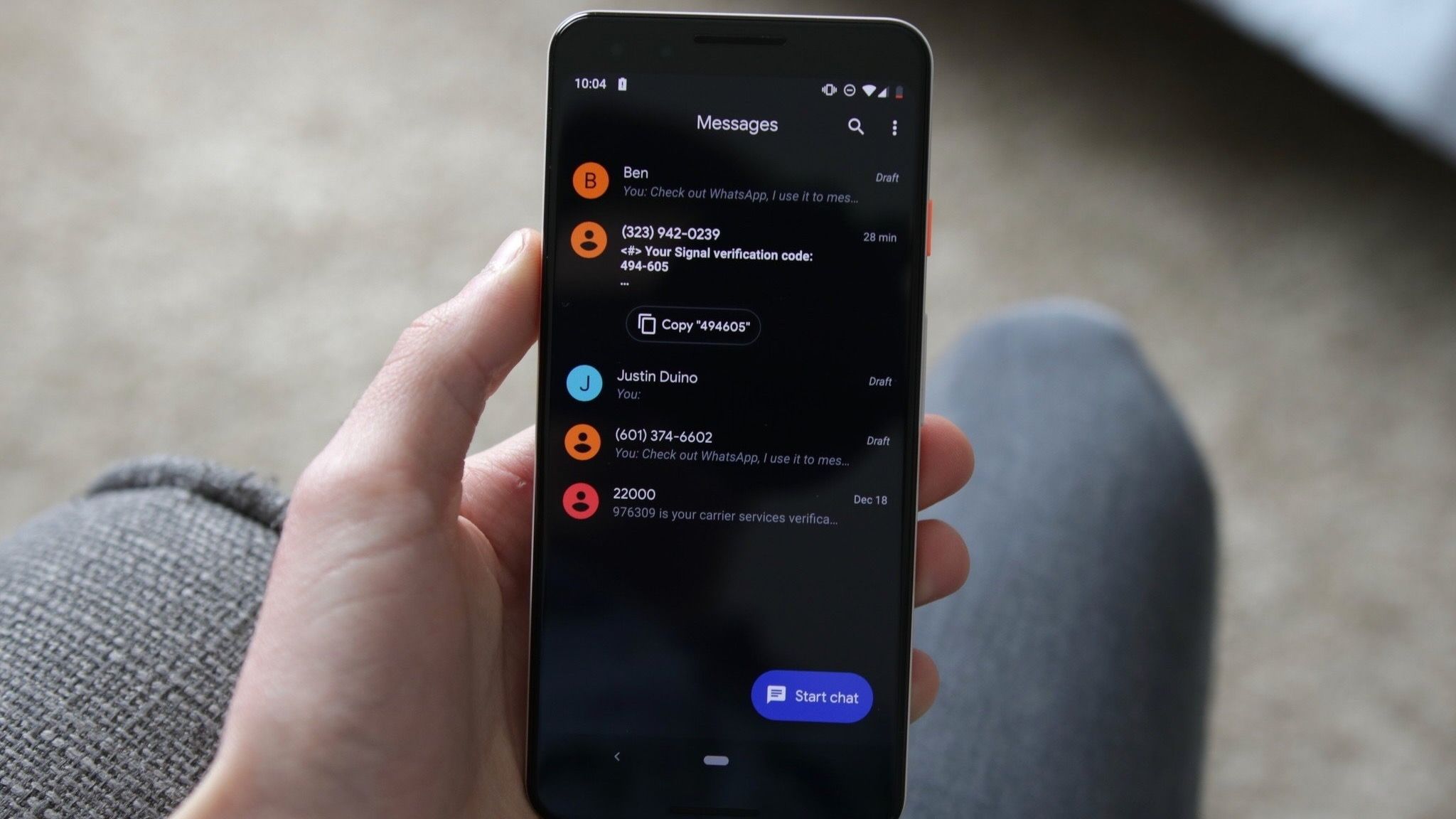
Under the new design philosophy, Google has introduced a floating context menu that anchors itself directly next to the selected message bubble. To further focus user attention, the background of the active conversation gently blurs when the menu is invoked. This design mirrors modern desktop and mobile operating system paradigms that prioritize localized interaction over distant UI elements, reducing thumb travel distance on modern, oversized smartphones.
This floating menu grants immediate access to a robust suite of tools:
- Reply: Instantly quote and respond to the specific message.
- Forward: Share the content to another contact or chat thread.
- Copy: Capture text to the device clipboard.
- Star: Pin or bookmark important messages for easy retrieval.
- Delete: Remove the message from the local thread view.
- Select More: Expand the selection to multi-select multiple bubbles.
- Info: View detailed delivery and read-receipt metadata.
For media attachments, such as images, the menu dynamically expands to include context-aware options like "Save" to the local device gallery and "Remix" features leveraging Google’s integrated AI capabilities. According to early community reports and platform trackers, this layout significantly cleans up the chat interface by eliminating visual clutter at the top of the screen.
Granular Text Selection and Universal Media Handling
Beyond cosmetic layout adjustments, the update delivers a long-awaited functional upgrade to how text is copied within conversations. In previous iterations, tapping copy would capture the entire contents of a message bubble. For lengthy paragraphs containing mixed data—such as a street address, a phone number, and a meeting time—users were forced to paste the entire block into a secondary text field just to edit out unwanted information.
The updated Google Messages framework introduces granular text selection. Following an initial long-press to bring up the context menu, users can perform a secondary touch-and-hold action to highlight and copy specific snippets of text, matching the precise selection behavior found in mainstream web browsers and document editors.
Google has officially confirmed that these refined touch-and-hold actions extend across a diverse array of media formats. Whether interacting with raw text, high-resolution images, video files, hyperlinks, physical location drops, or digital contact cards, the floating context menu adapts to provide contextually relevant utilities.
Redefining Muscle Memory: Navigation and Swipe Gestures
While visual menus are relatively easy to adapt to, changes to core gesture controls require breaking years of established muscle memory. Google Messages is altering two of the most frequently used interaction patterns: viewing timestamps and initiating direct replies.
In the updated application, checking the exact time a message was sent no longer requires tapping individual bubbles to reveal metadata headers. Instead, users can swipe left anywhere within the conversation interface to instantly expose message timestamps alongside the end-to-end RCS (Rich Communication Services) encryption status of the chat. To help users transition, the application temporarily displays timestamps immediately following a standard tap on a message bubble, acting as an onboarding cue for the new gesture behavior.
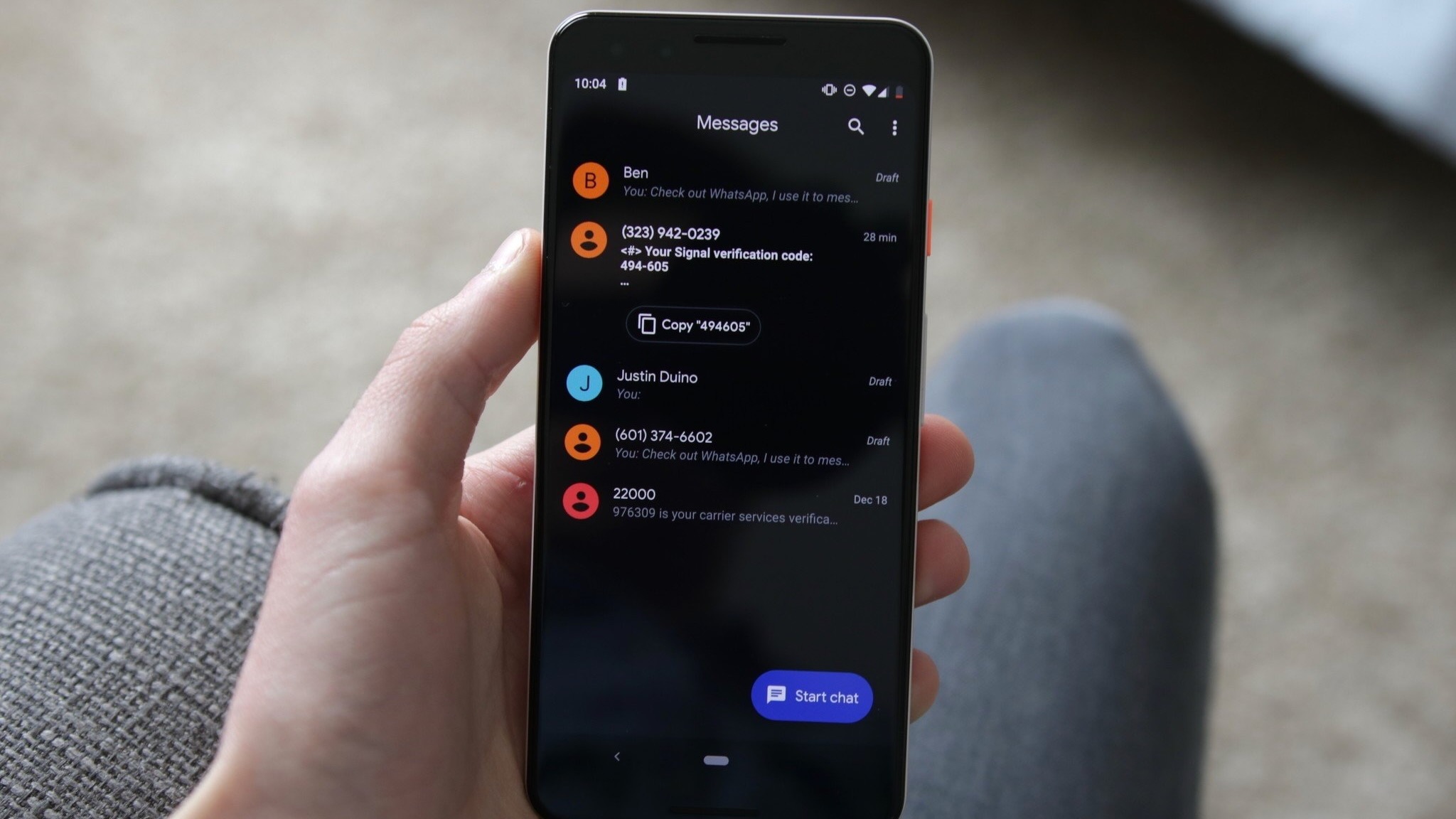
Conversely, initiating a direct reply to a specific message now strictly requires swiping right directly on the targeted message bubble. This separation of gestures—swiping left for conversation-wide temporal and security data versus swiping right for direct message quoting—aims to prevent accidental input errors while accelerating navigation through dense, fast-paced chat threads.
Practical Implications and Efficiency in Long Threads
From a usability standpoint, these architectural modifications offer distinct advantages, particularly for power users and professionals who rely heavily on RCS messaging for coordination.
The ability to scan an entire conversation’s timing via a single left-swipe gesture eliminates the tedious process of opening message details one by one. In long threads spanning days or weeks, determining the precise chronology of events is critical; the new timestamp implementation drastically reduces the friction associated with historical fact-checking inside personal and group chats.
Furthermore, the integration of granular text copying minimizes user frustration. In an era where two-factor authentication codes, tracking numbers, and complex addresses are routinely sent via text, the ability to isolate specific strings of characters directly within the messaging client represents a significant productivity boost.
Rollout Strategy and Availability
Because Google is distributing these user interface enhancements via a server-side switch rather than a standalone Google Play Store update, availability remains staggered. Users operating on build 20260910_03_RC02 or later may see the features instantly, while others may experience a delay of several days as Google monitors stability telemetry and server-side performance.
As Android continues to unify its design language around contextual, floating elements and fluid motion, the overhaul of Google Messages signals the platform’s broader commitment to modernizing legacy interaction models for modern form factors.