As the lines between home entertainment centers and home offices continue to blur, a common cost-saving strategy has emerged among remote workers and casual gamers: repurposing a television as a primary computer display. While the technical barrier to entry is minimal—often requiring nothing more than a standard HDMI cable—the transition from a dedicated monitor to a television involves significant trade-offs in visual fidelity, ergonomics, and system responsiveness. Understanding these disparities is essential for users who spend extended hours navigating complex workflows or engaging in competitive digital environments.
The Technical Divergence: Monitors vs. Television Panels
The fundamental distinction between a computer monitor and a television lies in their intended design philosophy. Monitors are engineered for "near-field" viewing, typically positioned 20 to 30 inches from the user’s eyes. Conversely, television manufacturers optimize their products for "far-field" viewing, designed to be enjoyed from a couch at a distance of six to ten feet. This difference in design intent dictates how the hardware manages pixel density, image processing, and color calibration.
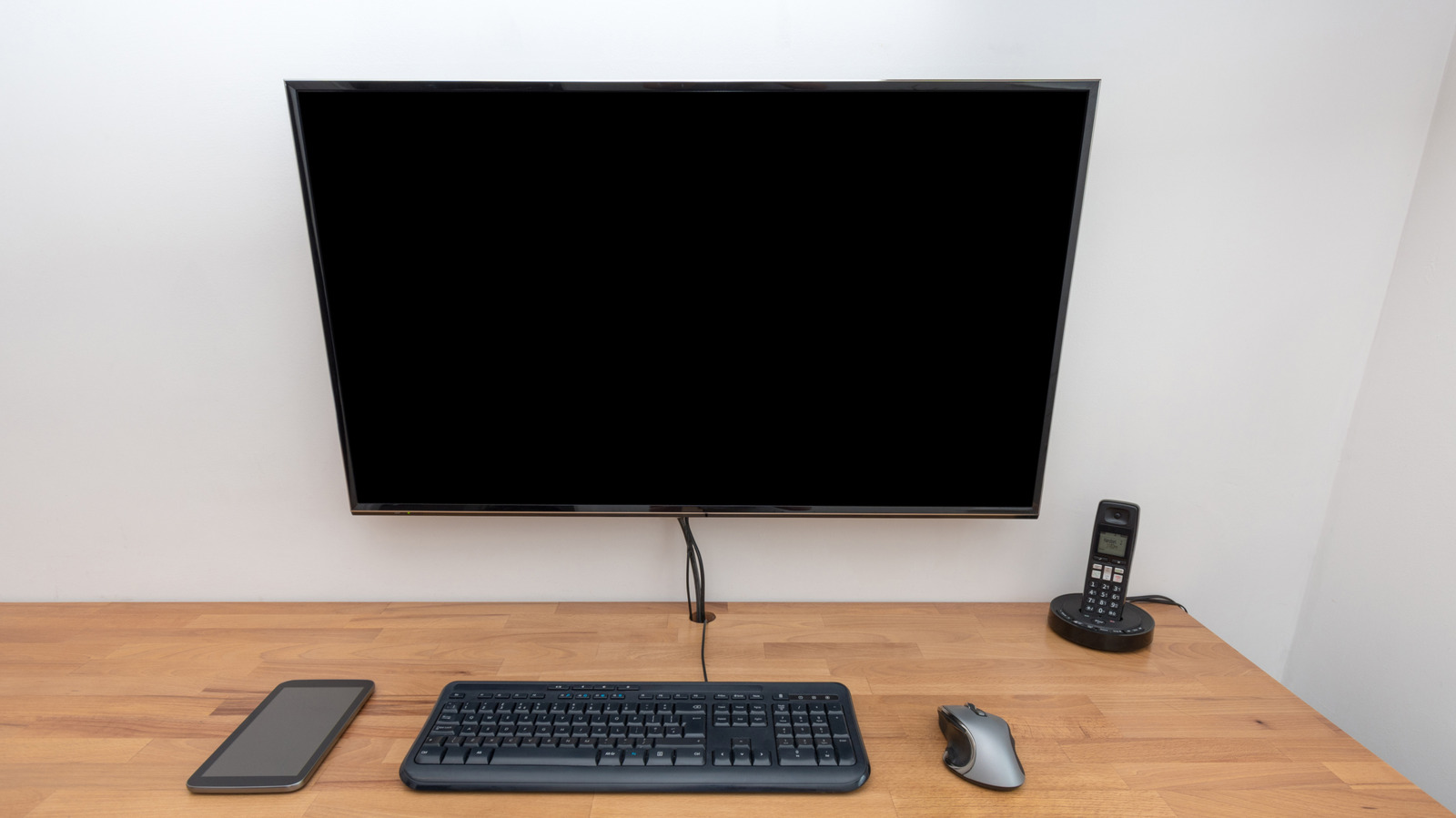
In a monitor, the pixel density—measured in pixels per inch (PPI)—is prioritized to ensure that fine text, intricate spreadsheet lines, and high-resolution icons remain razor-sharp at close range. Television manufacturers, however, often sacrifice high PPI in favor of larger physical panel sizes and aggressive post-processing algorithms meant to enhance cinematic content. When a user brings a 55-inch television to a standard desk, the lower pixel density becomes painfully apparent; text may appear fringed or "blocky," and the lack of sub-pixel rendering optimization often leads to eye fatigue during intensive reading or writing tasks.
The Latency Gap: Input Lag and Response Time
One of the most critical metrics for any display is input lag—the duration between a physical input (such as a mouse click or a keystroke) and the subsequent change on the screen. While professional-grade gaming monitors are often rated for input lag under 5 milliseconds, many standard television sets prioritize image enhancement features like motion smoothing, noise reduction, and upscaling. These background processes create a "buffer" that can introduce significant latency, often ranging from 20ms to over 100ms.
For a casual user browsing the web, this delay may go unnoticed. However, for users engaged in competitive gaming, high-precision photo editing, or rapid data entry, this lag acts as a functional barrier. Even with modern "Game Modes"—a software setting that disables most post-processing to prioritize speed—televisions rarely achieve the raw, instantaneous responsiveness of a dedicated monitor. Furthermore, "response time"—the speed at which individual pixels transition from one color to another—is generally slower on TV panels. This leads to "ghosting" or motion blur, where fast-moving objects on the screen leave a faint, trailing image behind them, a phenomenon that is particularly distracting in fast-paced software environments.
Ergonomics and the Risk of Ocular Strain
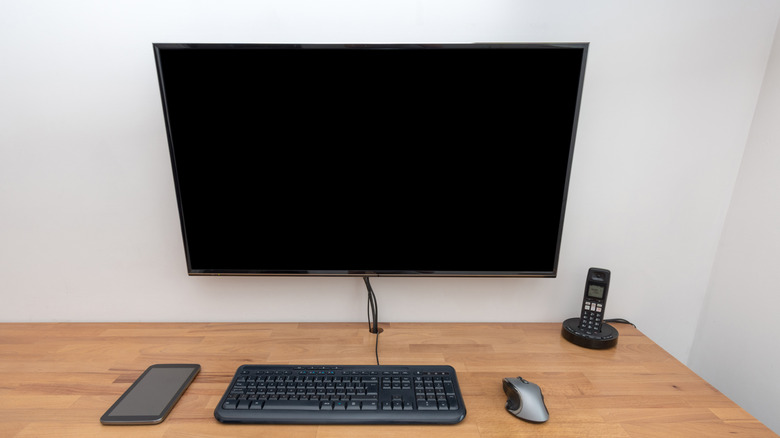
The physical footprint of a television presents an often-overlooked ergonomic challenge. The optimal viewing distance for a 50-inch screen is roughly 6.25 feet, and for a 65-inch screen, it extends to over 8 feet. When placed on a standard desk, the user is forced into a "front-row" perspective. This creates two primary problems: physical discomfort and neck strain.
Because the screen is physically taller and wider than a traditional monitor, the user is often forced to move their head or eyes excessively to scan the entire interface, particularly the corners of the display. This constant, repetitive motion can lead to significant neck strain over an eight-hour workday. Furthermore, televisions frequently utilize Pulse Width Modulation (PWM) to adjust brightness. While the human eye may not perceive the rapid flickering of the backlight, it is a known contributor to digital eye strain, headaches, and general fatigue. Dedicated monitors are increasingly built with "Flicker-Free" technology and hardware-level blue light filters that are specifically calibrated for long-term sedentary work, a feature set rarely prioritized in the consumer television market.
Economic Implications and Market Dynamics
The allure of the television as a monitor is primarily economic. Historically, large-format computer monitors were prohibitively expensive, leading consumers to seek value in the television aisle. As of 2024, the price-per-inch of a 4K television is significantly lower than that of a 4K monitor. However, this comparison often fails to account for the total cost of ownership. A user who purchases a television for their desk may find themselves upgrading their desk, purchasing external mounting arms to accommodate the weight, or eventually replacing the unit due to the aforementioned productivity limitations.

Industry experts note that the market has begun to address this gap. The rise of "smart monitors"—displays that incorporate streaming apps and TV-like features—serves as a middle ground. However, the distinction remains clear: if the primary use case is productivity, the superior color accuracy (often supporting wider Adobe RGB or DCI-P3 color gamuts) and superior pixel density of a dedicated monitor remain unmatched.
Evaluating the Trade-offs
The decision to use a television as a monitor is not inherently wrong, but it is a compromise. For those who utilize their computer primarily for occasional streaming, casual gaming, or light web browsing, a television can serve as an adequate, multipurpose display. The simplicity of plugging in an HDMI cable and using existing hardware is undeniably convenient.
However, for professionals—including software developers, designers, writers, and competitive gamers—the technical limitations of television hardware present a tangible ceiling on performance and health. When evaluating a display setup, users should consider their daily habits. If the screen is the primary tool of the trade, the investment in a dedicated monitor is not merely a purchase of hardware, but an investment in visual comfort, workflow efficiency, and long-term ocular health. Before transitioning to a large-screen television setup, users should audit their desk space, measure their typical viewing distance, and determine whether the trade-off in image sharpness and system latency aligns with the requirements of their daily digital tasks. Ultimately, while technology allows for the cross-pollination of these devices, the specialized engineering of computer monitors continues to offer an experience that general-purpose televisions cannot replicate.