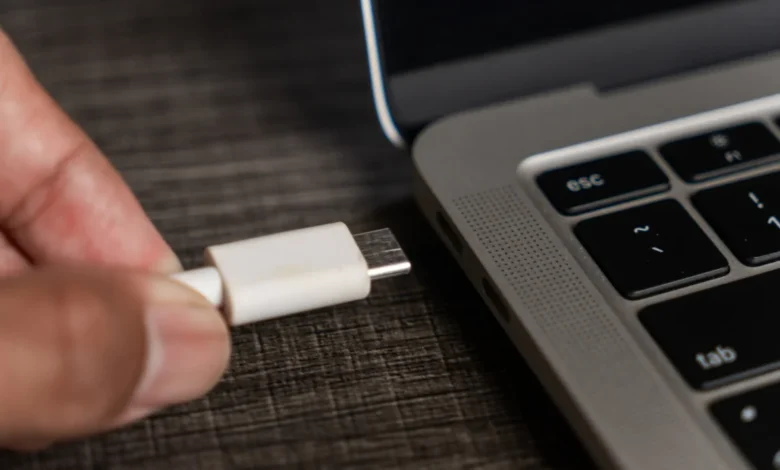
Modern computing has undergone a significant architectural shift. Where the personal computer landscape was once defined by a rigid hierarchy—with desktop towers serving as the primary engines for heavy tasks and laptops relegated to auxiliary, light-duty roles—the lines have blurred significantly. Today, mobile workstations have evolved into high-performance powerhouses, capable of rendering 3D graphics, compiling complex code, and facilitating AAA gaming experiences. As these machines replace the traditional desktop as the sole computing device for millions of users, the ecosystem of supporting peripherals has expanded to address the specific ergonomic, storage, and connectivity challenges inherent in mobile form factors.
The Evolution of Mobile Computing Hardware
The transition toward "laptop-first" computing began in earnest around the mid-2010s, accelerated by the maturation of mobile processor architectures and the widespread adoption of high-speed solid-state storage. By 2026, the industry standard has shifted toward ultra-thin chassis designs. While these designs offer portability, they frequently sacrifice physical connectivity, thermal headroom, and internal expansion capabilities.
This hardware evolution has created a secondary market for specialized accessories. Industry data suggests that the average laptop user now spends between 15% and 25% of their initial hardware investment on peripheral upgrades within the first 18 months of ownership. This expenditure is generally directed toward four critical categories: I/O expansion, power management, input ergonomics, and device maintenance.
Enhancing Storage and Data Throughput
As internal storage capacity remains one of the most expensive upgrade options during the initial point-of-sale, users are increasingly turning to portable Solid State Drives (SSDs). The SSK Portable SSD represents a shift toward high-performance, compact storage solutions. Utilizing USB 3.2 Gen 2 interfaces, these devices achieve sequential write speeds of approximately 1,000 MB/s, bridging the performance gap between external and internal storage.
From an industry perspective, the rise of the portable SSD is a direct response to the "RAM and Storage Crisis" of the early 2020s, where manufacturer-soldered components saw price hikes of nearly 40%. By offloading heavy files—such as 4K video projects or large gaming libraries—to an external SSD, users can preserve the longevity of their laptop’s internal flash memory while maintaining operational efficiency.
Connectivity and the "Dongle" Dilemma
The industry-wide move toward USB-C ports has been a double-edged sword. While it provides a unified standard for data, power, and video output, it has rendered legacy peripherals obsolete. The proliferation of multi-port USB hubs serves as the bridge between legacy infrastructure and modern hardware.
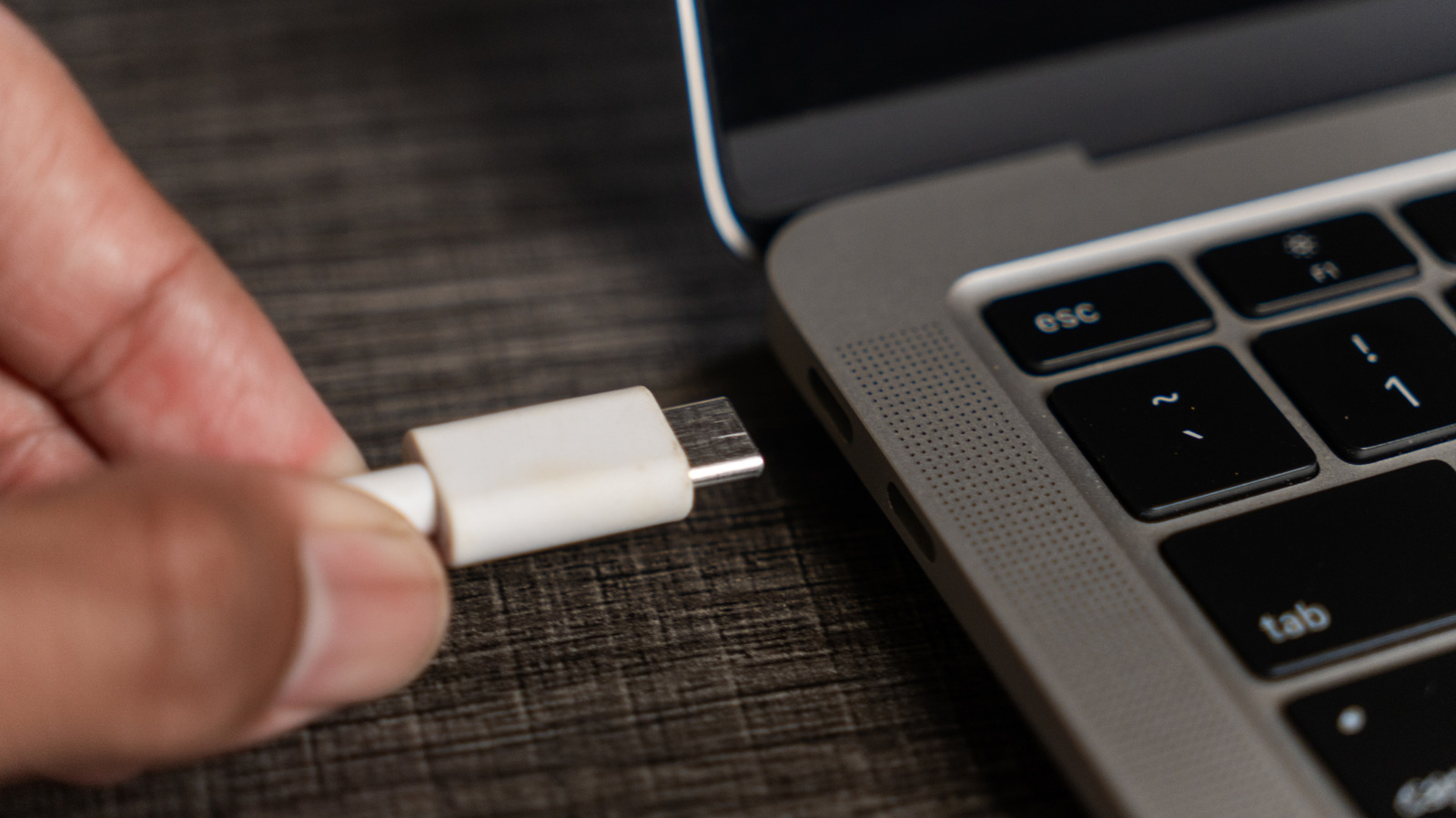
Market analysts have noted a shift in consumer preference away from short, fragile dongles toward more integrated, flush-mounted hubs. Devices like the Mogood USB Hub aim to minimize the physical strain on the laptop’s chassis by utilizing a more stable connection point. This design choice addresses a common failure point in modern laptops: the mechanical stress placed on the motherboard’s port assembly when multiple peripherals are attached.
Power Management and Charging Standards
The introduction of Power Delivery (PD) protocols through USB-C has revolutionized how we power mobile devices. High-wattage chargers, such as the INIU 100W brick, allow a single power source to negotiate and distribute electricity across multiple devices, including laptops, tablets, and smartphones.
This standardization has had a measurable impact on travel efficiency. A single 100W GaN (Gallium Nitride) charger can effectively replace the multiple proprietary power bricks of the past. Furthermore, the inclusion of high-capacity, 100W-rated power banks—like the 25,000 mAh variants available today—provides a safety net for power-intensive workflows in environments where wall outlets are inaccessible. These batteries have evolved to be more energy-dense, offering higher power throughput in a form factor that is increasingly portable.
Ergonomics and the User Experience
The integration of mechanical keyboards and specialized mice reflects a broader industry trend toward prioritizing long-term user health. The "laptop keyboard experience," often characterized by shallow key travel and limited tactile feedback, is increasingly viewed as a contributor to repetitive strain injuries (RSI) in professional settings.
Wireless mechanical keyboards, such as the Aula F75, provide a solution by offering a tactile typing experience that can be easily transported. Similarly, the Logitech MX Anywhere 3S addresses the limitations of integrated trackpads. By incorporating high-precision sensors that function on almost any surface—including glass—and ergonomic designs tailored for smaller hands, these devices represent a professional-grade approach to mobile navigation.
The Rise of Portable Visual Workspaces
The expansion of the mobile office has popularized the 15.6-inch portable monitor. Devices like the KYY monitor utilize a single USB-C connection to provide both power and video, effectively doubling the screen real estate of a standard laptop. This is particularly critical for professionals involved in data analysis or creative production who require simultaneous access to multiple applications.
The logistical challenge of these devices is weight and setup time. However, the adoption of lightweight aluminum frames and integrated protective covers has reduced the overall footprint, making the dual-monitor setup a viable reality for the modern remote worker.
Security and Maintenance in the Digital Age
Security remains a primary concern for laptop users, particularly regarding privacy. While software-based security measures have improved, physical barriers such as sliding webcam covers remain the gold standard for preventing unauthorized surveillance.
Conversely, physical maintenance has moved beyond simple screen wiping. The adoption of electronic compressed air dusters, such as the Wolfbox MegaFlow, represents a shift away from chemical-laden, single-use aerosol cans. These electric devices, capable of outputting high-velocity air at 110,000 RPM, are designed to clear particulate matter from beneath keyboard keys and out of cooling vents. This proactive maintenance is vital, as internal dust accumulation is the leading cause of thermal throttling, which can degrade a laptop’s performance by up to 15% over a three-year period.
Strategic Implications for the Consumer
The decision to invest in these accessories should be viewed through the lens of long-term value. By optimizing the laptop environment, users can significantly extend the useful lifespan of their hardware. For example, a properly cleaned laptop with adequate storage and an ergonomic setup is less likely to face hardware failure or require premature replacement.
Furthermore, as remote and hybrid work models stabilize, the "office in a backpack" concept has moved from a niche preference to a professional requirement. The accessories listed—ranging from specialized storage to cleaning kits—are not merely elective upgrades; they are functional necessities for maintaining productivity in a mobile-centric world.
When evaluating these purchases, users are encouraged to look for high-build quality and multi-functional designs. The goal is to minimize the "kit weight" while maximizing utility. In the current market, the best accessories are those that offer a high degree of interoperability, ensuring that as you upgrade your laptop in the future, your peripheral ecosystem remains relevant and functional. This systematic approach to hardware management ensures that your computing experience remains seamless, regardless of whether you are at your home desk or working from a remote location.