Apple nailed iPhone Duo split screen, even as iPad multitasking feels convoluted

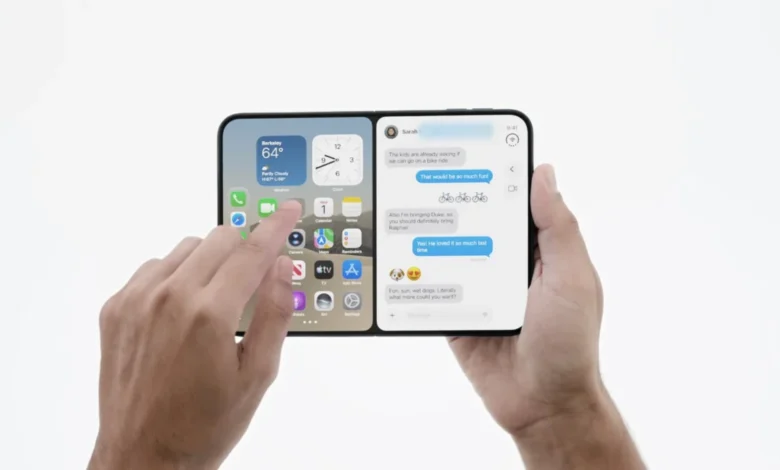
The iPhone Duo: A New Paradigm for Apple Hardware
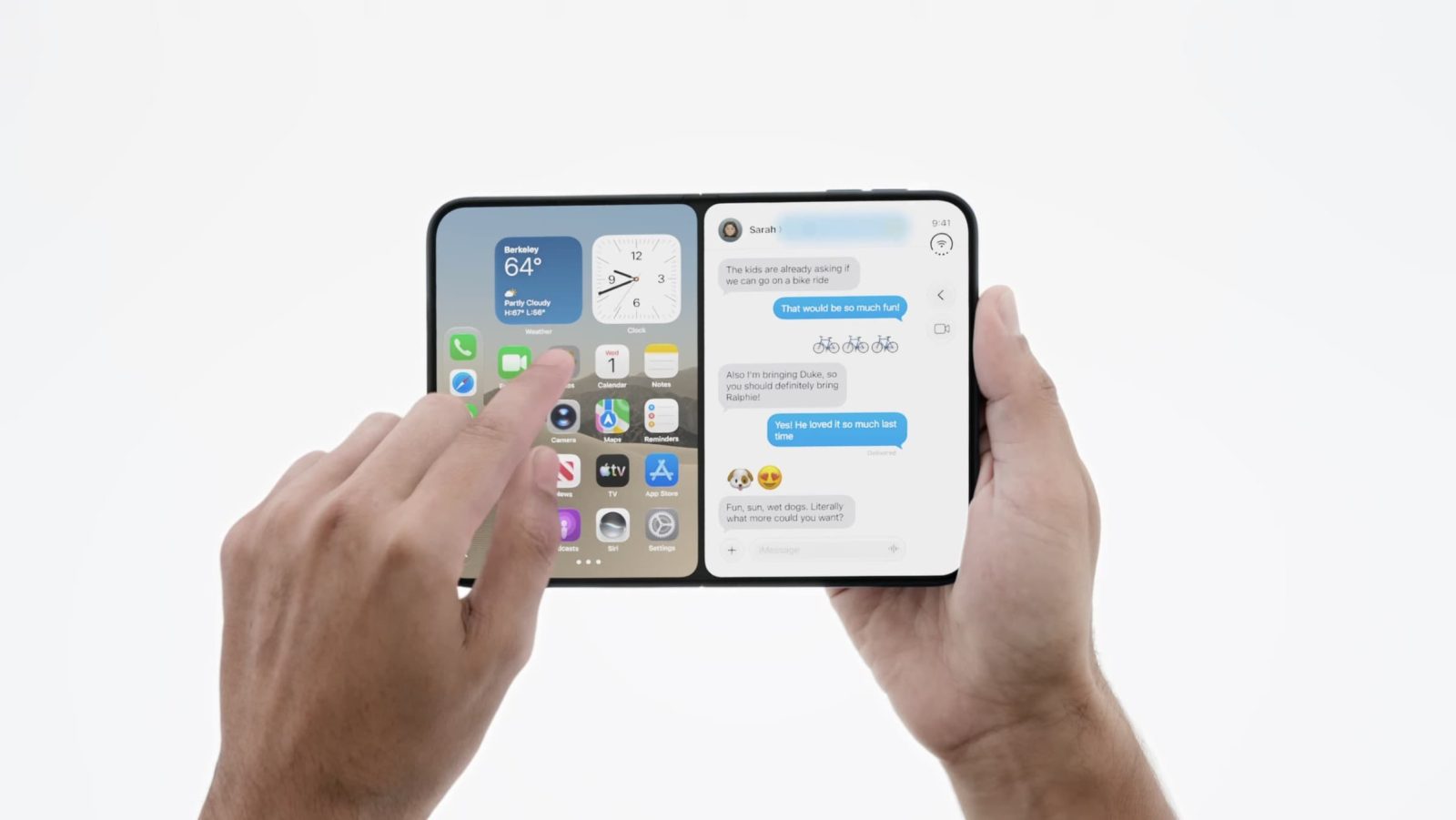
The iPhone Duo represents Apple’s first foray into the foldable smartphone category, a segment that has been dominated by competitors for several years. The device features a hinge mechanism that allows for a larger, uninterrupted display while maintaining the form factor of a traditional smartphone when closed. The software implementation on the iPhone Duo is designed to prioritize fluidity, allowing users to run applications in a side-by-side split-screen configuration while maintaining constant access to the home screen for quick application switching.
One of the most notable features of the iPhone Duo is its ability to handle concurrent video and productivity tasks. Users can watch high-definition video content on one half of the screen while utilizing another application on the second half—a feature that has been notably absent or restricted on other mobile Apple devices. This implementation suggests a departure from the "all-or-nothing" windowing approach that has defined the iPad experience since the release of iPadOS 26.
The Evolution of iPad Multitasking: A Retrospective
To understand the current tension between the iPad’s software and user expectations, one must look at the historical progression of iPadOS. Since the introduction of the "Pro" branding for the iPad line in 2015, Apple has struggled to balance the tablet’s role as both a consumption device and a professional workstation.
The shift toward a window-centric interface began in earnest with iPadOS 26. Before this update, users relied on a more rigid, gesture-based split-screen and slide-over system. While this earlier iteration was criticized for being limited, it provided a predictable workflow that many users found efficient for smaller screens. The transition to a windowing system—intended to mimic the desktop-like experience of macOS—effectively forced users into a paradigm where applications were either forced into full-screen mode or required to exist within a complex, floating window management system.
Although subsequent updates, including patches to iPadOS 26.2, attempted to reintroduce slide-over features, these remain tethered to the underlying windowing engine. The result is an environment that feels disconnected from the hardware’s potential, especially for the iPad mini. Despite its portable size, the iPad mini is subjected to the same interface architecture as the 13-inch iPad Pro, leading to a user experience that is often described as cluttered and overly complicated.
Comparative Analysis: iPhone Duo vs. iPad mini
When comparing the form factor of the iPhone Duo to the iPad mini, the discrepancy in software utility becomes apparent. Both devices occupy a similar physical footprint, yet the multitasking logic applied to them is vastly different. The iPhone Duo utilizes a simplified, intuitive split-screen mechanic that acknowledges the constraints of a smaller display. Conversely, the iPad mini remains constrained by the desktop-centric software paradigm of the larger iPad models.
Data from recent user feedback cycles indicate that owners of the iPad mini often find the current windowing system counter-intuitive for a device primarily used for handheld, mobile tasks. The inability to easily pair apps or manage simple dual-screen workflows without triggering the full windowing interface remains a primary pain point for users who do not pair their devices with external accessories like the Magic Keyboard.

Industry Implications and Software Strategy
The divergence between the iPhone Duo’s streamlined interface and the iPad’s heavy-handed multitasking raises questions about Apple’s long-term software strategy. Historically, Apple has maintained a clear distinction between iOS and iPadOS, though both share a common kernel. The fact that the iPhone Duo can manage a more fluid, intuitive multitasking experience suggests that the limitation on the iPad is not a technical hardware constraint, but a deliberate software design choice.
Industry analysts suggest that Apple’s focus on bringing desktop-class functionality to the iPad has led to a "feature creep" that complicates the user experience. By attempting to make the iPad a direct replacement for the Mac, Apple has arguably neglected the specific needs of tablet users who prioritize ease of use over complex window management. The iPhone Duo demonstrates that Apple is capable of designing for mobile-first multitasking; whether this design language will be retroactively applied to the iPad remains the subject of intense debate among developers and long-time users.
The Role of Peripherals and User Expectations
A significant portion of the frustration surrounding iPadOS 27 stems from the assumption that the device is being used with a keyboard and trackpad. The current interface—with its reliance on precise cursor placement and window dragging—is clearly optimized for the Magic Keyboard. However, a significant demographic of the iPad user base, particularly those utilizing the iPad mini or the base-model iPad, uses the device primarily through touch.
For these users, the current multitasking system feels "hostile." The software often forces a specific way of working that ignores the inherent advantages of a touch-first interface. In contrast, the iPhone Duo’s interface feels like a return to the touch-centric philosophy that originally defined the iPad. If Apple’s goal is to maintain the iPad as a premium, versatile device, industry observers suggest that it must bridge the gap between the windowing system and the intuitive, simple multitasking seen on the new foldable hardware.

Looking Ahead: Will iPadOS Align with the Duo?
As Apple continues to refine its ecosystem, the pressure to harmonize the software experience across its diverse product lines will likely increase. The iPhone Duo has set a new benchmark for how mobile hardware can handle multitasking, effectively shifting the goalposts for what users expect from high-end Apple hardware.
The development of future iterations of iPadOS will likely need to address this disparity. Whether this involves a simplified "mobile" mode for smaller iPads or a total overhaul of the multitasking engine to allow for the same split-screen simplicity found on the iPhone Duo, the demand for change is clear. For now, the iPhone Duo stands as a testament to what is possible when software is designed to complement the specific ergonomics of a device, rather than forcing a one-size-fits-all solution onto hardware with vastly different use cases.
The successful launch of the iPhone Duo has not only introduced a new piece of hardware to the market but has also provided a clear, actionable vision for the future of mobile productivity. As the company looks toward the next cycle of software development, the integration of these intuitive multitasking features into the wider iPad lineup remains the most logical, albeit anticipated, step forward.